

Smart TV & Home Theatre Setup | Streaming & Soundbar Install
That brand-new television deserves better than a weekend lost to cables and confusing menus. NexusByte handles smart TV setup for Sydney homes from unboxing to first episode — your TV configured, streaming apps installed and signed in, soundbar connected and one remote actually controlling the lot, all done at a fixed price.
We set up the whole entertainment stack: Smart TVs, streaming boxes, soundbars and speakers, with Netflix, Disney+, Stan and the rest ready to play the moment you sit down. No hunting through settings, no waiting for the kids to visit — just press a button and watch what you actually wanted.
And if it's a full home theatre setup you're after, Sydney movie nights are exactly our kind of project — soundbars and speakers connected and configured so the audio finally matches the picture. With same-day service available, the system you carried home on Saturday morning can be up and running that evening.
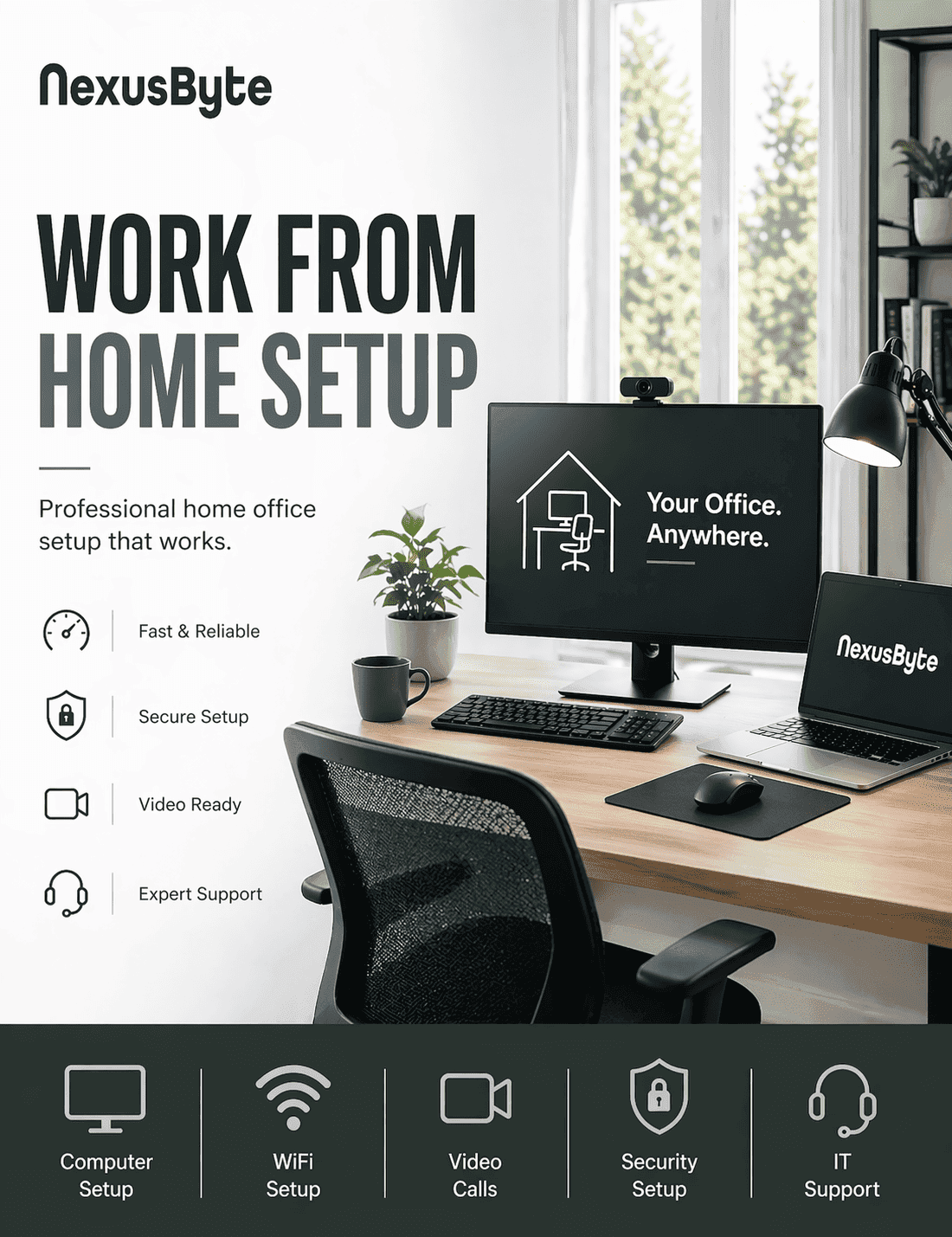
Our TV and home theatre setup includes:
Smart TV setup and streaming appsSoundbar and speaker connectionApple TV and Chromecast setupRemote and device sync
Professional Smart TV & Home Theatre Setup
We get your TV and audio working so you can enjoy streaming.
We connect your TV to WiFi, install streaming apps, set up soundbars and streaming devices, and tidy cables.
TV setup
Streaming apps
Soundbar
Streaming devices
Cable tidy
Remote help
Fixed price. Same-day available. No fix, no fee.
Built for Entertainment. Engineered for Clarity.
NexusByte connects Smart TVs, streaming apps, soundbars, and home theatre so you get the best picture and sound.
Smart TV and streaming
Soundbars and home theatre
HDMI and cabling
All brands
Every setup is done so you can enjoy your content without hassle.
Home theatre, set up to be used
A new TV, soundbar and streaming box should work from one remote, not three. We quote the setup as one price, mount or place everything, tune the picture and sound, and sign you into the services you already pay for.
Free Diagnostic

Fixed Quote

No Fix, No Fee

Same Day Service

Everything is tested from the one remote before we leave.
Request a Free QuoteOur Smart TV & Home Theatre Setup Process
From a television in a box to the first episode playing with proper sound, this is what the visit covers.
1. Position and connect
2. Configure the picture and sound
3. Sign in to your services
4. Simplify the remotes and show you around
Our Smart TV & Home Theatre Setup Services
Smart TV Setup
New TV setup: WiFi, apps and picture settings.
Includes:
- WiFi
- Apps
- Picture
- Guide
Streaming Apps
Install and sign in to Netflix, Disney+, Stan, etc.
Includes:
- App install
- Sign in
- Profiles
- Test
Soundbar & Speakers
Connect soundbar or speakers to TV.
Includes:
- Connection
- Audio config
- Remote
- Test
Apple TV & Chromecast
Setup for Apple TV, Chromecast, Fetch.
Includes:
- Device setup
- Apps
- Connect
- Test
Foxtel IQ & Set-Top
Foxtel IQ and other set-top box setup.
Includes:
- Box setup
- Connect
- Activation
- Test
What Does a Smart TV and Home Theatre Setup Include?
A smart TV and home theatre setup gets your television, soundbar, streaming devices and remotes installed, connected and working as one system. It is for Sydney households with a new TV still half set up — or an older one that has never quite worked properly — who would rather watch than wrestle settings menus.
A complete setup covers the WiFi connection, streaming app installation and sign-ins — Netflix, Disney+, Stan and the rest — picture settings, sound configuration and a quick guide so everyone in the house can drive it without calling for help.
We also handle the boxes around the TV: Apple TV, Chromecast, Fetch and Foxtel IQ, including activation and getting each onto the right input with the least remote-juggling possible. Set-top boxes bring their own paperwork — account linking, activation codes, making sure recordings actually record — and we see it through rather than leaving the box merely plugged in.
Why New TV Setups Go Wrong
The most common snag is WiFi. Televisions often live in the worst spot in the house for signal — a corner cabinet, against a brick wall, far from the router — so apps buffer and sign-ins time out even though the internet works fine everywhere else. Where the signal at the TV is the real culprit, it becomes a WiFi and home networking job rather than a television one.
Next come account problems: streaming passwords nobody wrote down, apps signed into the wrong profile, subscriptions attached to an old email address. Then the hardware quirks — a soundbar that is plugged in but silent because the TV is still using its own speakers, or three remotes each controlling half the system.
None of these is difficult to fix on its own. The frustration is that a brand-new TV can manage to hit all of them in a single evening.
Getting the Sound Right: Soundbars, HDMI and One Remote
Audio is where home theatre setups most often fall short. The tell-tale signs of a misconfigured system: dialogue out of step with lips, sound coming from the TV instead of the soundbar you paid for, or volume that needs a different remote from everything else.
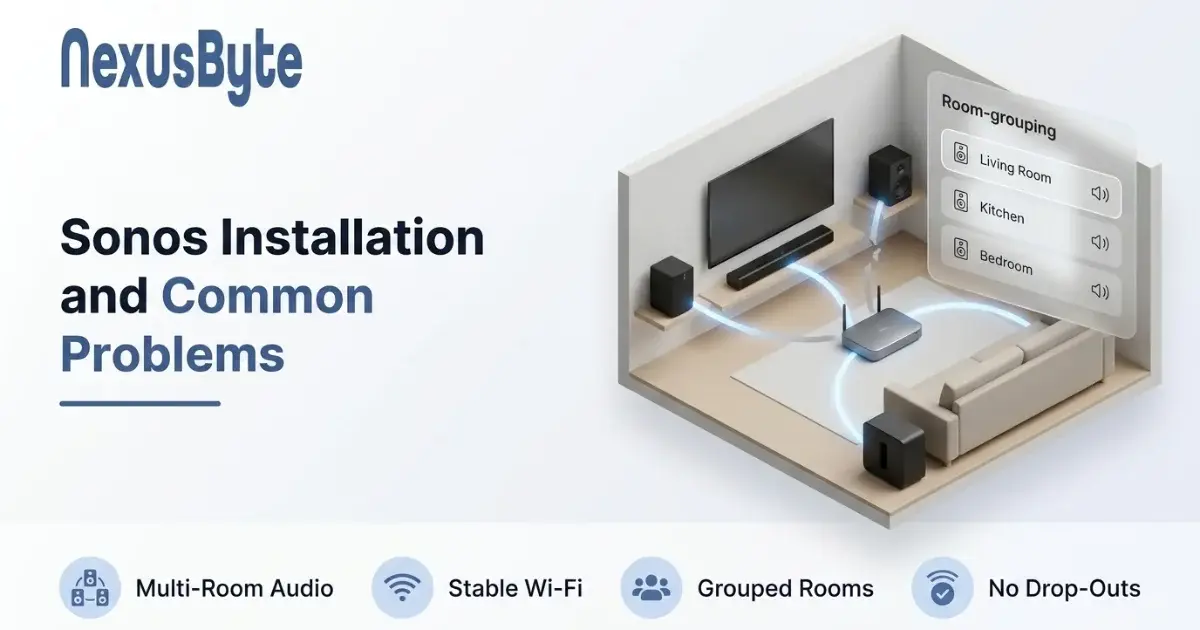
We connect the soundbar or speakers through the correct input, configure the TV's audio output so sound goes where it should, and program the remote so a single controller handles power and volume. Then we test with real content — an actual film scene, not just a menu beep. If the lounge is part of a wider whole-home system, Sonos installation covers grouping the rooms and keeping them in sync.
If the room holds more gear — surrounds, a subwoofer, a games console — we balance and label the lot. Optional cable management leaves the back of the unit tidy, labelled and reachable the next time something changes.
How Long Does a Smart TV Setup Take, and How Do You Prepare?
Duration depends on the number of devices, how many streaming accounts need signing in, and whether the WiFi at the TV needs attention. A single television with two apps is a quick job; a full theatre with a set-top box, four streaming services and a soundbar takes longer. The upfront assessment tells you exactly what to expect, and same-day service is available.
You can shave real time off the visit with a little preparation: have your WiFi password and streaming logins ready, know which subscriptions are actually active, and clear some space around the TV unit. If someone else in the house is the main viewer, having them home for the handover helps too.
Before we leave, everything gets tested from the couch — every app opens, every input switches, one remote runs the show — because the test that matters is the one that looks like an ordinary evening in front of the TV.
If WiFi cannot reach the TV reliably, that is worth fixing properly rather than living with buffering — and where the internet connection itself needs upgrading to carry 4K streaming, our internet installation service covers that side of the job.
Fixed-Price TV and Home Theatre Setup Across Sydney
Every setup is quoted up front with fixed pricing and no hidden fees, and covered by our no fix, no fee guarantee — if we cannot get your system working, you do not pay.
Book a setup visit and tell us what gear you have; it helps us arrive with the right cables and adaptors on board. And if the television is only one item on the household to-do list, our full range of home IT support covers computers, WiFi and everything in between.
Our Insights
Latest Home IT Support & Technology Insights


Client Reviews
What Sydney households say about our home visits
Three of the reviews our clients have left on Google. The full set, as written, is on our reviews page.
Amazing service by Laith. Clear up front costing, really helpful to work with, and thorough in getting the job done right. I'd definitely use him and NexusByte again.
Laith went out of his way to fix my dad's computer when everything was closed. He came home and spared my dad the trouble of travel
Laith was reliable, helpful and professional - will be recommending.
FAQs
Frequently Asked Questions
Do you set up Smart TVs and streaming?
Can you install soundbars and home theatre?
Do you help with HDMI and cabling?
Get in touch
From TV in a box to first episode playing
Book a TV setup and we will position and connect it, tune the picture and sound, sign in to your streaming services and simplify the remotes.
Book onlineNot ready to book? Ask a question and we reply within two business hours.