

Router, Switch & LAN Support | Business Network Hardware
The best office network is the one nobody has to think about. NexusByte deploys and supports business-grade routers, managed switches and LAN infrastructure for Sydney businesses, building local networks that are fast, secure and quietly dependable — the kind your team stops noticing because it simply works, every single day.
From new fit-outs to upgrades of ageing kit, we handle the lot: router configuration, switch deployment, VLAN segmentation, structured cabling and office connectivity planned around how your space is actually used. Sound LAN design up front means fewer bottlenecks, cleaner security boundaries and far fewer mystery outages down the track.
When something does misbehave, our LAN troubleshooting gets to the cause — a flapping port, a misconfigured VLAN, a cable that tests fine until it doesn't — and fixes it properly. With ongoing router and switch management from experienced Sydney technicians, your business network stays documented, updated, secure and ready to grow with you.
Our router, switch and LAN support includes:
Router and switch setup and managementLAN design and supportOffice connectivity and cablingVLAN and network segmentation
Trusted Router, Switch & LAN Support
We keep your office network fast, segmented and reliable.
We deploy and configure business routers and switches, design LANs for your office and support cabling and connectivity. Proactive updates and troubleshooting when needed.
Router config
Switch management
LAN design
VLANs
Cabling
Troubleshooting
Fixed price. Same-day support when urgent. Sydney offices.
Built for Security. Engineered for Protection.
NexusByte delivers networking and cybersecurity services that protect your business from threats and ensure reliable connectivity.
Network design and setup
Firewall and security
VPN and remote access
Threat management
Security audits
Compliance support
Every networking and security solution is built for your infrastructure and risk profile.
Security You Can Trust. Guaranteed.
We protect your network and data with proactive monitoring, clear pricing, and fast response when it matters most.
Free Security Assessment

Fixed Quote

Proactive Protection

Rapid Response

Your infrastructure stays secure, compliant, and monitored around the clock.
Request a Free QuoteOur Router, Switch & LAN Support Process
A business LAN is designed on paper, built cleanly and documented, so it stays quiet for years.
1. Design for the office you have
2. Build it properly
3. Secure and verify
4. Document and support
Our Router, Switch & LAN Support Services
Router Setup & Management
Business router config and ongoing management.
Includes:
- Config
- Firewall
- Updates
- Monitor
LAN Design
Office LAN design for reliability and security.
Includes:
- Design
- Segment
- Document
- Handover
VLAN & Segmentation
Segment network for security and performance.
Includes:
- VLAN design
- Config
- Test
- Document
LAN Troubleshooting
Diagnose and fix LAN and connectivity issues.
Includes:
- Diagnose
- Config fix
- Hardware
- Resolve
What Is Router, Switch and LAN Support?
Router, switch and LAN support is the design, installation and ongoing management of the wired network inside your office — the business-grade router, managed switches, VLANs and structured cabling everything else depends on. It's for Sydney businesses fitting out a new space, outgrowing consumer equipment or chasing recurring connectivity faults.
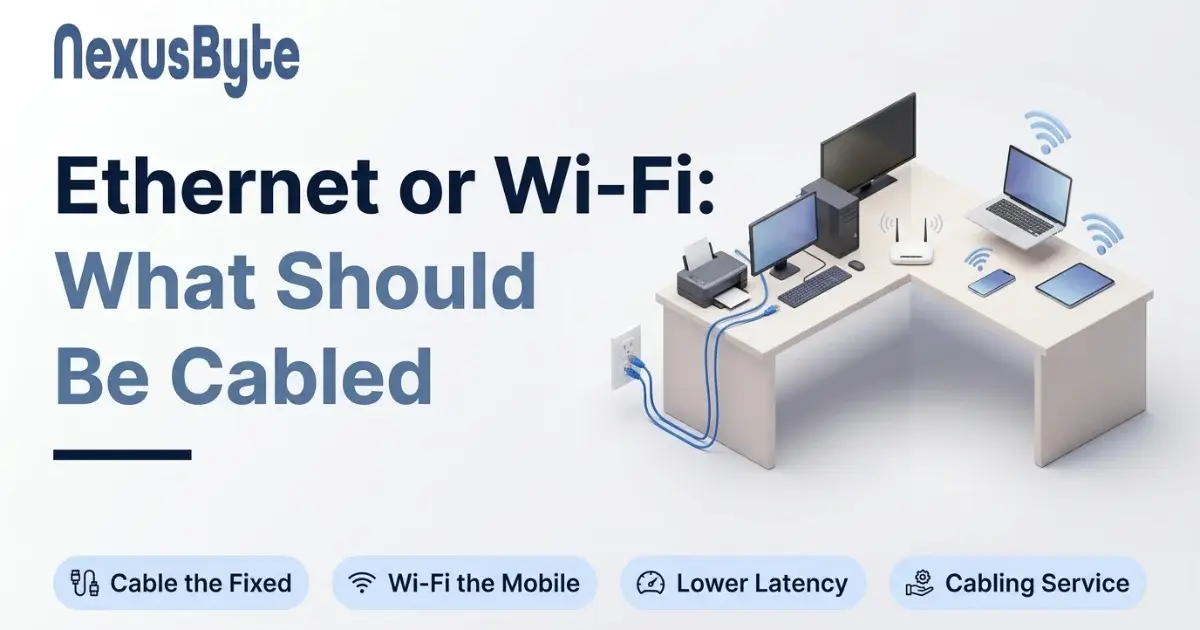
Wi-Fi gets the attention, but the wired LAN underneath decides how the whole office actually performs. Phones, printers, access points, servers and security cameras all hang off the switching layer, and when that layer is poorly designed, every one of those systems suffers together. Once a business runs from more than one address, the same question moves outward to SD-WAN and WAN connectivity.
Good LAN work is mostly invisible: things connect, stay connected, and behave the same on the busiest day of the month as they do on a quiet Friday. That predictability is the product.
Have You Outgrown Consumer Networking Gear?
Plenty of Sydney offices run on hardware designed for a lounge room. It works — until it doesn't. The telltale signs: the network slows whenever everyone is in, calls drop on busy days, and 'fixing' anything means switching the router off and on again.
Consumer gear also can't do what a growing office needs. Unmanaged switches give you no visibility when something misbehaves, no VLANs to separate guest and business traffic, and no PoE to power phones, cameras and access points without a wall adapter at every corner. Business-grade routers and managed switches add configuration, monitoring and control — the difference between a network you hope works and one you know works.
The upgrade decision usually isn't about speed on paper. It's about reliability under load, security through segmentation, and being able to diagnose a fault instead of rebooting and praying.
What a Proper Office LAN Fit-Out Includes
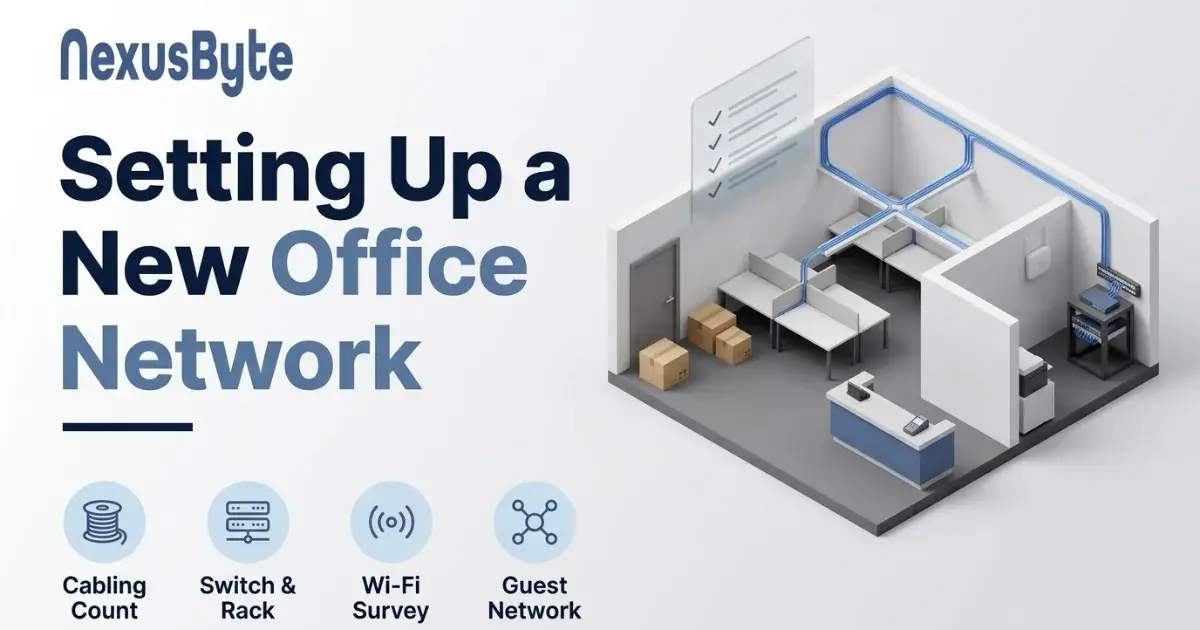
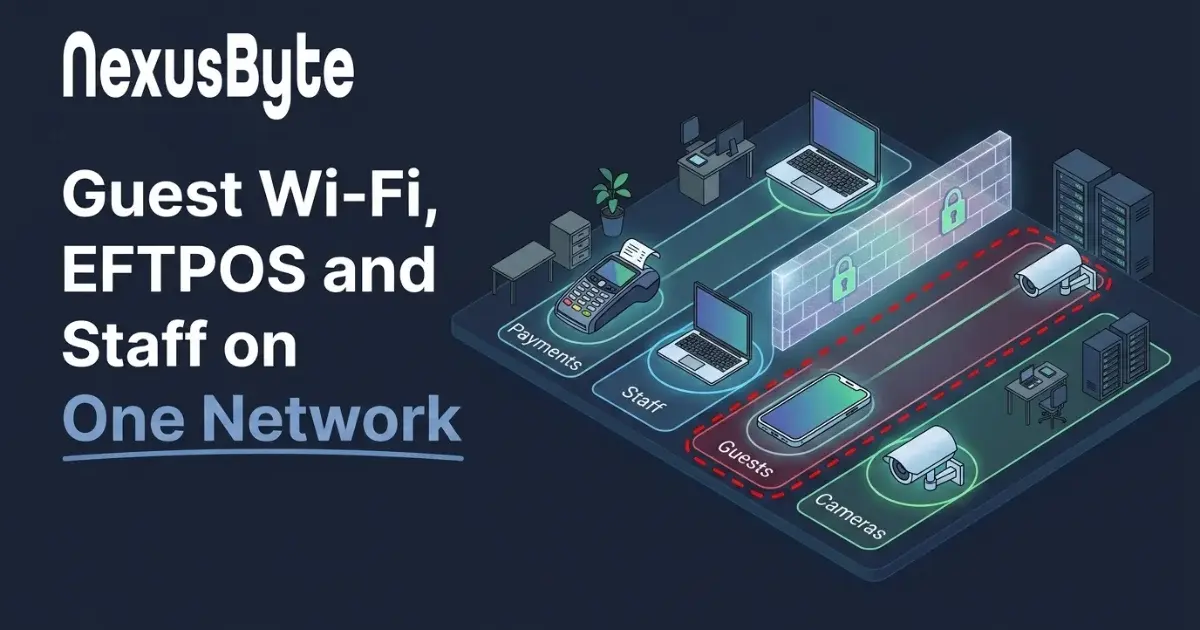
A professional fit-out starts with design, not hardware. We map what the space needs — device counts, phone and camera locations, growth headroom — then plan the switching, VLAN segmentation and cabling to suit. Guest Wi-Fi, staff devices, servers and cameras each get their own network segment, so one compromised or chatty device can't disrupt the rest.
Structured cabling is run, terminated and tested properly, with patch panels labelled so future changes take minutes rather than an afternoon of cable-tracing. The job ends with documentation and handover: network diagrams, device configurations and credentials that belong to you, not to whoever happened to set things up. It's the standard we hold across all our networking and cybersecurity work.
To prepare, a floor plan and a rough device list are all we need for an accurate assessment and a fixed quote — with no hidden extras appearing later because a wall turned out to be double brick.
How Long Does a Network Installation or Upgrade Take?
It depends entirely on scope, and an honest answer beats a rubbery promise. Swapping a failing router for a properly configured business unit is a short job, often same-day. A full fit-out with new cabling, switches and VLANs across an office takes longer, and you'll get a realistic timeline during the assessment rather than an optimistic one at the door.
For working offices we stage upgrades to keep disruption low — configurations prepared in advance, cutovers done outside busy hours, and each area tested before we move to the next. Handover happens when everything is verified working, not when the boxes are empty.
Common LAN Faults — and What's Usually Behind Them
Intermittent LAN faults have a short list of usual suspects. A network loop — two switch ports joined by a forgotten cable — can flood a flat network and take the whole office down. A failing patch lead or poor termination makes one desk drop out at random while everyone else is fine. Duplicate DHCP servers, usually a rogue router someone plugged in helpfully, break addressing in ways that look completely chaotic.
We diagnose methodically rather than replacing parts on spec: isolate the segment, test the physical layer, check configurations, then fix the actual cause. If the fault sits at the internet edge rather than inside the LAN, firewall and network protection covers that boundary, and ongoing managed network services keeps the whole environment maintained so faults become rarer over time. Book a visit and we'll get it sorted — backed by our no fix, no fee guarantee.
Our Insights
Latest Networking & Cybersecurity & Technology Insights


Client Reviews
What clients say about our network and security work
Three of the reviews our clients have left on Google. The full set, as written, is on our reviews page.
Amazing service by Laith. Clear up front costing, really helpful to work with, and thorough in getting the job done right. I'd definitely use him and NexusByte again.
We have been working with NexusByte to manage our business IT infrastructure, and the experience has been excellent. Their team is highly knowledgeable, responsive, and professional in handling both routine maintenance and unexpected technical issues.
It took Laith only minutes to find the problem with my laptop and address it so that I could go safely back to work. I cannot recommend Laith and NexusBytes enough.
FAQs
Frequently Asked Questions
Do you deploy and manage routers and switches?
Can you design our office network?
Do you troubleshoot LAN and connectivity issues?
Get in touch
An office network nobody has to think about
Book a LAN design and we will build routers, managed switches and VLANs for the office you have, label and test every outlet and hand you the diagram.
Book onlineNot ready to book? Ask a question and we reply within two business hours.