

Data Recovery During Computer Repairs — Rescuing Files from Failed PCs & Laptops
Few IT problems feel worse than watching years of files vanish behind a failed drive. NexusByte provides professional data recovery for Sydney homes and businesses, recovering files from hard drives, SSDs, laptops, PCs, Macs and external drives, whether the cause is a crash, corruption or outright hardware failure.
Our first piece of advice is also the most important: don't run free recovery tools. Every failed attempt can overwrite the very data you're trying to save. Instead, we assess the drive safely and methodically, then carry out hard drive or SSD data recovery with the high success rate that comes from doing things in the right order.
Whether you've accidentally deleted a folder, formatted the wrong drive or heard the click of a dying disk, acting quickly gives you the best chance. With same-day assessment available across Sydney, laptop data recovery and rescue jobs of every size start with one simple step: getting the drive to NexusByte.

Our data recovery includes:
Hard drive and SSD data recoveryLaptop and PC data recoveryAccidental delete and format recoveryCrash and hardware failure recovery
Professional Data Recovery
We recover data from failed or damaged storage safely.
We handle mechanical failure, corrupted drives, accidental format, virus damage and hardware failure. Turn off the device and call us to avoid further damage.
Hard drive recovery
SSD recovery
Laptop and Mac recovery
RAID and NAS
No data, no fee option
Secure handling
Assessment and quote first. We recover photos, documents and business data.
Built for Recovery. Engineered for Your Data.
NexusByte recovers data from hard drives, SSDs, laptops, and PCs with professional tools and strict confidentiality.
Hard drives and SSDs
Laptops and desktops
Accidental deletion
Failed or damaged drives
Same-day assessment
Every recovery is handled with care and privacy for your data.
Recovery with nothing to lose
When a PC fails mid-repair or a drive stops responding, the first job is to get your files to safety before anything else is attempted. The assessment is free, the recovery is quoted as a fixed price, and you pay nothing if the data cannot be recovered.
Free Diagnostic

Fixed Quote

No Fix, No Fee

Same Day Service

Recovered files are checked with you before the drive goes anywhere.
Request a Free QuoteOur Data Recovery Process
The first rule of data recovery is to do no further harm. Every job follows the same cautious order.
1. Stop using the drive
2. Assess and quote
3. Image first, recover second
4. Verify and hand back
Our Data Recovery Services
Hard Drive Data Recovery
Recovery from failed or failing internal HDDs.
Includes:
- Diagnosis
- Recovery
- File list
- Delivery
SSD Data Recovery
Recovery from failed or corrupted SSDs.
Includes:
- SSD diagnosis
- Recovery attempt
- Data extraction
- New drive
Laptop & Mac Recovery
Recovery from laptops and MacBooks.
Includes:
- Safe handling
- Drive recovery
- Data transfer
- Verification
Accidental Delete & Format
Recovery after accidental delete or format.
Includes:
- Scan
- File recovery
- Restore
- Verify
Water & Physical Damage
Recovery from water or physical damage.
Includes:
- Assessment
- Clean room if needed
- Recovery
- Quote
RAID & NAS Recovery
Recovery from failed RAID or NAS arrays.
Includes:
- Array assessment
- Rebuild or recover
- Data extraction
- Report
What Is Professional Data Recovery?
Professional data recovery is the controlled retrieval of lost files from failed, damaged or corrupted storage — internal hard drives, SSDs, laptops, Macs, external drives and RAID or NAS arrays. It's for anyone in Sydney facing lost photos, documents or business records after a crash, accidental deletion, format or hardware failure.
What separates professional recovery from downloading a free tool is the order of operations. A specialist assesses the drive first and chooses the safest route to your files, because on damaged storage the first attempt matters most — the wrong move can overwrite or destroy the very data you're trying to save. That assessment-first discipline is the whole game.
NexusByte offers same-day assessment in Sydney, so you know quickly whether your files are retrievable and what the recovery involves.
Lost Files? Stop Using the Drive Right Now
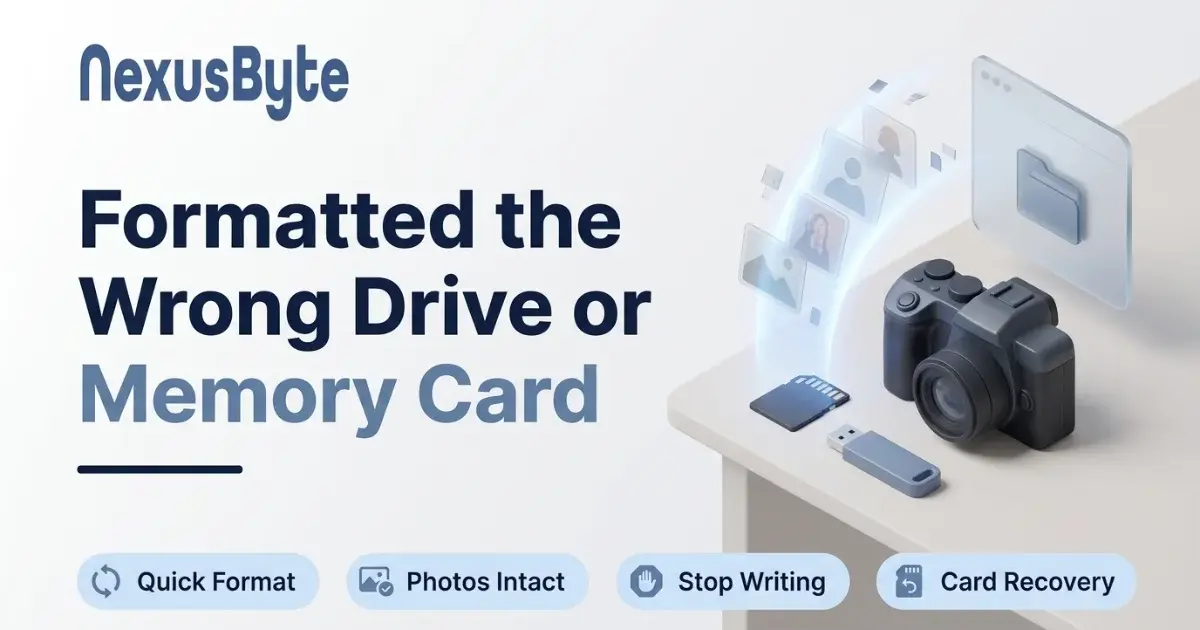
Whatever caused the loss, the single most useful thing you can do costs nothing: stop. When files are deleted or a drive is formatted, the data usually isn't erased on the spot — the space is simply marked as available. Every minute of continued use risks fresh data landing on top of the old, turning recoverable files into permanently lost ones.
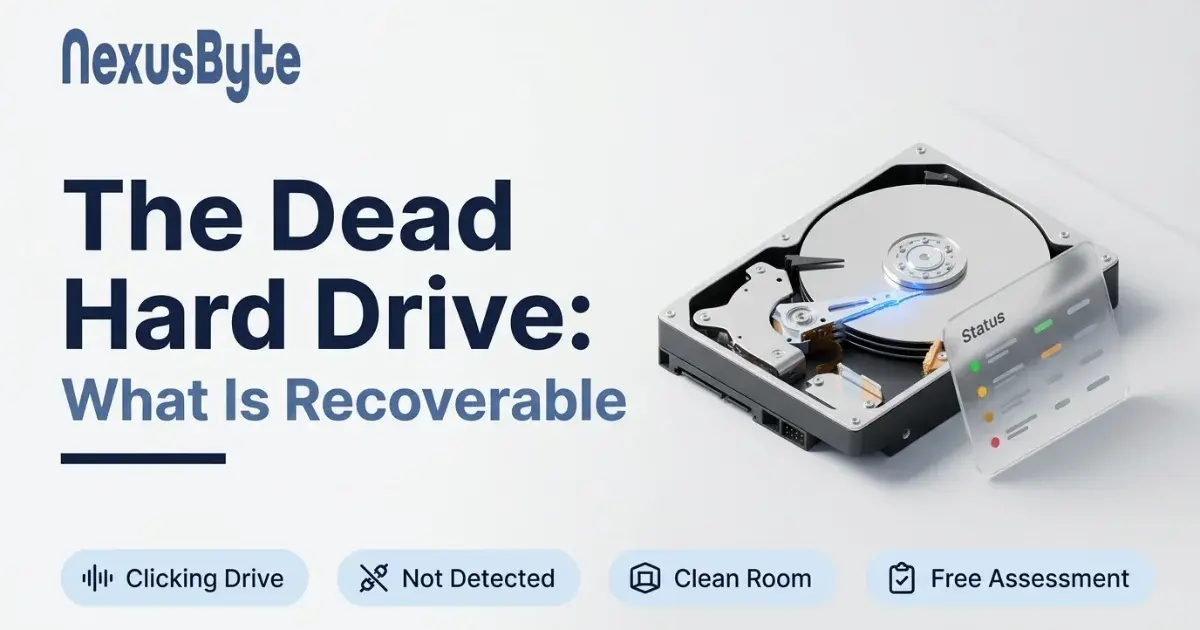
Mechanical failure has its own version of the rule. A hard drive that's clicking, grinding or repeatedly vanishing from the computer is physically deteriorating, and every additional power-on can deepen the damage. Shut it down and leave it down.
And resist the free recovery tools. Run against a failing drive, they hammer it with exactly the kind of sustained reading it can no longer tolerate — sometimes pushing it past the point where anyone can help.
What Kinds of Data Loss Can Be Recovered?
We recover data across the full spectrum of failures:
- Accidental deletion and formatted drives — scanned, restored and verified file by file
- Failed or failing hard drives — from slow, error-riddled drives to ones that no longer appear at all
- Corrupted or dead SSDs — a different discipline from hard drive work, needing different techniques
- Laptops and MacBooks that won't boot — the drive is recovered safely and your files transferred out
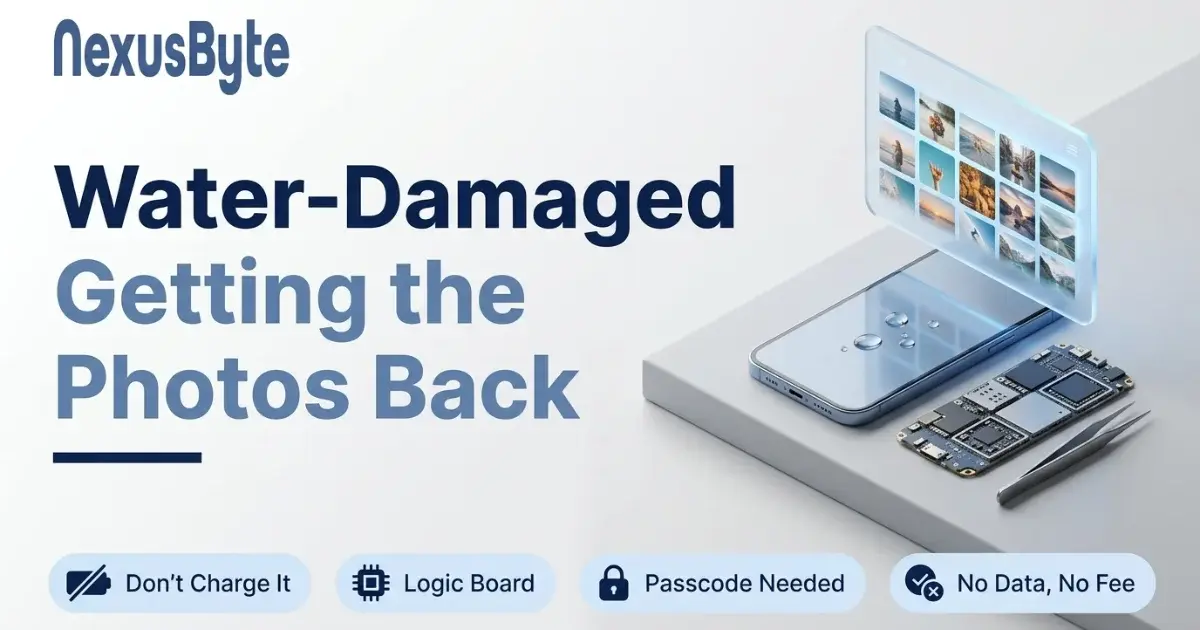
- Water and physical damage — assessed carefully, with clean room recovery where the damage requires it
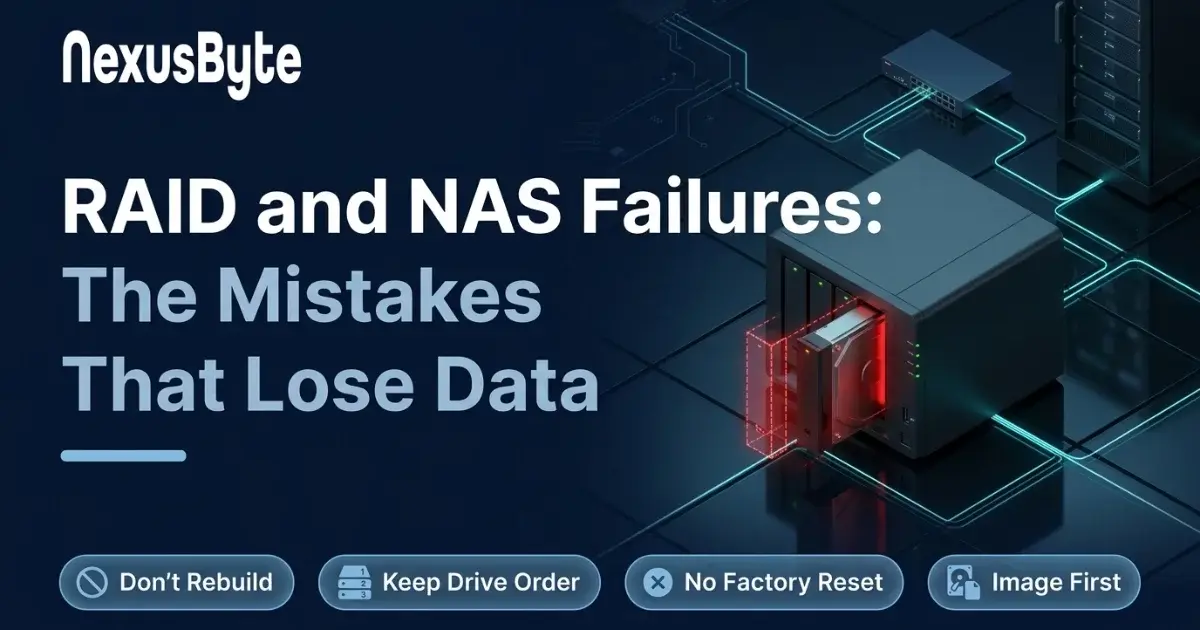
- RAID and NAS failures — the array is assessed, rebuilt or recovered, and documented in a report
How much comes back depends on the type and severity of the damage — which is exactly why every job starts with an honest assessment of what's achievable before you commit to anything. You'll get a file list of what was recovered, not vague reassurances.
How Does the Data Recovery Process Work?
First comes assessment and a quote: you'll know what's recoverable and what it will cost before you decide anything. Then the recovery itself, followed by verification of the recovered files and delivery — typically on a new, healthy drive rather than the one that just failed you.
Two things we treat as non-negotiable. Privacy: your files are viewed only as far as the recovery requires and handled confidentially throughout, whether they're family photos or client records. And honesty: with our no fix, no fee approach, you're never paying for an attempt that produced nothing.
If the data loss is part of an insured event — a power surge, flood or fire — we can also prepare a computer repair insurance report documenting the damage for your claim, so the recovery and the paperwork happen together.
After the Recovery: Make Sure There's No Next Time
Almost every recovery job ends with the same conversation: this didn't need to happen. A working, tested backup turns a catastrophic drive failure into a mild inconvenience — the difference between losing a decade of photos and losing an afternoon.
We can set up automated local and cloud backups — and, critically, verify they actually restore — as part of our computer maintenance service. If the failed drive was an ageing hard disk, replacing it with an SSD through our upgrades service removes the weakest link in the machine while making it faster at the same time.
Moving to a new computer after the failure? Our setup and data transfer service loads the recovered files onto the new machine in a structure you'll actually find things in. And if you're staring at a drive full of irreplaceable files right now, book a same-day assessment — and in the meantime, leave that drive switched off.
When You Need a Dedicated Data Recovery Specialist
Straightforward rescues — copying files off a machine that will not boot, or pulling data before a Windows reinstall — are handled here as part of the repair. But some situations call for specialist recovery work rather than a repair-shop rescue: physically failed drives, dead SSDs and complex multi-drive systems.
For those cases, our dedicated recovery team takes over. See hard drive data recovery for clicking or non-spinning drives, SSD data recovery for failed solid-state storage, or emergency data recovery when time is critical. The full range lives under our data management and recovery services.
Either way, you start the same place: bring the machine in or book an assessment, and we will route it to the right team — repair bench or recovery lab — with one quote and one point of contact.
Our Insights
Latest Computer Repairs & Technology Insights


Client Reviews
What customers say about our repair work
Three of the reviews our clients have left on Google. The full set, as written, is on our reviews page.
Laith went out of his way to fix my dad's computer when everything was closed. He came home and spared my dad the trouble of travel
Laith was reliable, helpful and professional - will be recommending.
The entire process was an A+ experience from the moment the call was answered, through to the diagnostic, repair and return of the damaged laptop. Laith is fantastic. In every element of his service and support.
FAQs
Frequently Asked Questions
Can you recover data from failed or damaged drives?
How long does data recovery take?
Do you recover data from laptops and Macs?
Is my data kept private?
Get in touch
Failed drive during a repair? Stop and call us
Book a data recovery assessment. We image the drive first, work only on the copy, quote with the odds stated plainly and charge nothing if we recover nothing.
Book onlineNot ready to book? Ask a question and we reply within two business hours.