

Printer Setup | Home Printer & Scanner Installation
A printer that works first time, every time, from every device in the house — that's the outcome NexusByte delivers with home printer setup across Sydney. We take the box-fresh machine still in its packaging, or the temperamental one you've been battling for months, and turn it into something the whole household can rely on.
Our wireless printer setup connects your machine to the WiFi, installs the correct drivers on every computer, and gets printing working from laptops, PCs and phones alike. Add scanner setup to the visit and you can scan straight to email or PDF — no more photographing documents and hoping they arrive legible.
We also fix the classics: printers stuck offline, mystery paper jams, streaky print quality and connections that vanished after a modem change. With same-day service and coverage of all Sydney suburbs, getting your printer and scanner sorted is one quick booking away — and one less thing the household argues about.
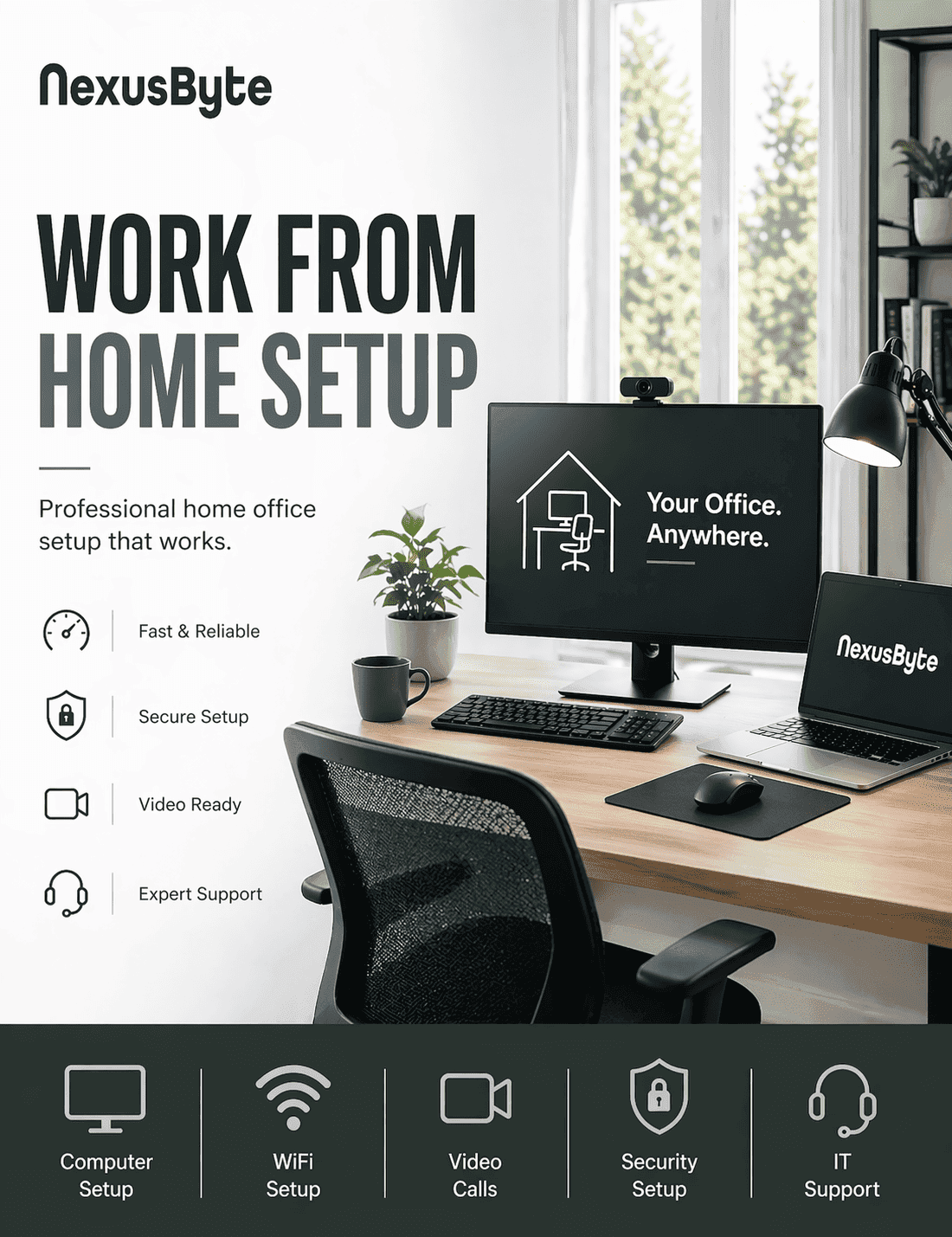
Our home printer setup includes:
Wireless printer setup and WiFi connectionPrint from laptop, PC and phoneScanner setup and scan-to-emailTroubleshooting and driver install
Trusted Home Printer & Scanner Setup
We get your home printer and scanner working on your network.
We connect your printer to WiFi, install it on every computer and device, set up scanning and fix common issues. Same-day available. Fixed price.
WiFi printer setup
Multi-device install
Scan to email
Scan to PDF
AirPrint and mobile
Troubleshooting
Fixed price. No fix, no fee. Servicing all Sydney homes.
Built for Your Home. Engineered for Everyday Life.
NexusByte brings professional IT expertise to Sydney households — making your home technology fast, secure, and easy to use.
WiFi & home networking
Smart home setup
Home office & remote work
Family device support
Computer help & repairs
Internet & connectivity
Every home IT job is done to a professional standard so your household technology just works.
Printing that keeps working
Home printers drop off the Wi-Fi, lose their drivers after an update and refuse to scan to the laptop that used to work. We quote the setup as a fixed price and leave every phone, tablet and computer printing and scanning.
Free Diagnostic

Fixed Quote

No Fix, No Fee

Same Day Service

Every phone, tablet and computer is tested before we leave.
Request a Free QuoteOur Printer Setup Process
A home printer that keeps going offline is almost always a network problem. The setup fixes that first.
1. Put the printer on the network properly
2. Install it on every device
3. Set up scanning
4. Test and tidy up
Our Printer Setup Services
Wireless Printer Setup
Connect printer to WiFi and install on all devices.
Includes:
- WiFi config
- Drivers
- Test print
- All devices
Print from Phone & Tablet
Print from iPhone, iPad and Android at home.
Includes:
- AirPrint
- Google Print
- App setup
- Test
Scanner Setup
Configure scanner and scan to email or PDF.
Includes:
- Scanner install
- Scan to email
- Scan to PDF
- Presets
Printer Offline Fix
Fix printer showing offline or not responding.
Includes:
- Diagnose
- Driver
- Connection
- Test
Paper Jam & Quality
Clear jams and improve print quality.
Includes:
- Jam clear
- Quality settings
- Maintenance
- Advice
New Modem Reconnect
Reconnect printer after new modem or router.
Includes:
- Reconfig
- WiFi
- All devices
- Test
What Does Home Printer Setup Involve?
Home printer setup is the complete installation of a printer or scanner: connecting it to your WiFi, installing the correct drivers on every computer, enabling printing from phones and tablets, and finishing with a real test print and scan. It is for Sydney households with a new printer, or an old one that has never quite worked reliably.
The quick-start leaflet in the box covers the happy path and nothing else. It does not mention what to do when the printer joins the wrong WiFi band, when Windows installs a generic driver that prints but cannot scan, or when the printer works from one laptop and is invisible to the rest of the house. A proper wireless printer setup addresses all of that in one pass, on every device the household actually uses. Where the printer keeps dropping off entirely, the underlying fault is usually coverage — a home network question rather than a printer one.
We also handle the physical side while we are there: paper jams, streaky print quality and the maintenance settings that stop both coming back.
Why Does My Printer Keep Showing Offline?
The dreaded offline status is the most common printer complaint in Sydney homes, and it is almost always a communication problem rather than a broken printer. When a modem restarts, it can hand the printer a different network address, while your computer keeps calling the old one; result, offline. Printers also drift onto the wrong WiFi network in dual-band homes, drop into deep sleep modes they never wake from, or sit behind a stuck print queue on the computer itself.
Our offline fix diagnoses which of these is actually happening, corrects the driver and connection, and then, the step most DIY fixes skip, makes the arrangement stable so it survives the next modem restart.
If you have recently changed modem or provider, that is nearly always the trigger, and reconnecting the printer to the new network is a standard part of the job. It also pairs naturally with our internet and modem installation service if the network side needs attention too.
Can You Print from an iPhone, iPad or Android Phone?
Almost certainly yes, and for many households it ends up being the way most printing happens. Apple devices use AirPrint, which needs no app at all provided the printer and phone are on the same network, and that same-network detail is where most failed attempts die. Android prints through its built-in printing service or the manufacturer's own app, which also unlocks extras like checking ink levels from the couch.
Our setup covers each phone and tablet in the house individually: connecting it, sending a test page from it, and showing its owner how to do the same. Boarding passes, school forms and photos stop requiring a detour through the family computer.
For anyone working from home, phone and laptop printing set up properly is a small piece of a bigger picture, and our home office setup service brings the printer, monitors, WiFi and video calls together into one dependable desk.
Scanning to Email and PDF Without the Headaches
Scanning is where multifunction printers genuinely earn their bench space, and also where setup gets fiddliest. Scan-to-email requires the printer itself to log in to a mail server, which is exactly the kind of configuration that breaks silently when an email password changes or a provider tightens security. Scan-to-PDF needs a destination folder your computer can actually see, or documents vanish into nowhere.
We configure both properly, set up presets for the jobs you do repeatedly, such as double-sided documents straight to PDF, and test the full round trip: paper in, usable file out, arriving where you expect it.
Because scan-to-email depends on your email account behaving, it occasionally exposes a fault on that side instead. When that happens, our email and Microsoft 365 setup service can put the account right in the same session rather than leaving you halfway fixed.
What Affects the Cost of Printer Setup in Sydney?
Printer jobs range from a quick single-laptop connection to a household-wide install with scanning presets and troubleshooting layered on top, so we quote each one on its actual scope. The main drivers of cost are the number of computers, phones and tablets to set up, whether scanner configuration and scan-to-email are included, and whether we are starting fresh or first untangling an existing fault.
Whatever the scope, the structure is the same: an upfront assessment, a fixed price before we start, no hidden fees, and our no fix, no fee guarantee if the problem beats us. Same-day service is available across Sydney suburbs, which matters when the document needed printing yesterday.
To get your printer and scanner behaving on every device, book a setup visit or remote session and let us know the printer model and what it is doing, or not doing, and we will take it from there.
Our Insights
Latest Home IT Support & Technology Insights



Client Reviews
What Sydney households say about our home visits
Three of the reviews our clients have left on Google. The full set, as written, is on our reviews page.
Laith went out of his way to fix my dad's computer when everything was closed. He came home and spared my dad the trouble of travel
Laith was reliable, helpful and professional - will be recommending.
The entire process was an A+ experience from the moment the call was answered, through to the diagnostic, repair and return of the damaged laptop. Laith is fantastic. In every element of his service and support.
FAQs
Frequently Asked Questions
Do you set up wireless printers at home?
Can you fix printer offline or not printing?
Do you set up scanning and scan-to-email?
Get in touch
A home printer that prints from every device
Book a printer setup and we will put it on the network properly, install it on every computer, phone and tablet, set up scanning and test the lot before we leave.
Book onlineNot ready to book? Ask a question and we reply within two business hours.