

Remote IT Support for Home
When your computer plays up, you shouldn't have to wait days for a technician to knock on the door. NexusByte delivers remote IT support to Sydney homes, fixing computers, email, WiFi and software issues online — often in a single same-day session. And if we can't fix it, you don't pay: no fix, no fee.
Our remote computer support for home covers the jobs that slow you down: virus removal, slow PC fixes, email and printer problems, software setup and general troubleshooting. We connect to your machine over a secure link, diagnose the fault while you watch, and sort it without anyone needing to rearrange their day.
Because it's all done as remote tech support, Sydney households skip the travel time and the waiting around — same-day slots mean help arrives when the problem does. And if an issue genuinely needs hands on the hardware, we simply arrange an onsite visit and pick up exactly where the session left off.
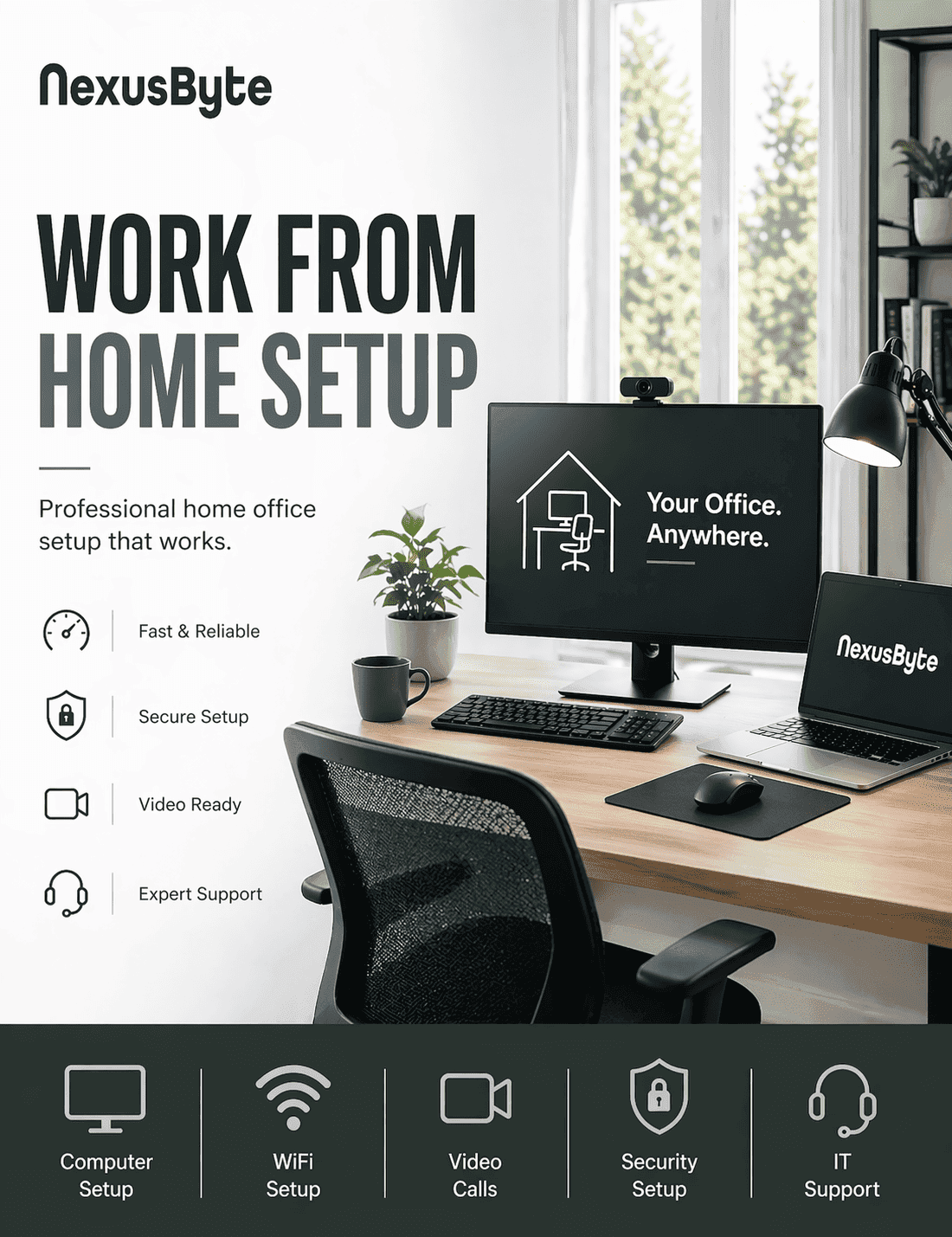
Our remote home IT support includes:
Remote computer and laptop supportVirus removal and securityEmail and software troubleshootingSame-day remote sessions
Trusted Remote IT Support for Sydney Homes
We fix most home tech issues remotely so you don’t wait for a visit.
We connect securely to your PC or Mac, diagnose and fix the issue. Virus removal, slow computer, email, WiFi and software problems can often be resolved the same day. No fix, no fee.
Secure remote connection
Virus and malware removal
Email and software
WiFi and network help
Same-day slots
Onsite if needed
Fixed price. Fast response. Available across Sydney.
Built for Your Home. Engineered for Everyday Life.
NexusByte brings professional IT expertise to Sydney households — making your home technology fast, secure, and easy to use.
WiFi & home networking
Smart home setup
Home office & remote work
Family device support
Computer help & repairs
Internet & connectivity
Every home IT job is done to a professional standard so your household technology just works.
Remote help with the same guarantees
Most software problems, email faults and slow computers can be fixed over a secure remote session while you watch. The session is quoted as one price before we connect, and if it needs a visit instead, we tell you straight away.
Free Diagnostic

Fixed Quote

No Fix, No Fee

Same Day Service

No fix, no fee applies to remote sessions exactly as it does to visits.
Request a Free QuoteOur Remote IT Support for Home Process
Most home computer problems can be fixed online the same day. This is how a remote session works and what happens if it cannot.
1. Tell us what is happening
2. Connect securely, with you watching
3. Fix and explain
4. Book a visit if hands are needed
Our Remote IT Support for Home Services
Remote Computer Support
Fix PC and Mac issues over remote connection.
Includes:
- Secure connect
- Diagnose
- Fix
- Verify
Virus & Malware Removal
Remove viruses and malware remotely.
Includes:
- Scan
- Remove
- Secure
- Advice
Email & Software
Troubleshoot email and software issues remotely.
Includes:
- Email fix
- Software
- Config
- Test
WiFi & Network
Diagnose and guide on network issues remotely.
Includes:
- Network check
- Router steps
- WiFi
- Guide
Quick Remote Session
Same-day remote support when you need it.
Includes:
- Book slot
- Connect
- Fix
- Confirm
Follow-Up Onsite
We can arrange an onsite visit when remote isn’t enough.
Includes:
- Assess
- Book visit
- Onsite fix
- Handover
What Is Remote IT Support for Home Users?
Remote IT support is a service where a qualified technician connects securely to your home computer over the internet and fixes problems while you watch on screen — no travel, no waiting days for a visit. It suits Sydney households who need a slow PC, email fault or software issue sorted quickly, often the same day.
Unlike phone support, where someone reads instructions at you, a remote session puts an experienced technician at your keyboard. You see every click, you stay in control of the machine, and you can end the session at any moment. For most software problems it is the fastest way to get real help — the same expertise as an onsite callout, without the callout.
Remote computer support works on Windows PCs and Macs, desktops and laptops alike. All you need is a working internet connection and a computer that starts up.
What Can Be Fixed Remotely — and What Needs a Visit?
The honest answer: most software problems, which in practice means most problems. If the computer turns on and can reach the internet, there is a good chance we can fix it without setting foot in your home.
- Slow or misbehaving PCs and Macs — clean-up, updates and performance tuning
- Virus, malware and adware removal, plus antivirus setup and updates
- Email faults — accounts that will not send, sync errors and password resets
- Printer and software issues where the hardware itself is healthy
- Software installation, configuration and general troubleshooting
What remote support cannot do is repair hardware. A failed hard drive, a broken screen or a machine that will not power on needs hands on the device — in those cases we assess remotely first, then arrange an onsite home computer visit so you are not paying twice for the same diagnosis. And if email is a recurring pain point, our dedicated email and Office 365 support goes deeper than a one-off patch.
How Does a Remote Session Actually Work?
You book a session and we agree a time — same-day remote slots are available for urgent problems. At the agreed time we talk you through downloading a small, reputable remote-access tool and reading us a one-time session code. Nothing connects until you approve it on your own screen.
Once connected, we diagnose the fault, apply the fix and verify it while you watch. Ask questions as we go — we will explain in plain English what caused the problem and how to stop it catching you out again.
When the session ends, access ends with it. The connection closes, the code expires, and we cannot reconnect unless you start a fresh session. We finish with a short handover covering what was changed and anything worth keeping an eye on.
Is It Safe to Let Someone Connect to Your Computer?
Used properly, yes — and the distinction matters, because remote access is also the favourite tool of phone scammers. The difference is who initiates. We never cold call, we never pop up a warning telling you to ring a number, and we only connect after you have booked with us and approved the session yourself.
The connection is encrypted, everything happens visibly on your screen, and no permanent access is left behind afterwards. If anyone rings out of the blue claiming to be from Microsoft, your bank or your internet provider and asks to connect to your computer, hang up. If you are worried they may have already got in, that is exactly the kind of thing a remote check-up can look at.
How Much Does Remote IT Support Cost in Sydney?
Cost depends on what the session covers: a single well-defined fault, a general clean-up spanning several issues, or help across more than one computer in the house. A quick email fix is naturally a smaller job than a deep infection clean-up.
What you will not get is a running meter and a surprise at the end. We quote before we start, pricing is fixed with no hidden fees, and our no fix, no fee guarantee means that if we cannot resolve the problem, you do not pay. That applies to remote sessions exactly as it does to visits.
One practical tip: do not wait until a small annoyance becomes a dead machine. A computer that is slowing down, throwing odd pop-ups or refusing updates is usually quick to sort remotely today, and considerably more work once it stops booting. You can see everything we do for households on our home IT support page.
Our Insights
Latest Home IT Support & Technology Insights



Client Reviews
What Sydney households say about our home visits
Three of the reviews our clients have left on Google. The full set, as written, is on our reviews page.
The entire process was an A+ experience from the moment the call was answered, through to the diagnostic, repair and return of the damaged laptop. Laith is fantastic. In every element of his service and support.
Highly recommended, they go out of their way to provide old fashioned service
Amazing service. Job done, Lovely staff - highly recommend
FAQs
Frequently Asked Questions
How does remote IT support work for home?
What can you fix remotely?
Is remote support secure?
Get in touch
Fix it today without waiting for a visit
Book a remote session and a Sydney technician connects to your computer with your approval, fixes the problem while you watch and books a visit only if hardware is the cause.
Book onlineNot ready to book? Ask a question and we reply within two business hours.