

Remote IT Support | Remote Computer & IT Support Services
Why wait days for a technician to arrive when most problems can be solved through a secure remote session? NexusByte's remote IT support connects an experienced Sydney technician straight to your screen, fixing computers, networks and software for homes and businesses in Sydney and right across Australia — no call-out required.
Our remote computer support handles the issues that slow you down most: virus and malware removal, sluggish PCs, email that won't send, printers that refuse to cooperate and general software and network troubleshooting. We diagnose over a remote desktop connection, apply the fix and then verify everything works properly before we disconnect.
Response is fast, pricing is fixed and same-day remote support is available when something urgent lands on your desk. Whether you run a busy office or just need your home computer sorted, this is remote tech support that gets you back up and running without anyone setting foot inside the door.
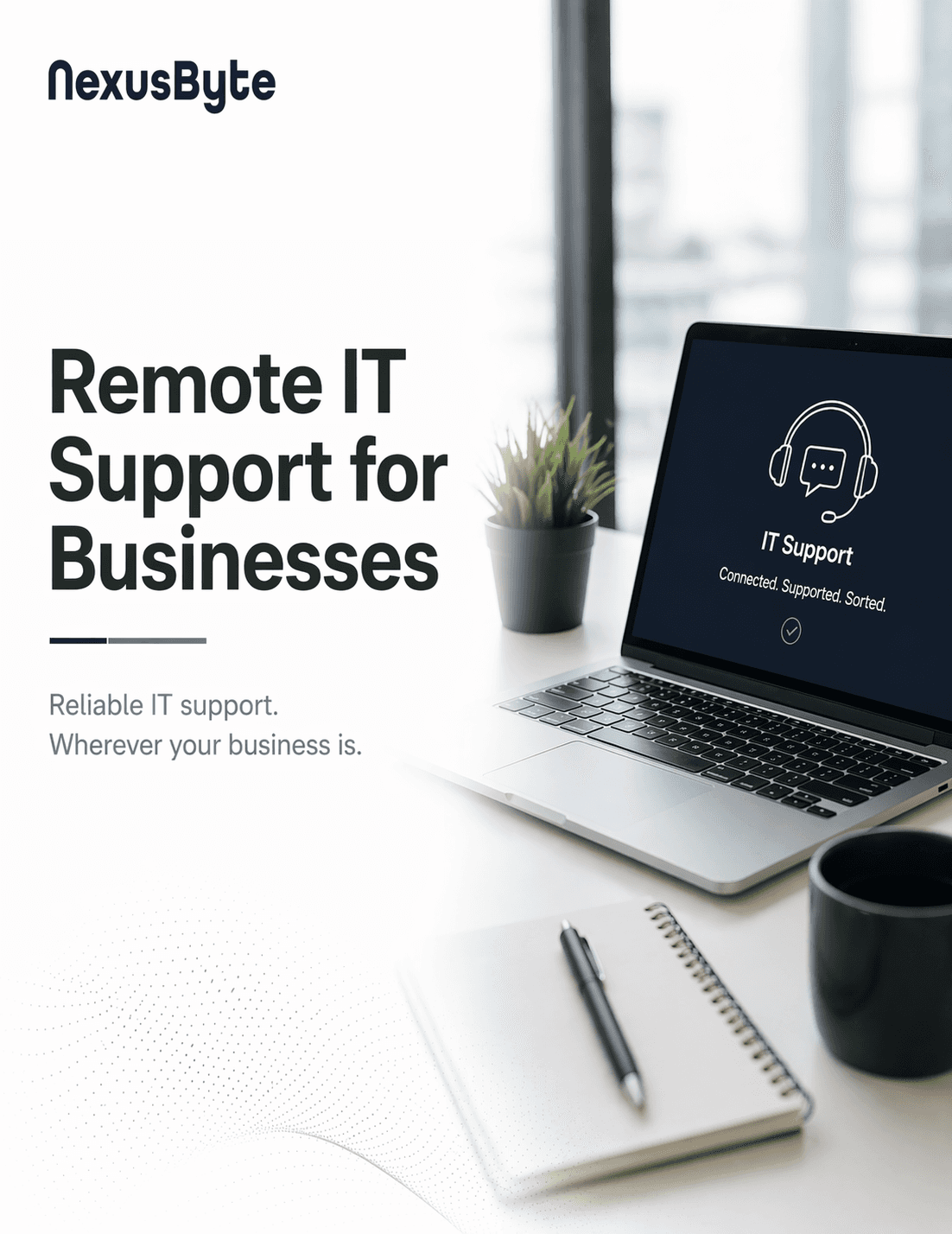
Our remote IT support includes:
Remote computer and laptop supportVirus removal and securityEmail and software troubleshootingQuick response and same-day availability
Trusted Remote IT Support
We fix most issues remotely so you don’t wait for a visit.
We connect securely to your computer, diagnose and fix issues. When onsite is needed, we can arrange a technician. No fix, no fee.
Secure remote access
Virus and malware removal
Software and email
Network and WiFi
Same-day slots
Onsite if needed
Fixed price. Fast response. Available across Australia.
Built for Speed. Engineered for Resolution.
NexusByte fixes virus issues, slow PCs, email and printer problems remotely so you get help without a site visit.
Virus and malware removal
Slow PC fix
Email and printer issues
Software setup
Fast response
Every remote session is secure and focused on fixing your issue.
IT Support You Can Count On. Guaranteed.
We keep your business running with responsive, professionally managed IT support and no hidden costs.
Free IT Assessment

Fixed Monthly Pricing

No Lock-In Contracts

Rapid Response

Your systems stay secure, monitored, and supported by a team that responds when you need it.
Request a Free QuoteOur Remote IT Support Process
Most computer problems are fixed in one remote session. This is what one looks like from your side.
1. Describe the problem
2. Approve the connection
3. Fix it while you watch
4. Confirm and follow up
Our Remote IT Support Services
Remote Computer Support
Fix PC and Mac issues over remote connection.
Includes:
- Remote connect
- Diagnose
- Fix
- Verify
Virus & Malware Removal
Remove viruses and malware remotely.
Includes:
- Scan
- Remove
- Secure
- Advice
Email & Software
Troubleshoot email and software issues.
Includes:
- Email fix
- Software
- Config
- Test
Network & WiFi
Diagnose and fix network issues remotely.
Includes:
- Network check
- Router
- WiFi
- Guide
Ongoing Remote Support
Regular check-ins and maintenance.
Includes:
- Scheduled
- Updates
- Backup
- Monitor
What Is Remote IT Support?
Remote IT support means a technician connects securely to your computer over the internet and fixes the problem while you watch — no travel time, no waiting for a visit. It serves both homes and businesses across Sydney and Australia, covering viruses, slow computers, email trouble, printer glitches and general software faults.
Because nobody has to drive anywhere, remote sessions can often start the same day you call. For most software issues it is the fastest and most economical way to get help, whether you are in a Sydney office or working from a regional town.
The service covers remote computer support in the broad sense: desktops and laptops, home offices and business fleets, one-off fixes and ongoing arrangements.
What Can Be Fixed Remotely — and What Can't?
More than most people expect. If the computer powers on and can reach the internet, the majority of common problems can be handled over a remote connection, on both PC and Mac:
- Virus and malware removal — full scan, clean-up, securing the machine and plain advice on avoiding a repeat
- Slow computers — finding what is dragging performance down and fixing it
- Email problems — accounts that will not send, sync errors and configuration faults
- Software issues — installs, updates, settings and error messages
- Network and WiFi faults — router checks and guided troubleshooting
What cannot be fixed remotely: hardware that has physically failed, a machine that will not power on, or cabling problems. If your issue turns out to be one of those, we tell you straight away during the assessment — before you have paid for anything — and can arrange hands-on help onsite instead.
How Does a Remote Support Session Work?
You get in touch and describe the problem, and we quote a fixed price for the fix. At the agreed time, you run a small, secure remote-access tool and approve the connection — the technician can only connect with your permission, and you see everything happening on your screen in real time.
Diagnosis is the part worth paying for. A slow computer might be malware, a failing update, a full disk or something misconfigured — the fix only sticks when the real cause is found, which is why we verify rather than assume.
From there the session follows a simple arc: diagnose the actual cause, apply the fix, then verify it properly — sending a test email, printing a page, rebooting to confirm the problem stays gone. When the session ends, the access ends with it. There is no standing back door into your computer. For urgent business issues, priority same-day sessions are available, because a team that cannot email or invoice needs an answer today, not Thursday.
Is Remote Support Only for Businesses, or for Home Users Too?
Both. Home users typically call about virus removal, a laptop that has slowed to a crawl, or a printer that has stopped cooperating. Businesses lean on remote support to keep staff productive without waiting for a technician to appear at reception.
Business email problems are a speciality of the format: most issues with accounts, mailboxes and sync live entirely in software, whether that is a straightforward email setup question or something deeper in Microsoft 365 or Google Workspace.
There is also an ongoing option: scheduled remote check-ins that handle updates and security maintenance, confirm backups are running and keep an eye on general health. For a small business without in-house IT, it is a low-cost way to stay maintained instead of just repaired.
How Much Does Remote IT Support Cost?
The honest answer is that it depends on the fault and the time it takes — removing a stubborn malware infection is a bigger job than fixing a mail account setting. What stays constant is the pricing model: a fixed quote before work begins, no hidden fees, and no hourly meter creeping upward once you have agreed a price.
Remote support is backed by the same no fix, no fee guarantee as everything else we do — if the problem cannot be fixed, you do not pay for the attempt.
Booking is straightforward: reserve a session through the bookings page and we will confirm a time, with same-day availability for urgent problems. Most sessions need nothing from you beyond being at the computer with your passwords handy. If you are not sure whether your issue is remote-friendly, describe it when you book and we will tell you before the session starts.
Our Insights
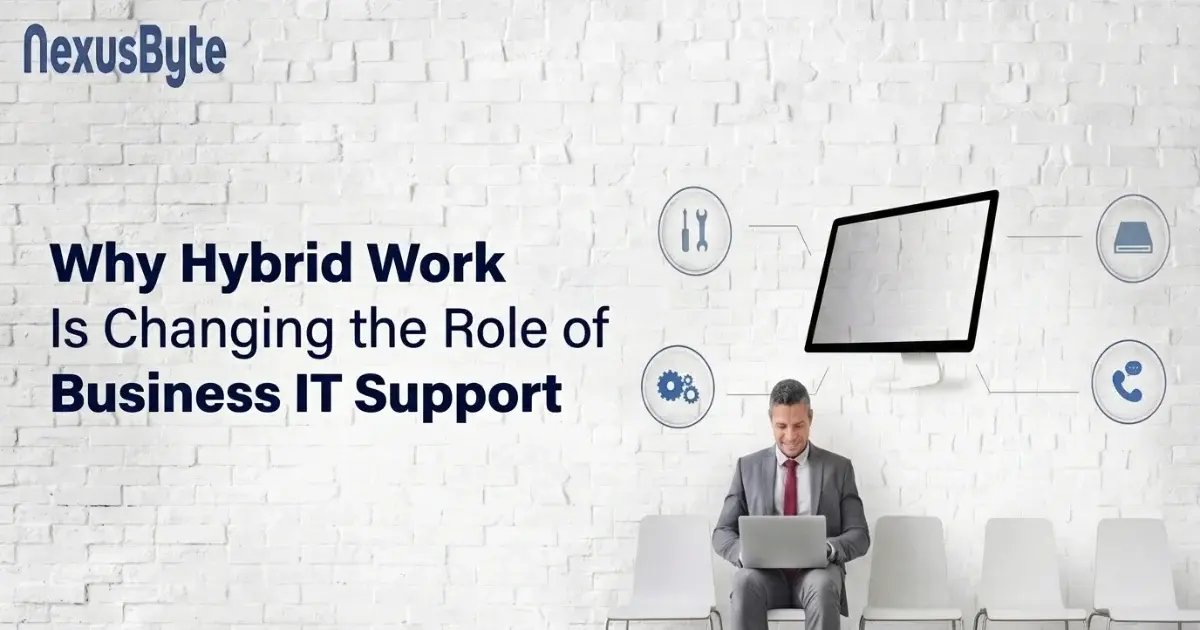
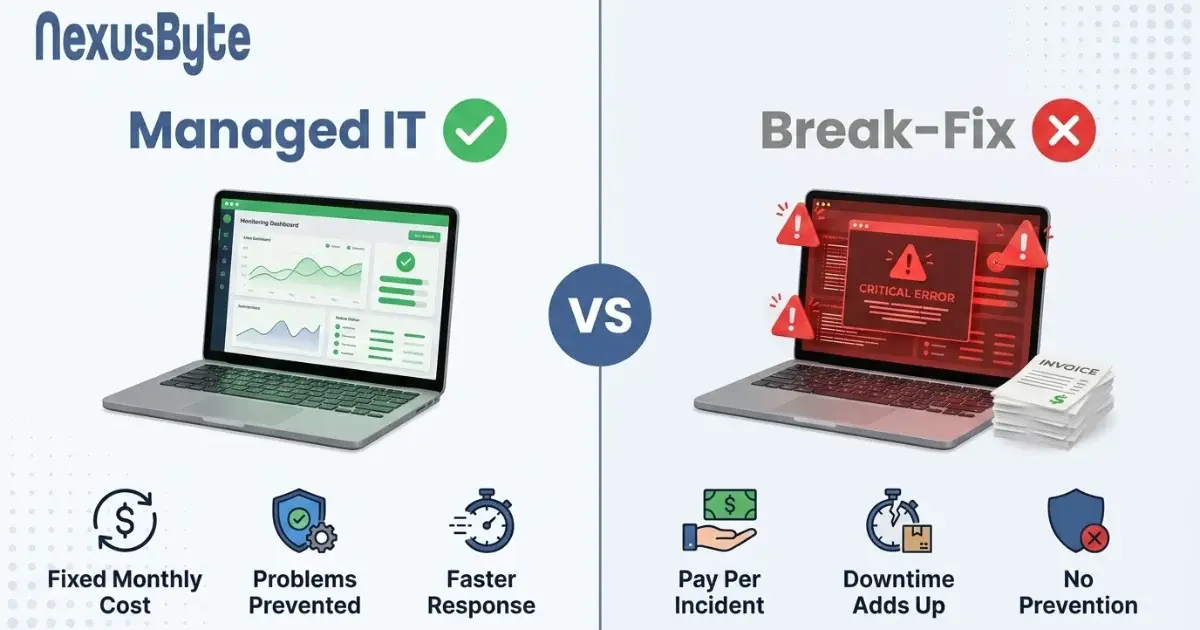
Latest Business IT Support & Technology Insights




Client Reviews
What businesses say about our IT support
Three of the reviews our clients have left on Google. The full set, as written, is on our reviews page.
Laith was amazing! Very responsive, communicates properly, provides regular updates and explains everything so thoroughly! Will definitely be using your services in the future!
Amazing service by Laith. Clear up front costing, really helpful to work with, and thorough in getting the job done right. I'd definitely use him and NexusByte again.
We have been working with NexusByte to manage our business IT infrastructure, and the experience has been excellent. Their team is highly knowledgeable, responsive, and professional in handling both routine maintenance and unexpected technical issues.
FAQs
Frequently Asked Questions
What can you fix remotely?
How does remote support work?
Do you offer remote support for home and business?
Get in touch
Most problems are fixed in one remote session
Book a remote session and a Sydney technician connects to your screen with your approval, fixes the problem while you watch and books a visit only if hardware is the cause.
Book onlineNot ready to book? Ask a question and we reply within two business hours.