

SONOS Installation & Troubleshooting | SONOS Setup & Repair
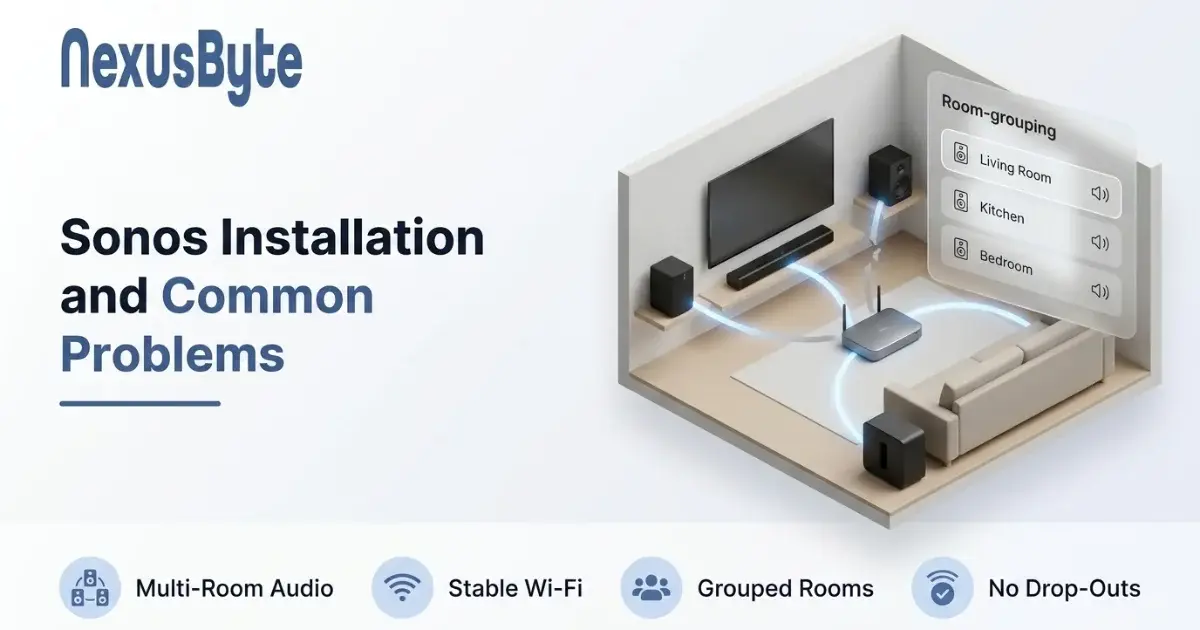
A SONOS system should just work — press play, and every room fills with music. When it doesn't, or when a box of new speakers is still sitting in the hallway, NexusByte provides SONOS installation across Sydney: multi-room configuration, WiFi sorted, S2 app behaving, and dropouts dealt with for good.
For new systems, our SONOS setup gets every speaker registered, grouped and streaming exactly where you want it. For established ones, we're the SONOS repair people Sydney households call when speakers grey out in the app, rooms fall out of sync or the music cuts mid-song — frustrations we diagnose and fix methodically.
Because most SONOS trouble is really network trouble, we look beyond the speakers themselves and improve your WiFi where it's letting the system down. With same-day service available across Sydney, you won't be left staring at a silent lounge room — we get your whole-home audio back to doing what you paid for.
Our SONOS services include:
SONOS speaker and system setupMulti-room and groupingSONOS dropouts and WiFi fixS2 app and firmware troubleshooting
Trusted SONOS Installation & Troubleshooting
We get your SONOS system working and keep it stable.
We install new SONOS speakers, fix WiFi-related dropouts, resolve S2 app issues and optimise your network for streaming.
SONOS setup
Multi-room
Dropout fix
WiFi for SONOS
S2 app
Firmware
Fixed price. Same-day available. No fix, no fee.
Built for Sound. Engineered for Every Room.
NexusByte sets up SONOS speakers, multi-room audio, and fixes dropouts so your music flows through your home.
SONOS setup
Multi-room audio
Dropout and connection fix
S2 app support
Every SONOS system is tuned for stable, great-sounding playback.
Sonos that stays in sync
Sonos speakers dropping off the network, rooms that will not group and a system that stopped after a router change almost always come back to Wi-Fi, not the speakers. We diagnose for free, quote the fix as one price, and test every room.
Free Diagnostic

Fixed Quote

No Fix, No Fee

Same Day Service

No fix, no fee, including the cases where the fault was never the Sonos.
Request a Free QuoteOur SONOS Installation & Troubleshooting Process
SONOS problems are nearly always WiFi problems wearing a speaker's clothes. Our install and fix starts there.
1. Test the network where the speakers live
2. Set up or repair the system
3. Connect your music and TV
4. Prove it and prepare you for the next modem
Our SONOS Installation & Troubleshooting Services
SONOS System Setup
New SONOS speakers and system configuration.
Includes:
- Speaker setup
- App
- Rooms
- Streaming
Multi-Room & Grouping
Configure rooms and grouping for whole-home audio.
Includes:
- Rooms
- Groups
- Sync
- Test
SONOS Dropouts Fix
Fix speakers cutting out or disconnecting.
Includes:
- WiFi check
- Placement
- Network
- Stability
S2 App & Firmware
Fix greyed-out speakers and app issues.
Includes:
- App reconfig
- Firmware
- Reset if needed
- Test
New Modem Reconfig
Reconnect SONOS after new modem or router.
Includes:
- Reconfig
- Network
- All speakers
- Test
What Is a Professional SONOS Installation?
A professional SONOS installation is the setup, configuration and network tuning of SONOS speakers so every room plays reliably — new systems configured from scratch, or existing ones repaired after dropouts, greyed-out speakers and app trouble. It is for Sydney homes that want whole-home audio without the whole-home frustration.
SONOS is excellent hardware sitting on top of an ordinary home network, which is exactly why so many faults that look like a broken speaker are really network faults. A proper SONOS setup treats the network as part of the job: we check your WiFi before we blame the hardware, and where the coverage itself is the problem it is fixed as a WiFi and home networking job. For households running lights and cameras alongside the speakers, smart home installation ties the whole lot into one app.
The setup itself covers the S2 app, room naming, your streaming services, sensible volume limits and testing from the phones and tablets your family actually uses — not just ours.
Why Are Your SONOS Speakers Greyed Out or Cutting Out?
Greyed-out rooms in the app, speakers that disappear and reappear, music stuttering mid-song — these are the classic SONOS complaints across Sydney, and they almost always trace back to a small set of causes.
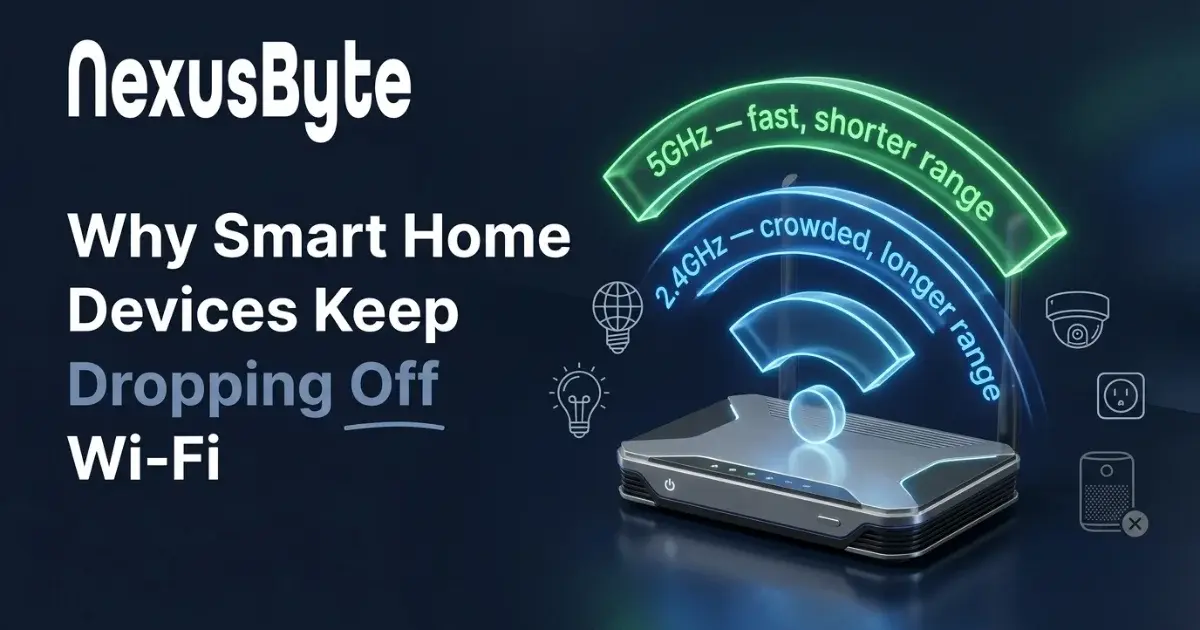
The usual suspects: WiFi interference and congestion, speakers sitting at the very edge of coverage, IP address conflicts after a router restart, outdated firmware, and router settings that disrupt how SONOS devices find each other on the network.
App trouble has its own flavour: the S2 app refusing to find the system, speakers stuck on old firmware, or an update that only half completed. We reconfigure the app, bring firmware up to date across every speaker, and only reach for drastic measures when nothing gentler will do.
Our approach is diagnosis before surgery — signal checks, placement review, network settings and firmware first. A factory reset wipes your entire configuration and is genuinely a last resort; most systems can be stabilised without one, keeping your rooms, groups and services intact.
Multi-Room Audio and Grouping That Stays in Sync
The whole point of SONOS is walking from the kitchen to the deck without the music skipping a beat. Getting there takes correctly configured rooms, sensible grouping and a network that can keep a houseful of speakers in time.
We configure rooms and groups around how you actually live — a downstairs group for entertaining, an everything-on group for cleaning day — and test synchronisation across the lot. Stereo pairs and TV surrounds are set up properly as pairs, not left as loose singles doing half a job.
Larger systems sometimes run best with one component wired by Ethernet so the speakers form their own dedicated wireless mesh, taking pressure off your household WiFi entirely. It is a small change that transforms stability in bigger homes.
Connecting SONOS to your TV is part of the service too: soundbar or speakers linked to the television, audio configured correctly, and lip-sync checked against real content rather than a test tone.
New Modem? That Is Probably Why SONOS Stopped Working
It is one of the most common calls we take: the internet provider swapped the modem, the WiFi name or password changed, and the entire SONOS system fell silent. The speakers are still faithfully searching for a network that no longer exists.
We reconnect every speaker to the new network — avoiding factory resets wherever possible, so your rooms, groups and streaming logins survive the move. If the replacement modem itself is poorly placed or configured, we tidy that up in the same visit, and our internet installation service can help when the connection change runs deeper than the router.
A tip for next time: when replacing a router, keeping the same WiFi name and password lets most devices — SONOS included — reconnect on their own without drama.
What Affects the Cost of SONOS Setup in Sydney?
Three things drive the effort involved: how many speakers you are running, whether your WiFi needs work to support them, and whether TV integration is in scope. A two-speaker setup on solid WiFi is a very different job from a nine-room system fighting a struggling network.
Whatever the scope, you get a fixed quote before work starts, no hidden fees, and our no-fix-no-fee promise — if we cannot get your SONOS behaving, you do not pay. Same-day service is available when the silence is urgent.
Book a SONOS visit, or if the speakers are just one item on the household list, see everything we do for Sydney homes.
Our Insights
Latest Home IT Support & Technology Insights
Client Reviews
What Sydney households say about our home visits
Three of the reviews our clients have left on Google. The full set, as written, is on our reviews page.
Laith was reliable, helpful and professional - will be recommending.
The entire process was an A+ experience from the moment the call was answered, through to the diagnostic, repair and return of the damaged laptop. Laith is fantastic. In every element of his service and support.
Highly recommended, they go out of their way to provide old fashioned service
FAQs
Frequently Asked Questions
Do you install and set up SONOS speakers?
Can you fix SONOS dropouts and connection issues?
Do you set up multi-room audio?
Get in touch
Sonos dropping out or still in the box?
Book a Sonos visit and we will test the network in every room, set up or repair the system, connect your music and TV and leave it playing in every room.
Book onlineNot ready to book? Ask a question and we reply within two business hours.