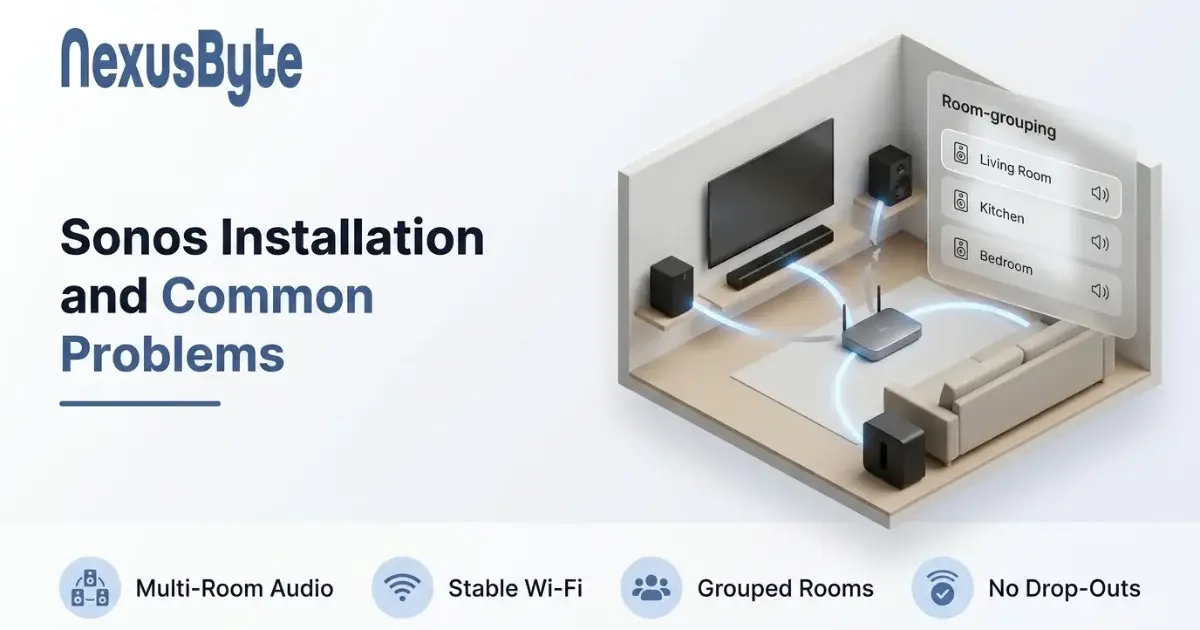
Sonos Installation and Common Problems
Multi-room audio is one of the few pieces of home technology that genuinely delivers on the promise. Music follows you from the kitchen to the deck, the television gets proper sound, and everyone in the house can control it from their own phone.
It is also, when it goes wrong, one of the most maddening. Speakers vanish from the app for no reason. A room plays a half-second behind the one next to it. The group you made yesterday will not re-form today. And every time, the system was working perfectly the last time you used it.
Almost none of this is a fault in the speakers. Sonos is a set of small networked computers that happen to make noise, and when it misbehaves the cause is nearly always the network underneath it. This covers both halves: setting it up so it stays working, and fixing it when it does not.
Decide where the speakers go before you buy them
The most expensive mistakes happen at the shop rather than during installation. A few decisions made first will save a great deal of rearranging:
- Match the speaker to the room, not the price list. A single compact speaker will fill a bedroom or a study and will disappoint in a large open-plan living area. Big rooms with hard floors and glass need more output than the box suggests.
- A stereo pair beats one bigger speaker in a room where people actually sit and listen. Two matched units either side of the seating position is a genuine step up, and it costs less than the flagship single.
- Decide about the television early. A soundbar changes what you need elsewhere, because it can later become the front of a surround set with two existing speakers as rears.
- Power, not signal, dictates position. Every speaker needs a socket. The shelf you had in mind is often the one without one, and that discovery on installation day is how speakers end up in second-best positions.
- Outdoors is a separate decision. Weather-rated units exist for a reason, and an indoor speaker on a covered deck in a Sydney summer will not last.
Name the rooms sensibly while you are at it. "Kitchen" and "Living Room" are far easier to live with than the defaults, particularly when someone is trying to control the system by voice.
Set it up so it survives the network
This is the step that separates a system that just works from one you fight with, and it is almost entirely about the router.
Speakers connect over Wi-Fi and find each other over the local network. If that network is unstable, congested, or changes underneath them, the system starts behaving strangely long before you would call the internet "broken". Three things matter more than anything else:
- Reserve an address for each speaker. Routers hand out addresses on a lease, and when a lease expires the speaker can come back as a different address. That is the single most common reason a speaker disappears from the app while its light is still on. Setting a fixed reservation for each one removes the problem permanently, and it is a five-minute job in the router — the kind of thing our remote IT support can do without anyone visiting.
- Keep the network name and password stable. Speakers store the credentials they were set up with. Change either and every unit needs re-adding, which is why a new router is the most common trigger for a system that "suddenly stopped working".
- Do not hide the speakers from each other. Guest networks and client isolation exist precisely to stop devices talking, which is the opposite of what multi-room audio needs. Speakers and the phone controlling them must be on the same network.
One more: many speakers have an Ethernet port. Wiring even a single unit gives the whole system a solid anchor and noticeably improves reliability in a house where Wi-Fi is marginal. If the speaker sits near the router or a wall point, use it.
Speakers that vanish from the app
The classic complaint. Everything played fine yesterday; today the app shows three of five rooms and the missing ones look perfectly alive.
Work through it in this order:
- Check the phone is on the right network. Sounds trivial, and it is the answer more often than anything else — a phone that has drifted onto a guest network, a neighbour's, or mobile data cannot see the speakers at all.
- Look at the address problem above. If particular speakers keep going missing while others never do, lease expiry is the likely cause, and reservations are the fix.
- Consider the band. Speakers at the edge of coverage, or on a crowded 2.4GHz band, drop off and rejoin. It is the same underlying problem that affects other connected devices, which we cover in why smart home devices keep dropping off Wi-Fi.
- Restart in the right order. Router first, wait for it to settle fully, then the speakers. Restarting speakers into a router that is still coming up simply repeats the problem.
If a particular room is always the one that disappears, stop treating it as a speaker problem. That is a coverage problem in that part of the house, and the answer is an access point nearer to it rather than another restart — which is home networking work rather than audio work.
Rooms that fall out of sync
Grouped rooms should play as one. When one lags a fraction behind, the effect walking between them is unmistakable and deeply irritating.
Sync depends on every speaker in the group receiving the stream reliably and on time. A room that lags is almost always the one with the weakest connection, so the diagnosis is straightforward: whichever room drifts is the room with the network problem. Congestion is the usual culprit — evening streaming across the house, a games console updating, a cloud backup running — and it is worth reading how to tell congestion apart from a real fault if it happens at predictable times of day.
Two practical notes. A speaker sitting inside a media cabinet or behind a television is shielded by exactly the metal and glass that ruin wireless, so moving it forward by a few centimetres sometimes solves a sync problem entirely. And if the same room drifts every time, wiring that one unit will settle the whole group.
Television sound and the delay nobody expects
A soundbar introduces a different class of problem: audio that no longer matches the picture.
Modern televisions send sound to the soundbar over the HDMI ARC connection, and that path has to be enabled on the television as well as connected — it is frequently the reason a brand-new soundbar produces no sound at all. When sound does arrive but trails the picture, the television's own audio delay setting is usually the fix, and it is buried deep enough in the menus that most people never find it.
Adding rear speakers brings its own trap: they must be the same generation as the soundbar to pair as surrounds, which is worth knowing before buying two speakers that turn out to be incompatible with the bar you already own. This is the part of a system most worth having set up properly the first time, and it sits alongside the rest of a smart TV and home theatre setup rather than being a separate job.
Groups, alarms and the things that quietly stop working
A few smaller failures come up often enough to be worth naming:
- Groups that will not re-form are usually a stale group definition after a speaker changed address. Rebuild the group once the reservations are in place and it will hold.
- Alarms that do not sound nearly always point at a speaker that was offline at the moment the alarm was due.
- Voice control that stopped responding is generally an account or permission change on the assistant side rather than anything to do with the speakers.
- A service that suddenly will not play means the streaming account needs re-linking, which happens after password changes.
- One speaker much quieter than its pair is usually a balance setting nudged by accident, not a failing unit.
If none of the above applies and a single unit is genuinely unresponsive with no lights, that is a hardware question, and our repair team can tell you whether it is worth fixing.
Getting it right the first time
A multi-room system is one of those installations where an hour of planning saves months of irritation. Speakers matched to their rooms, addresses reserved so nothing drifts, at least one unit wired, the television path configured properly, and rooms named so anyone in the house can use it.
If you would rather not spend a weekend on it, or you have a system that has never quite behaved since a router change, our Sydney team installs and sorts these regularly — through our SONOS installation and troubleshooting service, with the network underneath it covered by home IT support. Good audio should be something you stop thinking about entirely.