

Network Support | Router, Firewall & Wi-Fi Troubleshooting
A flaky network taxes every single thing your business does. NexusByte delivers network support for Sydney offices of all sizes: dependable router and firewall management, Wi-Fi troubleshooting and internet connectivity fixes from technicians who trace the actual fault instead of telling you to turn it off and on again.
We configure and maintain routers and firewalls so your network stays secure and predictable, hunt down the dead spots and dropouts plaguing your office Wi-Fi, and get to the bottom of slow or unreliable internet, including dealing with your provider when the problem sits on their side of the wall.
From a two-person studio to a multi-floor office, businesses across Sydney trust us to keep their connectivity solid because we treat the network as infrastructure, not an afterthought. Same-day support is available when things fall over, and once we've fixed it, we'll tell you plainly how to stop it happening again.

Our network support includes:
Router & firewall managementWi-Fi troubleshootingInternet connectivity issues
Trusted Network Support
We keep your office network fast, secure and reliable.
We manage routers and firewalls, troubleshoot Wi-Fi and fix internet connectivity. From slow speeds and dropouts to security and new site setup, we get your network sorted.
Router management
Firewall
Wi-Fi troubleshooting
Connectivity
Security
New site setup
Fixed price. Same-day when urgent. We keep you connected.
Built for Business. Engineered for Uptime.
NexusByte delivers managed IT support that keeps Sydney businesses secure, efficient, and operational.
Small and medium businesses
Office 365 and Microsoft
Network management
Cloud migration
Help desk support
IT strategy and planning
Every IT support plan is tailored to your business size, industry, and growth goals.
IT Support You Can Count On. Guaranteed.
We keep your business running with responsive, professionally managed IT support and no hidden costs.
Free IT Assessment

Fixed Monthly Pricing

No Lock-In Contracts

Rapid Response

Your systems stay secure, monitored, and supported by a team that responds when you need it.
Request a Free QuoteOur Network Support Process
We trace network faults to a cause rather than rebooting things until they go away.
1. Gather the symptoms
2. Test from the outside in
3. Fix and configure
4. Document the network
Our Network Support Services
Router & Firewall Management
Configure and maintain routers and firewalls.
Includes:
- Router config
- Firewall rules
- Updates
- Monitor
Wi-Fi Troubleshooting
Fix Wi-Fi coverage, dropouts and speed issues.
Includes:
- Coverage check
- Access points
- Channels
- Fix
Internet Connectivity
Resolve internet and WAN connectivity issues.
Includes:
- Line test
- Modem
- ISP liaison
- Resolve
VLAN & Segmentation
Segment network for security and performance.
Includes:
- VLAN design
- Config
- Test
- Document
New Office Network
Design and deploy new office network.
Includes:
- Design
- Hardware
- Config
- Handover
Network Security
Harden network and monitor for threats.
Includes:
- Security review
- Firewall
- Updates
- Monitor
What Is Business Network Support?
Business network support keeps the infrastructure your office runs on — routers, firewalls, switches, Wi-Fi and the internet connection itself — configured, secure and working. It's for Sydney offices of any size that lose money when the network goes down but have nobody on staff who lives and breathes networking.
It splits into two modes: fixing what's broken today (dropouts, dead spots, an internet connection that keeps falling over) and managing the network over time so those faults stop recurring — firmware updates, firewall rule reviews, monitoring. Most day-to-day user problems reach us first through our IT helpdesk support, and anything that turns out to be a genuine network fault escalates straight to this team.
Why Does Office Wi-Fi Keep Dropping Out?
Nearly every office Wi-Fi complaint we investigate in Sydney traces back to a short list of causes. A single consumer-grade router asked to cover an entire floor. Congested channels in dense buildings where dozens of neighbouring networks overlap. Concrete walls, steel framing and lift wells swallowing signal. Too many devices leaning on one access point. Or an ISP-supplied modem still running factory settings from the day it was plugged in.
The fix starts with measuring rather than guessing: a coverage check maps where signal actually reaches, then access point placement, channel planning and configuration follow from the evidence. What rarely helps is grabbing a repeater from the office-supplies run — it typically creates a second network your devices cling to long after they've moved out of its range, which is how 'we added a booster' becomes 'now it's worse everywhere'.
Routers and Firewalls: The Forgotten Box in the Comms Cupboard
Most business routers and firewalls are configured once — often by whoever installed the internet — and never touched again. Years later we open them up and find default admin passwords, firmware several generations out of date, port-forwarding rules left behind by a phone system vendor who's long gone, and guest Wi-Fi sitting on the same network as the accounts PC.
Proper router and firewall management closes all of that: a configuration review, firewall rules that reflect what your business needs now, scheduled updates, and monitoring so problems surface before staff notice them. It's unglamorous work, and it's most of what separates a network that quietly hums along from one that gets a business into the news.
When network segmentation makes sense
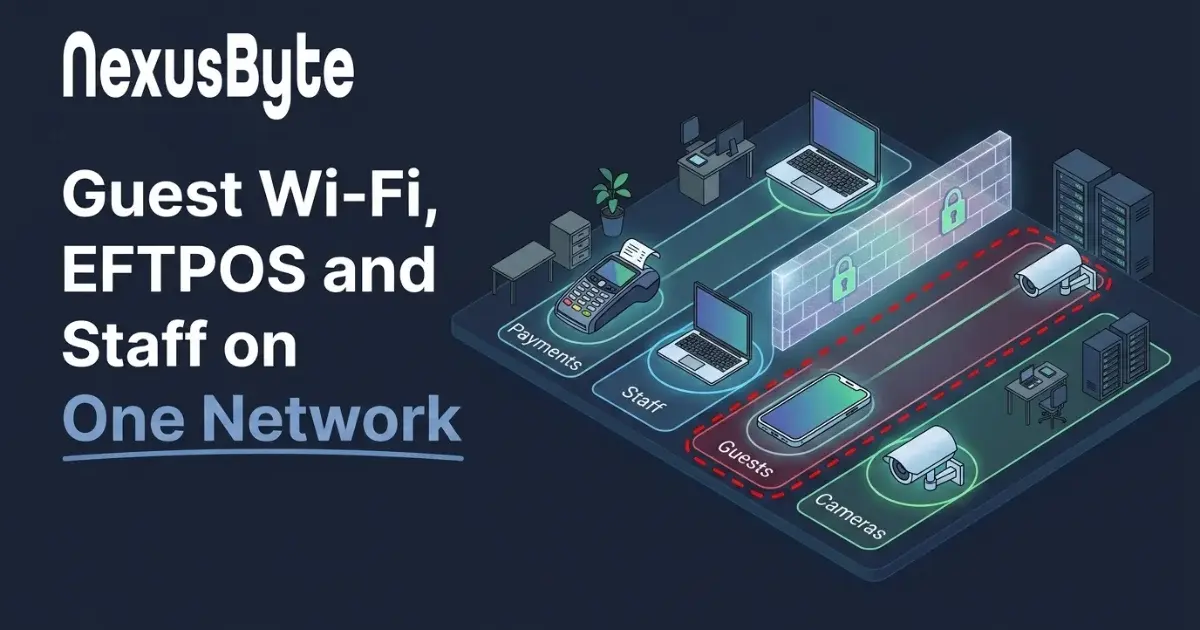
If your office runs guest Wi-Fi, VoIP phones, EFTPOS terminals or cameras on the same flat network as your file server, VLAN segmentation is worth a conversation. Separating that traffic contains security problems to their own segment and stops a busy guest network degrading business-critical systems. We design the segmentation, configure it, test it and — importantly — document it, so the next technician isn't reverse-engineering your setup.
Fitting Out a New Office Network
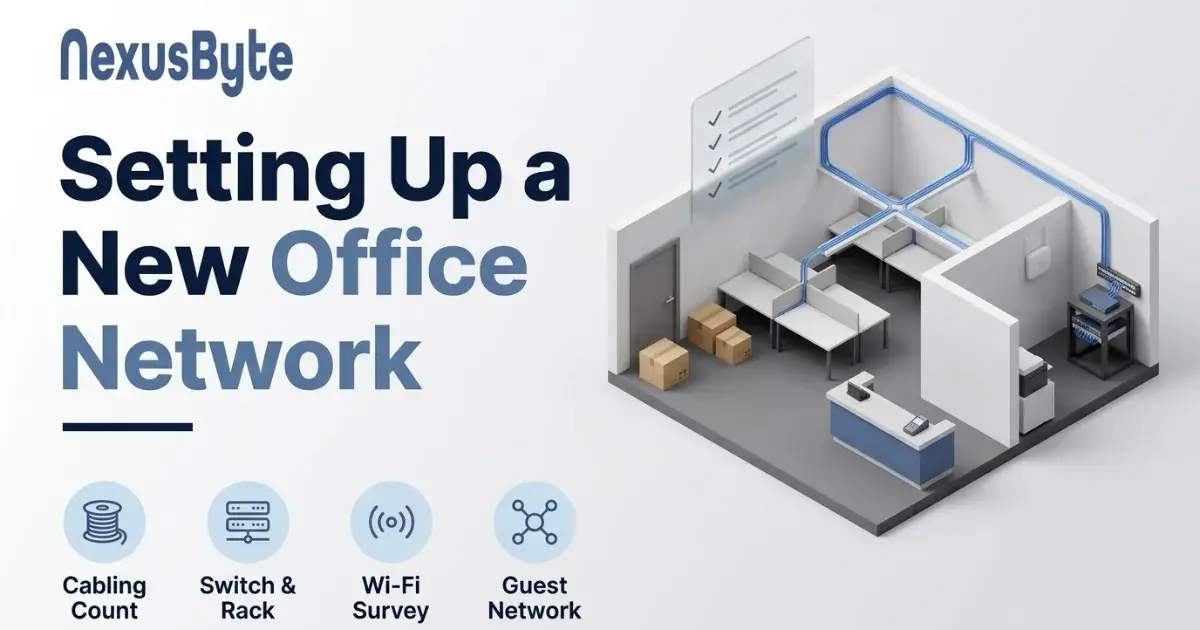
A new office network should start on paper: the floor plan, staff numbers, growth expectations and what will actually run on it — VoIP, video calls, large file transfers, point-of-sale. Design drives hardware selection, then configuration, and the job ends with a documented handover rather than a shrug and a box of spare cables. Two preparation tips from experience: order your internet service early, because provisioning lead times are outside everyone's control, and think about cabling before the fit-out closes up the walls.
Video calling deserves special mention because it's usually the first thing to expose a weak network. If Teams call quality is poor, the cause is as often the network underneath as the software on top — we look at both layers, and the software side is covered under our Microsoft 365 support.
How Much Does Network Support Cost in Sydney?
It depends on what the job is: a single Wi-Fi fault, an ongoing management arrangement, or a full new-office deployment. Within those, the drivers are the size and layout of your site, how many access points and switches are involved, and whether hardware needs to be supplied. Sydney's older buildings — thick walls, odd floor plates — genuinely do affect wireless work, which is one reason we assess before we quote.
Every engagement gets a fixed quote with no hidden fees, same-day support is available for faults, and our no fix, no fee guarantee backs the work. Book an assessment or get in touch and tell us what your network is doing — or refusing to do.
Our Insights
Latest Business IT Support & Technology Insights


Client Reviews
What businesses say about our IT support
Three of the reviews our clients have left on Google. The full set, as written, is on our reviews page.
Highly recommended, they go out of their way to provide old fashioned service
It took Laith only minutes to find the problem with my laptop and address it so that I could go safely back to work. I cannot recommend Laith and NexusBytes enough.
Laith was amazing! Very responsive, communicates properly, provides regular updates and explains everything so thoroughly! Will definitely be using your services in the future!
FAQs
Frequently Asked Questions
Do you manage routers and firewalls?
Can you fix Wi-Fi and internet connectivity issues?
Do you support new office network setup?
Get in touch
Stop rebooting the router and get the network fixed
Book a network visit and we will trace the fault from the NBN service to the WiFi, fix it on the spot where we can, and leave you a diagram of the network you own.
Book onlineNot ready to book? Ask a question and we reply within two business hours.