

Home Computer Support | PC & Laptop Help for Homes
When the family computer grinds to a halt, refuses to start, or simply needs setting up properly, you want someone who turns up and sorts it. NexusByte provides home computer support across Sydney — practical, patient help for busy households, from stubborn Windows updates to Macs that have slowed to a frustrating crawl.
Our technicians handle the full spread of home IT support: performance tune-ups that bring sluggish PCs back to life, startup and update repairs, new computer setup with your files transferred across, and honest advice on getting the most from your devices. Same-day service is available when the problem can't wait.
Families across Sydney rely on us because we explain things in plain English, charge fixed prices with no hidden fees, and back every job with a no fix, no fee guarantee. Whatever computer help your household needs — one-off rescue or ongoing support — we're the local team worth keeping in your contacts.
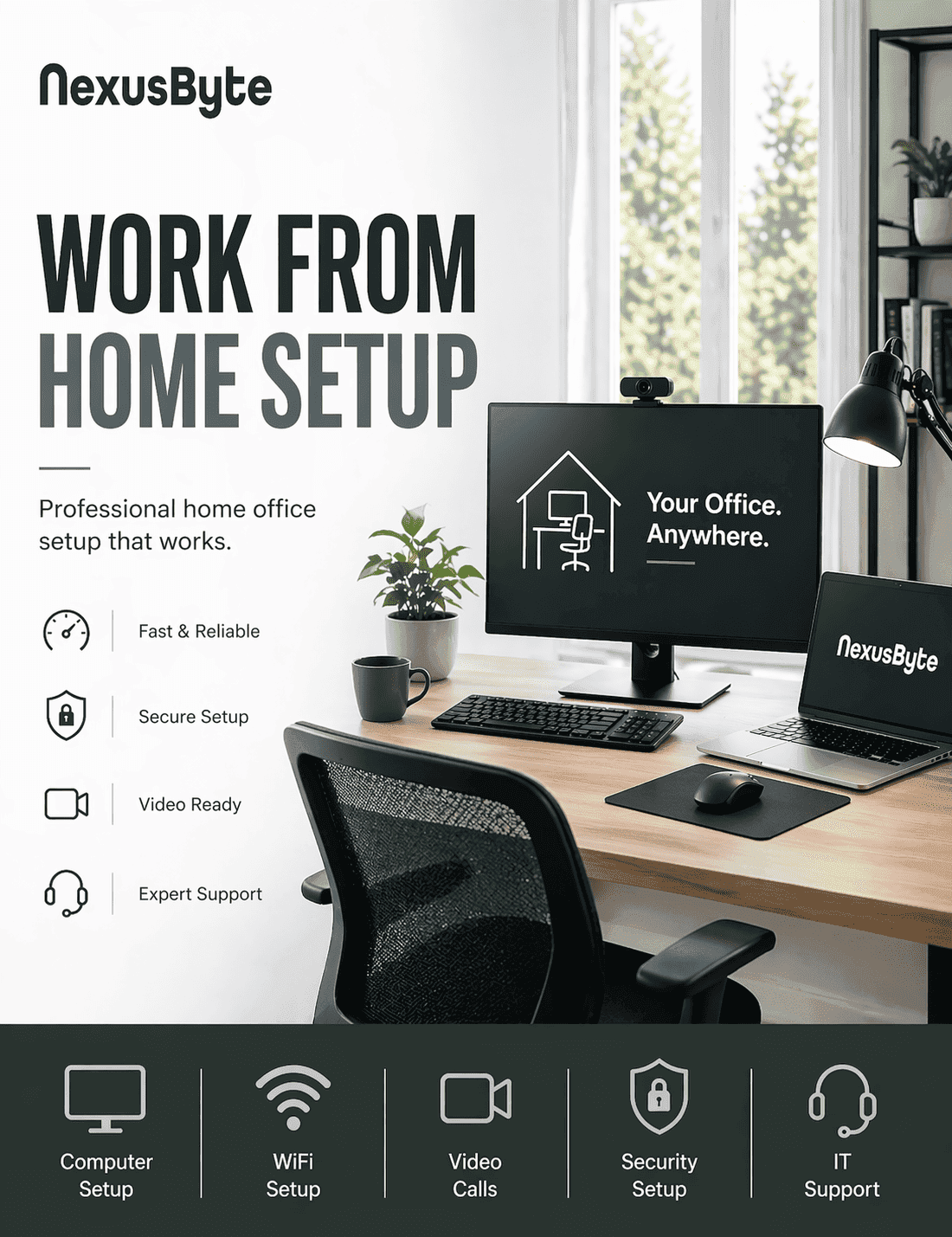
Our home computer support includes:
Slow computer and performance fixesWindows and Mac setup and updatesNew computer setup and data transferGeneral troubleshooting and IT advice
Trusted Home Computer Support
We fix and maintain your home computers so the whole family can work and play without hassle.
We troubleshoot slow performance, startup issues and software problems. We set up new PCs and Macs, transfer your files and give you clear advice. Remote or onsite. Same-day available.
Slow PC and Mac fix
Startup and update issues
New computer setup
Data transfer
Software and driver help
Same-day service
Fixed price. No fix, no fee. Servicing all Sydney suburbs.
Built for Your Home. Engineered for Everyday Life.
NexusByte brings professional IT expertise to Sydney households — making your home technology fast, secure, and easy to use.
WiFi & home networking
Smart home setup
Home office & remote work
Family device support
Computer help & repairs
Internet & connectivity
Every home IT job is done to a professional standard so your household technology just works.
Help at home, priced before we start
A slow laptop, a desktop that will not start or a Windows update that broke something are everyday problems with everyday fixes. We look first for free, quote one price, and explain what went wrong in plain language.
Free Diagnostic

Fixed Quote

No Fix, No Fee

Same Day Service

No fix, no fee, and we leave your files exactly where you keep them.
Request a Free QuoteOur Home Computer Support Process
A home visit starts with the problem you called about and ends with the computer working properly, not just working for now.
1. Listen first
2. Diagnose the real cause
3. Fix it in front of you
4. Leave it in better shape
Our Home Computer Support Services
Slow Computer Fix
Speed up a slow or freezing PC or Mac.
Includes:
- Diagnose
- Cleanup
- Updates
- Optimise
Windows & Mac Setup
Set up a new computer and transfer your files.
Includes:
- OS setup
- Accounts
- Transfer
- Software
Startup & Update Issues
Fix computer not starting or update failures.
Includes:
- Diagnose
- Safe mode
- Updates
- Fix
Software & Driver Help
Install software, fix driver and app issues.
Includes:
- Install
- Drivers
- Config
- Test
Remote Home Support
Fix many issues remotely without a visit.
Includes:
- Remote connect
- Diagnose
- Fix
- Verify
Ongoing Home Support
Regular check-ins and maintenance for your home tech.
Includes:
- Updates
- Backup check
- Cleanup
- Advice
What Is Home Computer Support?
Home computer support is professional, on-call help for the PCs, Macs and laptops in your house: diagnosing faults, fixing slow performance, resolving startup and update problems and setting up new machines. It is for Sydney families and individuals who would rather have an experienced technician sort the problem than lose a weekend to trial and error.
The scope is deliberately broad because home problems rarely arrive neatly labelled. A computer that will not start might be a Windows update gone wrong, a failing drive or a flat CMOS battery. A program that keeps crashing might be a driver conflict or a corrupted profile. We diagnose first, explain what we found in plain English, and only then fix it.
We also cover the quieter work that keeps trouble away: updates done properly, software installed cleanly, and honest advice about what your machine can and cannot be expected to do at its age.
Why Is My Computer Running So Slow?
Slowness is a symptom with many possible causes, and guessing wrong wastes money. The most frequent culprits we find in Sydney homes are an old mechanical hard drive struggling where an SSD would fly, too many programs launching at startup, a disk that is nearly full, and browser windows carrying dozens of tabs on a machine with modest memory.
Laptops add their own wrinkle: dust-clogged vents cause overheating, and an overheating processor deliberately slows itself down to survive. If your laptop is hot to the touch and the fan sounds like a hair dryer, that is a physical problem no software cleanup will cure.
One warning from experience: avoid the heavily advertised PC cleaner apps. Many are useless and some are outright malware, and we spend a fair amount of time removing them. A genuine tune-up means diagnosing the actual bottleneck, clearing what is safe to clear, applying updates and optimising startup, then measuring the difference. Where something harmful is already installed, that becomes a virus and malware removal job rather than a tune-up.
Once a computer is running properly again, the questions usually turn to how to keep it that way. If that is where you are, one-on-one tech training covers the everyday habits — updates, passwords, backups and spotting a scam — that prevent most of the problems we get called out for.
Remote Support or a Home Visit: Which Do You Need?
A surprising amount of computer help in Sydney can be delivered remotely. With your permission we connect securely to your screen, and problems like email faults, software errors, update failures and many slow-computer cases get fixed while you watch, often the same day. Remote sessions skip travel time, which usually makes them the quicker and cheaper option.
A home visit earns its place when the problem is physical or the machine cannot get online at all: computers that will not start, hardware upgrades, WiFi and cabling issues, or a brand-new computer that needs setting up from scratch. There is no need to decide alone. Tell us the symptoms when you book a session or get in touch, and we will recommend whichever route solves it fastest.
For households that want a steadier arrangement, our ongoing home support option adds regular check-ins covering updates, backup checks and cleanups, so small issues get caught before they become urgent ones.
How Much Does Computer Help Cost in Sydney?
Rather than quoting a single number that fits nobody, we price each job on what it actually involves and give you a fixed quote before work begins. The main factors are whether the job is remote or onsite, how complex the fault turns out to be, whether any parts such as a replacement drive or extra memory are needed, and how much data has to be transferred or preserved along the way.
Two commitments hold for every job: the price we quote is the price you pay, with no hidden fees, and if we cannot fix the problem you do not pay at all under our no fix, no fee guarantee. That keeps the risk on our side of the table, where it belongs.
Setting Up a New Computer the Right Way
A new PC or Mac straight out of the box is not actually ready to use. Proper setup means creating accounts sensibly, running the first round of updates, stripping out trial software you never asked for, and moving your files, photos and settings across from the old machine, then verifying the lot arrived intact.
It is also the single best moment to get the surrounding pieces right. We can carry your email accounts across every device as part of the same visit, and switch on automatic backup from day one so the new machine never holds the only copy of anything. Old computers do not leave the job forgotten either: we advise on wiping them safely before they are sold, donated or recycled.
Whether it is a stubborn old machine or a shiny new one, same-day service is available across Sydney, and every job ends with testing and a plain-English handover.
Our Insights
Latest Home IT Support & Technology Insights





Client Reviews
What Sydney households say about our home visits
Three of the reviews our clients have left on Google. The full set, as written, is on our reviews page.
Laith was reliable, helpful and professional - will be recommending.
The entire process was an A+ experience from the moment the call was answered, through to the diagnostic, repair and return of the damaged laptop. Laith is fantastic. In every element of his service and support.
Highly recommended, they go out of their way to provide old fashioned service
FAQs
Frequently Asked Questions
Can you fix a slow home computer?
Do you set up new computers for home use?
Do you offer remote support for home computers?
Get in touch
Home computer slow, stuck or will not start?
Book a home visit or a remote session and a patient Sydney technician will find the cause, fix it in front of you and leave the computer in better shape than before.
Book onlineNot ready to book? Ask a question and we reply within two business hours.