

Automated Backup Solutions | Business Data Backup Sydney
When a drive dies or ransomware strikes, the only thing that matters is whether your backups actually ran last night. NexusByte builds automated backup solutions for Sydney businesses that quietly do their job every single day, protecting your critical business data to secure cloud and local storage so recovery is fast and complete when it genuinely counts.
We design, deploy and monitor the whole system rather than just installing software: scheduled backups, incremental and full backup cycles, and a backup strategy shaped around how your organisation actually works. Whether you need cloud backup, on-premises storage or a mix of both, we configure it properly, then watch the jobs so a silent failure never slips past unnoticed.
This is genuine set-and-forget data protection, backed by real people who answer when something looks wrong. Our backup monitoring catches problems early, and when you need something back, our restore support returns files, folders or entire systems quickly. For dependable business data backup in Sydney, this is peace of mind you can actually verify.
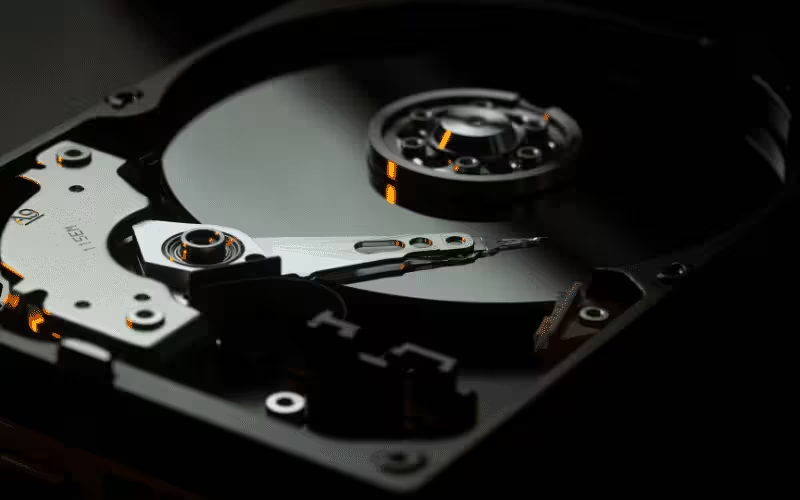
Our automated backup solutions include:
Cloud and local backup deploymentScheduled and incremental backupsBackup monitoring and alertsRestore support and testing
Trusted Automated Backup Solutions
We keep your data safe with reliable, monitored backups.
We set up automated backups that run on schedule, monitor success and alert you if something fails. Cloud and local options so you meet retention and compliance needs.
Backup design
Cloud & local
Monitoring
Restore support
Testing
Documentation
Fixed price setup. Ongoing monitoring. Restore when you need it.
Built for Data. Engineered for Recovery.
NexusByte offers data management and recovery services that protect your information and restore it when needed.
Backup and recovery
Data migration
Disaster recovery
Cloud backup
Data security
Compliance and retention
Every data management solution is built for reliability, security, and business continuity.
Your Data, Protected. Guaranteed.
We safeguard and recover your data with clear pricing and a no-risk promise on recovery work.
Free Data Assessment

Fixed Quote

No Recovery, No Fee

Fast Turnaround

Your data stays backed up, secure, and recoverable when you need it most.
Request a Free QuoteOur Automated Backup Solutions Process
An automated backup is designed around how quickly you need to be running again, then built so it needs no one to remember it.
1. Decide what you can afford to lose
2. Design the backup set
3. Build it and run the first full backup
4. Prove it with a restore
Our Automated Backup Solutions Services
Cloud Backup
Automated backups to secure cloud storage.
Includes:
- Cloud config
- Schedule
- Retention
- Encryption
Local & Hybrid Backup
On-premises and hybrid backup options.
Includes:
- Local backup
- NAS/Server
- Hybrid
- Verify
Backup Monitoring
Monitor backup jobs and get alerts on failure.
Includes:
- Monitoring
- Alerts
- Reports
- Remediation
Restore Support
Restore files, folders or full systems when needed.
Includes:
- File restore
- Full restore
- Test restores
- Support
Server & Workstation Backup
Back up servers and key workstations.
Includes:
- Server backup
- Workstation
- Schedule
- Verify
Backup Strategy
Design a backup strategy that fits your business.
Includes:
- RTO/RPO
- Retention
- Tiering
- Documentation
What Are Automated Backup Solutions?
Automated backup solutions are systems that copy your business data to secure cloud or local storage on a fixed schedule, with no one needing to remember to run them. They suit any Sydney business that cannot afford to lose files, emails, databases or server settings — from sole traders through to multi-site organisations.
Backup is one piece of a larger picture. Where the files also need to be available and in sync across staff and devices day to day, that is cloud storage and synchronisation; and the plan for what happens after a serious outage — who does what, in what order, and how long it takes — belongs to disaster recovery planning.
The automated part is what matters. A backup that depends on a staff member remembering to plug in a drive on Friday afternoon is a backup that eventually stops happening. A properly configured system runs scheduled full and incremental backups, verifies each job completed, and raises an alert the moment something fails.
We design the schedule and retention around how your business actually works — how much data changes daily, how far back in time you need to reach, and how quickly you would need everything restored after a failure.
Why Do DIY and Manual Backups Keep Failing?
Most of the data loss jobs we attend started with a backup that existed on paper but not in practice. The external drive was full, the backup software silently stopped after an update, or the job had been failing for months and nobody was watching for the error.
A permanently connected USB drive is another common trap. If ransomware hits the machine, it encrypts the backup drive along with everything else — which is exactly why offsite and cloud copies matter for real data protection.
This is why backup monitoring is part of every deployment we do. Jobs are checked, failures generate alerts, and problems are remediated before you need the backup rather than after. It is also why we run test restores: a backup nobody has ever restored from is an assumption, not a safety net.
Coverage gaps are the other silent killer. Server backup gets set up on day one, but the director's workstation holding the only copy of the pricing spreadsheet never makes the list. Part of our assessment is finding the data that lives outside the obvious places.
Cloud, Local or Hybrid: Which Backup Setup Is Right for You?
There is no single correct answer — the right design depends on your data volume, your internet connection and your recovery expectations.
- Cloud backup stores encrypted copies offsite, so your data survives theft, fire or flood at the premises. It suits businesses with modest data sets and a reliable internet uplink.
- Local backup to a NAS or server gives fast restores for large volumes of data, because you are not waiting on a download.
- Hybrid backup combines both: quick local restores for everyday mishaps, with a cloud copy as the last line of defence.
As part of the backup strategy work we document RTO and RPO — how quickly you need systems back and how much data you can afford to lose — then tier your storage and retention accordingly. If you want that thinking extended across your whole operation, our disaster recovery planning service builds on the same foundations.
How Much Does Business Backup Cost in Sydney?
The cost of an automated backup deployment depends on a handful of factors: how much data you are protecting, how many servers and workstations are included, whether you need cloud, local or hybrid storage, how long backups must be retained, and whether you want ongoing monitoring and reporting.
Rather than publish a one-size-fits-all number, we assess your environment first and give you a fixed quote — no hidden fees, and the price we agree is the price you pay. Same-day service is available when a failed or missing backup needs urgent attention. You can book an assessment or get in touch to start the conversation.
What Happens When You Actually Need to Restore?
Restores are where backup systems earn their keep. Depending on what went wrong, that might be a single file a staff member deleted, a folder lost to corruption, or a full system rebuild after a dead server drive.
Because we test restores during setup and handover, the recovery path is proven before you ever need it. When something does go wrong, we walk you through the restore or handle it entirely — file-level, folder-level or full-system.
And if you are reading this after a failure, without a working backup in place? That calls for emergency data recovery rather than a restore — we can often retrieve data directly from the failed hardware, then put automated backups in place so you are never in that position again. All work is covered by our work guarantee.
Our Insights
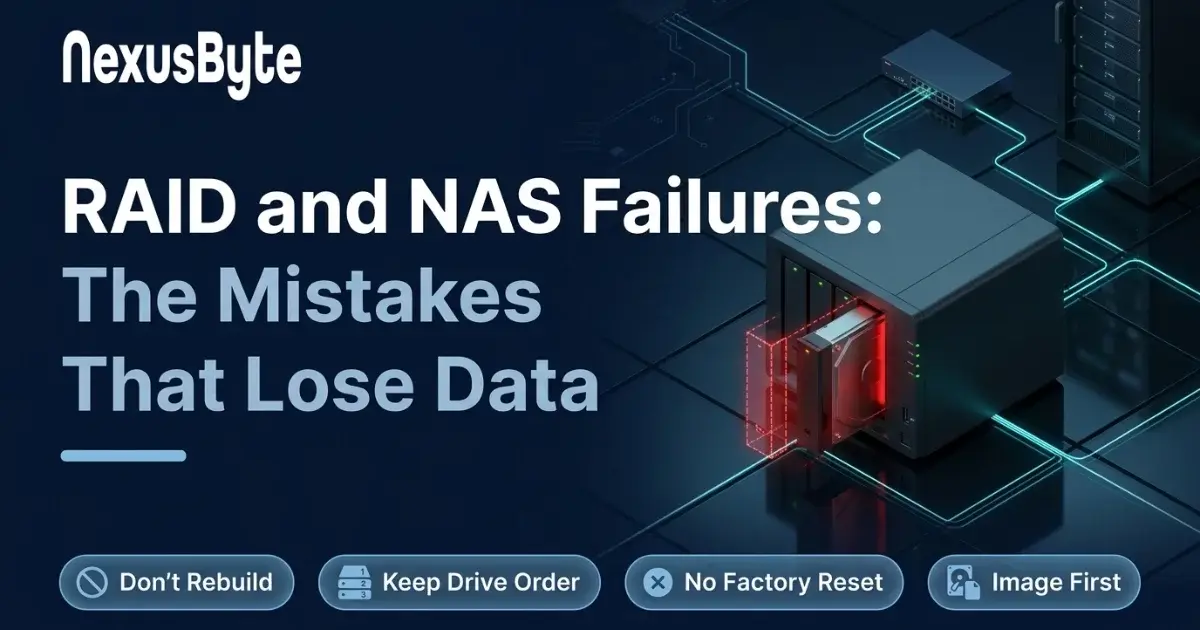
Latest Data Management & Recovery & Technology Insights





Client Reviews
What clients say about trusting us with their data
Three of the reviews our clients have left on Google. The full set, as written, is on our reviews page.
The entire process was an A+ experience from the moment the call was answered, through to the diagnostic, repair and return of the damaged laptop. Laith is fantastic. In every element of his service and support.
We have been working with NexusByte to manage our business IT infrastructure, and the experience has been excellent. Their team is highly knowledgeable, responsive, and professional in handling both routine maintenance and unexpected technical issues.
Laith did a great job on upgrading my iMac so I don't have to buy a new model. Very knowledgeable about all things IT. 👍
FAQs
Frequently Asked Questions
What does automated backup include?
Do you monitor backups?
Can you help with restore?
Get in touch
Backups that run every night without anyone remembering
Book a backup assessment and we will design, build and test an automated backup for your business, with alerts that reach us and restores proven before you need them.
Book onlineNot ready to book? Ask a question and we reply within two business hours.