

Tech Training | Get Confident with Your Devices
Technology is far more enjoyable when you're the one in charge of it. NexusByte offers friendly, patient tech training across Sydney for individuals and families who want real confidence with their computer, tablet or phone — mastering email, browsing, backups and the everyday tasks that used to mean phoning a relative for help.
Sessions are shaped around you, not a syllabus. Our computer training covers using your PC or Mac, setting up email, staying safe online, backing up precious photos and getting comfortable with Microsoft 365 or your Apple devices. Everything is explained in plain English, at your pace, with no question too small.
It's ideal as senior computer training, and just as well suited to parents and anyone keen to get more from their gadgets. Choose in-home visits anywhere in Sydney or learn remotely from your own couch — either way, this is device training that leaves you capable rather than dependent on us.
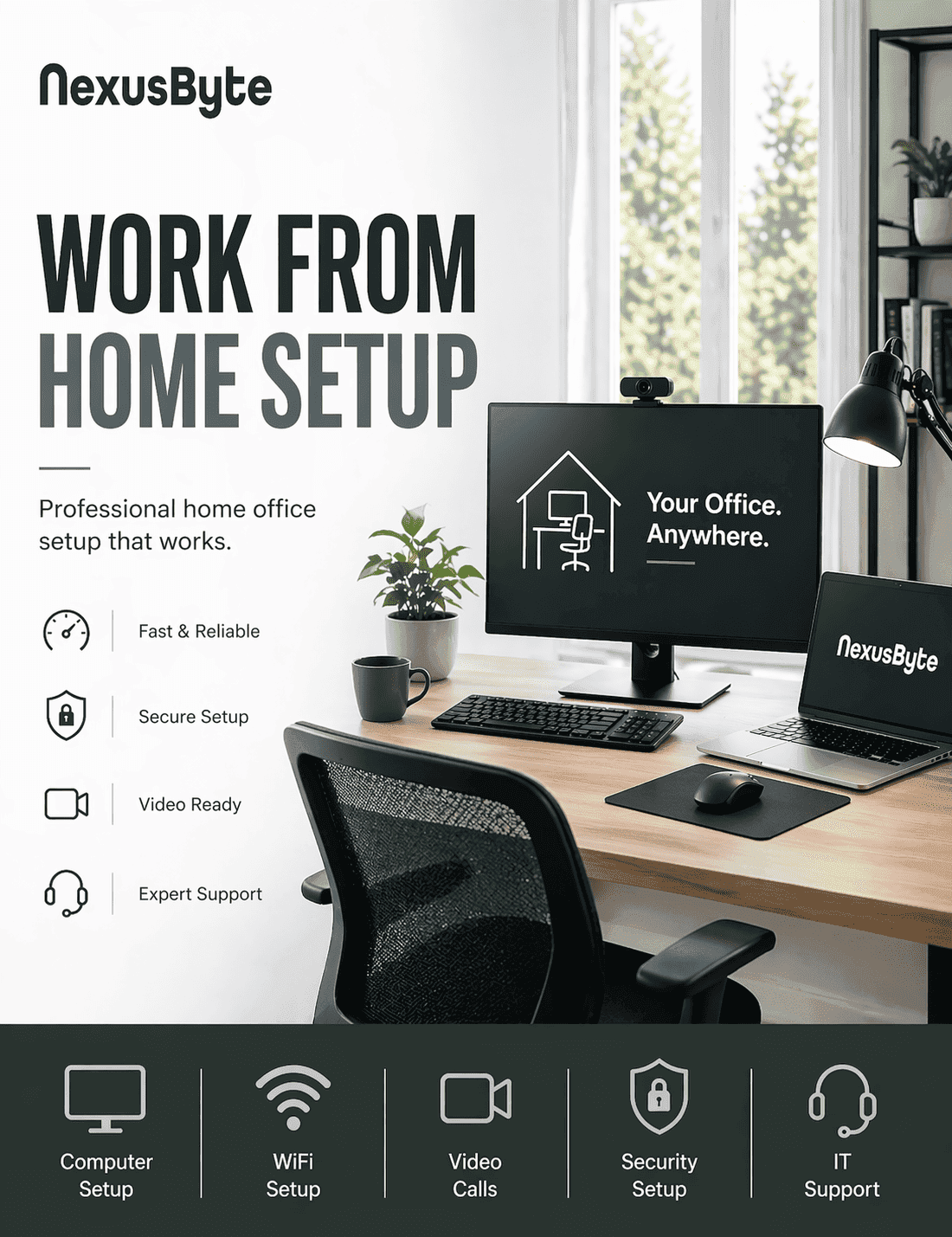
Our tech training includes:
Trusted Tech Training for Sydney Homes
We teach you to use your devices with confidence—in plain English.
Whether you’re new to computers or want to master email, backups or video calls, we tailor the session to you. In-home or remote. One-off or follow-up sessions.
Fixed price per session. Patient, jargon-free training. All Sydney suburbs.
Built for Your Home. Engineered for Everyday Life.
NexusByte brings professional IT expertise to Sydney households — making your home technology fast, secure, and easy to use.
Every home IT job is done to a professional standard so your household technology just works.
Training at your pace, at your price
Learning your own phone, laptop or tablet is easier at your kitchen table than in a shop. Sessions are quoted as a fixed price, built around what you want to do, and leave you with written steps you can follow afterwards.




You keep the notes, and you can book another session whenever you want to go further.
Request a Free QuoteOur Tech Training Process
Tech training works when it is about your devices and the things you want to do with them, at your pace.
Our Tech Training Services
Computer & Laptop Basics
Getting started with your PC or Mac.
Includes:
- Turning on and off
- Files and folders
- Updates
- Basics
Email & Internet
Using email and browsing the web safely.
Includes:
- Browsing
- Passwords
- Safety tips
Backing Up & Photos
Back up photos and important files.
Includes:
- Cloud backup
- Photos
- OneDrive/iCloud
- Restore
Microsoft 365 & Office
Using Word, Excel, Outlook and OneDrive.
Includes:
- Office apps
- Outlook
- OneDrive
- Tips
Tablet & Phone
Get confident with iPad, iPhone or Android.
Includes:
- Apps
- Settings
- Backup
- Security
Video Calls & Streaming
Zoom, Teams, streaming and smart TV.
Includes:
- Video calls
- Streaming
- Smart TV
- Troubleshoot
What Is Home Tech Training?
Home tech training is one-on-one tuition on your own computer, tablet or phone, delivered in plain English and at your pace — covering email, browsing, photo backups and the everyday tasks you actually need. It suits seniors, parents and any Sydney home user who wants lasting confidence rather than another quick fix they cannot repeat.
The difference from a class or an online video is that everything happens on your devices, with your accounts and your real questions. There is no generic workbook and no fixed syllabus — each session is shaped entirely around what you want to be able to do.
Training is available in your home anywhere in Sydney, or remotely over a screen-share when that is easier. Many people start with one topic and discover the sessions are the first time technology has ever been explained without jargon.
What Can You Learn in a Session?
Almost anything you use day to day. The most popular territory includes:
- Computer and laptop basics — files, folders, updates and shutting down properly
- Email and safe web browsing, including spotting scams before they spot you
- Backing up photos and files with OneDrive or iCloud, and restoring them when needed
- Microsoft 365 — Word, Excel, Outlook and OneDrive without the jargon
- iPad, iPhone and Android — apps, settings, backups and security
- Video calls and streaming — Zoom, Teams, smart TVs and catch-up apps
You set the agenda. Some people want a single skill nailed down — reliable video calls with the grandkids, say — while others want a broad tour so the machine stops feeling like a stranger in the house. And if a topic is not on the list, ask anyway: if you use it at home, we almost certainly teach it.
Is Computer Training Suitable for Seniors?
It is what much of our training was built around. Sessions run at your pace, in plain English, and no question is too basic — we would far rather cover something three times than leave you nodding politely and none the wiser.
Common goals for older learners: staying in touch by video call, organising a lifetime of photos, using government and banking websites confidently, password habits that are safe without being maddening, and recognising the phone and email scams that target seniors heavily.
Family members are welcome to sit in, and we can arrange the computer or tablet so the things you practised are easy to find again after we leave. Confidence builds fastest when the win is immediate and repeatable.
In-Home or Remote — Which Format Works Better?
In-home training wins when the session involves physical kit — a printer, a new tablet still in its box, a smart TV — or several devices at once. It is also the comfortable choice if screens-within-screens sound confusing rather than convenient.
Remote training suits focused, screen-based topics: an hour on Excel, a session organising an overflowing inbox, a walkthrough of iCloud. You watch and drive your own screen while we guide, which is itself excellent practice.
Plenty of households mix the two: an in-home visit to get everything set up and comfortable, then shorter remote sessions to keep building skills without waiting for a visit. Same-day slots are handy when a topic suddenly becomes urgent — a video call scheduled for tomorrow, or a new phone that must be working before a trip.
How to Prepare — and Why Sooner Beats Later
Before your session, jot down the questions that have been bugging you, have your passwords findable (not necessarily memorised), and charge the devices. If a password is long lost, say so — recovering access is one of the most common first tasks we handle.
Putting it off has real costs. Photos that are not backed up are one dropped phone away from gone forever — our home data backup service pairs naturally with a backup lesson. Email troubles compound too: our email and Office 365 help can fix the plumbing while training teaches you to drive it.
Occasionally a lesson uncovers a genuine fault — a laptop that is slow for reasons no amount of practice will cure. When that happens we can roll straight into home computer support rather than teaching you to live with a broken machine. Ready to start? Book a training session — fixed pricing, no hidden fees, and patient Sydney technicians.
Latest Home IT Support & Technology Insights


What Sydney households say about our home visits
Three of the reviews our clients have left on Google. The full set, as written, is on our reviews page.
Amazing service. Job done, Lovely staff - highly recommend
He fixed my Sonos internet connectivity problem where others had tried and failed. I particularly liked that he contacted me the day after his service call to check that everything was still OK with my system.
Amazing service by Laith. Clear up front costing, really helpful to work with, and thorough in getting the job done right. I'd definitely use him and NexusByte again.
Frequently Asked Questions
Get confident with your own devices
Book a tech training session at home, on your own computer, tablet or phone, built around the things you want to be able to do, at your pace.