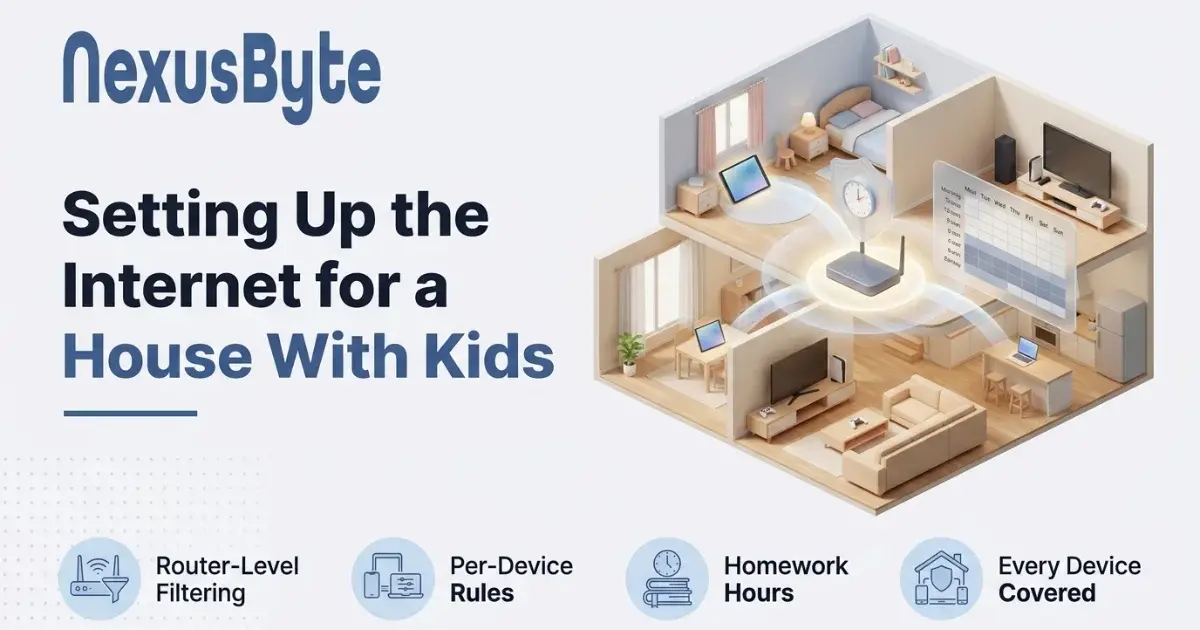
Setting Up the Internet for a House With Kids
Every parent reaches the same point. The internet stopped being a computer in the corner years ago, and is now in a tablet, a phone, two consoles, the television, and a smart speaker that answers questions. Somewhere in there is a decision about what your children can reach and for how long, and nobody hands you a manual.
The technology side of this is genuinely useful and genuinely limited, and being clear about which is which saves a lot of frustration. Filtering will keep a nine-year-old away from things they would rather not stumble into. It will not stop a determined fifteen-year-old, and pretending otherwise is how parents end up with a false sense of security.
Here is what actually works, set up in the order worth doing it.
Two places to apply controls, and you want both
Every parental control sits in one of two places, and they cover for each other's weaknesses.
At the router means the rule applies to everything on your home network at once. Its strength is coverage: it catches the devices you forgot about, including the television, the console, and the tablet a visiting cousin brought. Its weakness is that it stops at the front door — the moment a phone leaves the house and uses mobile data, the router is no longer involved.
On the device means the rule travels with the child. Every phone, tablet and console has built-in family settings that work anywhere, and they can do things a router cannot, like restricting app installs and setting per-app limits. Their weakness is that they must be set up individually on every device, so it is easy to leave one uncovered.
The sensible arrangement is router-level filtering as the floor for the whole house, plus device-level controls on the things that leave it. Setting the first of those up properly is what our parental controls and internet filtering service is for, and it is usually an hour's work.
Start with the router, because it covers the gaps
Most modern routers include some form of filtering, and where they do not, a filtering DNS service can be pointed at from the router and does the same job for the whole house.
The practical setup looks like this:
- Set a baseline category filter for the whole network — adult content, gambling, and malware at minimum. This costs nothing and protects every device including the ones nobody thinks about.
- Identify each child's devices in the router so rules can be applied per device rather than to everyone. Reserving a fixed address for each one keeps those rules attached to the right device instead of drifting.
- Change the router's admin password from the default on the sticker. A curious teenager who can log into the router can undo everything else in about four minutes, and the default password is printed on the box.
- Keep the guest network genuinely separate, since a guest network that bypasses your filtering is an obvious way around it.
If your router cannot do any of this, that is worth knowing before you buy software to compensate — a current router handles filtering, scheduling and per-device rules as standard, and replacing an old one solves several problems at once. Our WiFi and home networking team can tell you whether yours is up to it.
The devices parents forget
Filtering usually gets applied to the obvious things — a child's tablet, a laptop — and misses the rest. The commonly uncovered list is remarkably consistent:
- The games console. It has a full browser, a chat system, and a store. Consoles have their own family settings and they are worth turning on.
- The smart television. Apps, a browser, and a YouTube client with its own separate controls that are not the ones you set on the tablet. Sorting this out is part of a proper smart TV and home theatre setup.
- The old phone with no SIM. Handed down as a music player, still a fully capable internet device on Wi-Fi.
- The school-issued laptop, which usually has its own management and may bypass your network rules entirely.
- The smart speaker, which will answer almost anything asked of it unless filtering is switched on in its app.
Walk the house and write down everything with a screen or a speaker. Parents are routinely surprised by the length of that list, and it is the same exercise worth doing for reliability reasons too, as we cover in why smart home devices keep dropping off Wi-Fi.
Time limits that survive contact with a teenager
Time controls cause more household friction than content filtering, mostly because of how they are implemented rather than that they exist.
A few things make them work:
- Schedule by hours rather than a daily allowance where you can. "Internet off at nine" is understood and predictable. "You have ninety minutes" invites negotiation every single day.
- Do not cut off mid-game. An online match cannot be paused, and ending one abruptly teaches a child that the system is unfair rather than that bedtime exists. A warning before the cut-off removes most of the argument.
- Separate homework from entertainment. A blanket evening block that also kills a research task is a rule that will get overturned within a week.
- Apply it to the whole house if you can bear it. Rules that visibly apply to the adults too are dramatically easier to enforce.
Be aware that a hard network cut-off at bedtime pushes phones onto mobile data rather than offline. If that matters, the control has to be on the device, not the router.
What none of this can do
Worth being direct about the limits, because overestimating them is its own risk.
A home filter does not apply on mobile data, at a friend's house, on school Wi-Fi, or over a VPN — and a teenager who wants to get around a filter will find out about VPNs quickly. Encrypted DNS in modern browsers can bypass network-level filtering unless it is specifically handled. Filtering also cannot see inside the platforms where most of the actual risk lives: it cannot read a direct message, judge a group chat, or notice that someone is being unkind.
That is not an argument against filtering. It is an argument for knowing what it is: a tool that removes accidental exposure and makes deliberate circumvention take effort, buying you the thing that actually works, which is a conversation. Children who understand why a rule exists, and who know they can report something upsetting without losing their device, are far better protected than children behind the strictest filter.
The same logic applies to the rest of the family's security. Filtering does not stop a scam or a dodgy download, which is where virus and malware removal comes in, and a household where everyone recognises a suspicious message is worth more than any single control — something our tech training sessions cover with families directly.
Ageing the setup as they grow
Controls set for a seven-year-old and never revisited become controls a thirteen-year-old routes around, and that is the worst of both worlds — no protection and no trust.
A rough progression that works: heavy filtering and short, scheduled sessions in primary school; loosening categories while keeping time boundaries and device-free bedrooms overnight through the middle years; and by the later teens, most controls off with the expectation of an open conversation instead. The aim is a young person who can handle the internet without supervision, and the last few years before they leave home are the time to practise that while you are still there.
Revisit it once a year, ideally with them in the room. A rule they helped set is a rule they mostly keep.
Getting it set up
None of this is difficult, but it is fiddly, and it touches every device in the house — which is why so many families do half of it and never finish.
If you would rather have it done properly in one visit, our Sydney team sets up filtering at the router, applies age-appropriate rules per device, covers the console and the television along with the obvious things, and shows you how to change it yourself as the children get older — through our parental controls service, with the wider household network covered by home IT support. The point is not to lock the house down. It is to make the internet a normal, manageable part of family life rather than something nobody quite has a handle on.