

WiFi & Home Networking | WiFi Setup & Network Installation
A home should not have good rooms and bad rooms for internet. NexusByte designs and installs home networking for Sydney properties that actually reaches every corner — WiFi setup, mesh systems, access points and wired connections engineered around your floor plan rather than wherever the modem happened to land.
If your current connection is the problem, we fix that too. We test signal strength room by room, hunt down the cause of slow speeds and dropouts, and resolve coverage black spots properly. Where the house needs more than one router can give, mesh WiFi or professional access points deliver full coverage.
With streaming, video calls and a growing pile of connected devices all competing for bandwidth, a properly planned WiFi installation pays for itself in saved frustration. We service homes across Sydney with same-day appointments available — so the buffering wheel, the dead-zone bedroom and the mid-meeting dropout can all be gone by tonight.
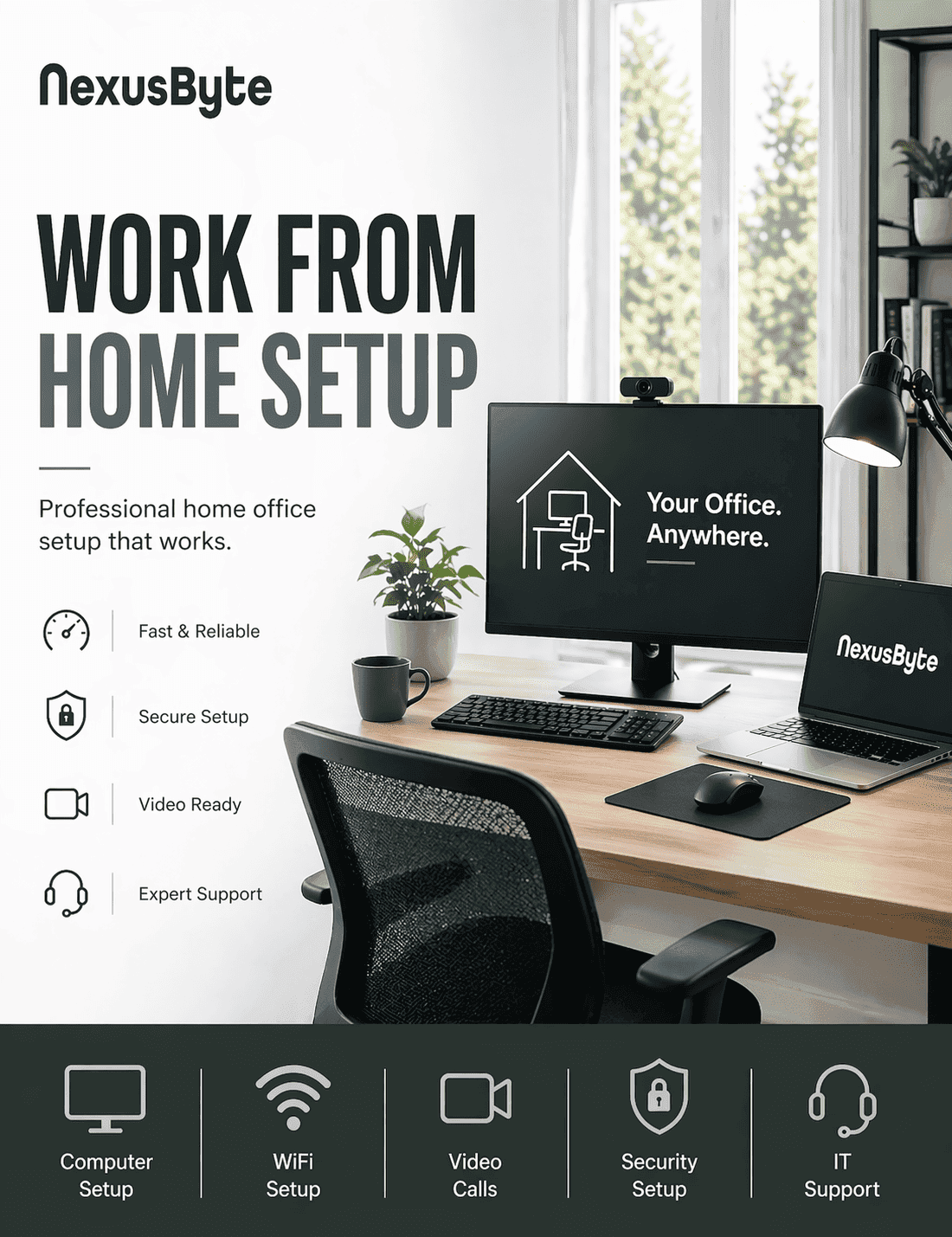
Our WiFi and networking includes:
WiFi setup and optimisationMesh and access point installationWired network setupCoverage and speed testing
Trusted WiFi & Home Networking
We fix WiFi dropouts and poor coverage for good.
We test your signal, find dead zones and install the right solution: mesh WiFi, access points or wired backbone. NBN and modem checks included.
WiFi site survey
Mesh and access points
Modem and NBN check
Wired network
Smart home ready
Same-day service
Fixed price. No fix, no fee. Servicing all Sydney suburbs.
Built for Coverage. Engineered for Speed.
NexusByte sets up and fixes WiFi, mesh systems, and home networking so you get fast, reliable coverage.
WiFi setup and optimisation
Mesh systems
Dead zone fix
Network security
Every network is tuned for your home and your devices.
Wi-Fi measured, not guessed
Dead spots, buffering and devices that disconnect come down to where the signal reaches and how many things share it. We measure coverage room by room, quote the fix as one price, and test the result where you use it.
Free Diagnostic

Fixed Quote

No Fix, No Fee

Same Day Service

The result is tested room by room before we call it done.
Request a Free QuoteOur WiFi & Home Networking Process
Good home WiFi is designed around the building, not bought off a shelf. Every install follows the same four steps.
1. Survey the property
2. Design the right fix
3. Install and tune
4. Test every room and hand over
Our WiFi & Home Networking Services
WiFi Setup
New router or modem WiFi setup and optimisation.
Includes:
- Router config
- SSID and password
- Channel optimisation
- Test
Mesh WiFi Installation
Whole-home mesh for consistent coverage.
Includes:
- Mesh install
- Placement
- Config
- Coverage test
Access Points
Professional access points for large homes.
Includes:
- AP install
- PoE if needed
- Roaming
- Test
Wired Network
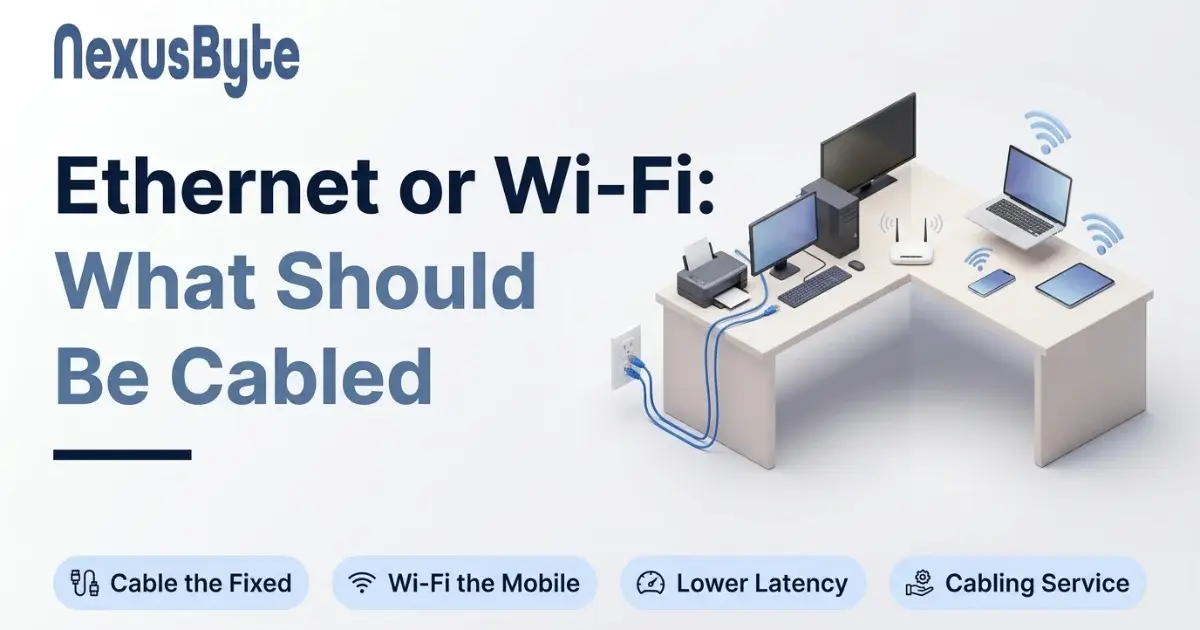
Use existing data points and switches.
Includes:
- Switch config
- Cabling check
- Router
- Devices
WiFi Troubleshooting
Fix dropouts, slow speed and connection issues.
Includes:
- Signal test
- Interference check
- Firmware
- Fix
NBN & Modem Check
Verify NBN and modem for best performance.
Includes:
- NBN test
- Modem config
- Speed test
- Advice
What Is a Home WiFi and Networking Service?
A home WiFi and networking service designs, installs and tunes the network your household runs on — router configuration, mesh WiFi systems, access points and wired connections. It is for Sydney homes plagued by dead spots, dropouts or speeds nowhere near what the internet plan promises.
The work is measurement-led rather than guesswork: signal strength tested room by room, interference checked, speeds verified both at the modem and at the far end of the house. Only then do we recommend hardware, because the right answer for a top-floor apartment is the wrong answer for a double-brick federation home.
Good WiFi quietly carries everything else — streaming, smart devices, video calls, gaming. And if you work from home, it is not a luxury; it is the office floor.
Why Is Your WiFi Slow or Constantly Dropping Out?
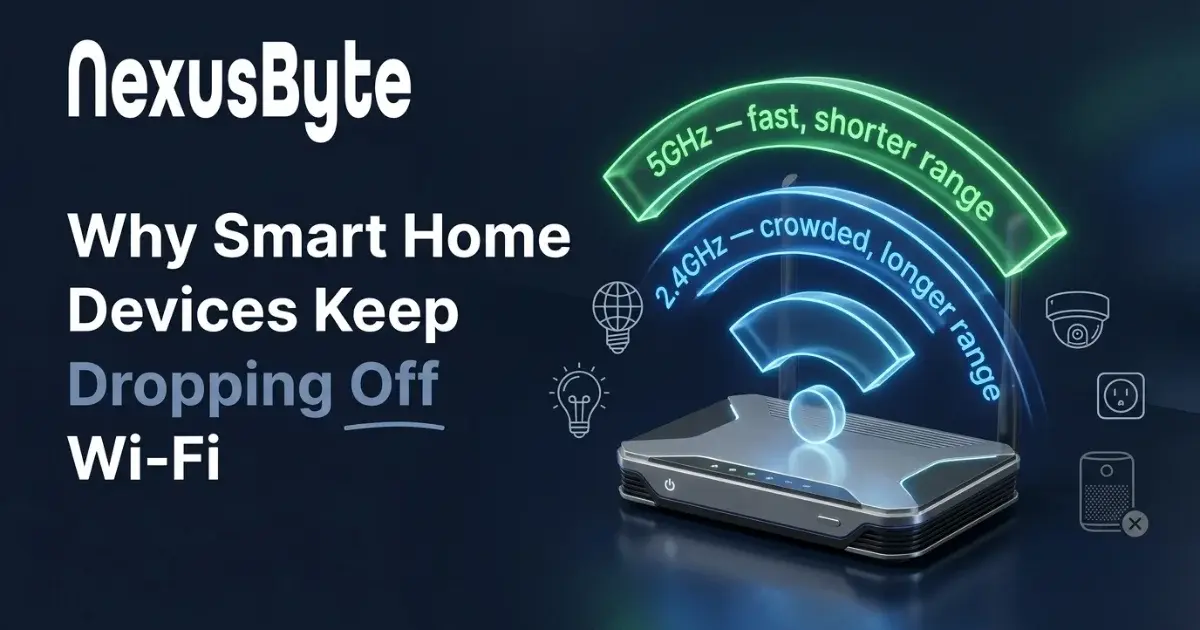
The usual causes, roughly in the order we find them: a router in a terrible location — inside a cabinet, in a far corner, sitting on the floor — thick or double-brick walls that Sydney housing stock specialises in, congestion from dozens of neighbouring networks, ageing router hardware or firmware, and simply too many devices leaning on one access point.
Sometimes, though, the WiFi is innocent and the internet connection is the real problem. A quick way to tell: if speeds are poor while standing right next to the router, the fault is upstream. Our NBN and modem check verifies the incoming connection, and our internet installation service handles faults and upgrades on that side.
Intermittent dropouts call for a different diagnosis again — interference, channel overlap and firmware are the frequent offenders — which is why we test before swapping hardware on a hunch.
Multi-room speakers are the clearest example. When one room keeps falling silent it is almost never the speaker at fault but the wireless underneath it, which is why Sonos dropouts so often turn out to be a network job. The same is true of a smart TV that buffers on one wall and not another.
Mesh WiFi, Access Points or an Extender — What Should You Buy?
Cheap plug-in extenders are the option we recommend least: they typically halve throughput and often create a second network your devices cling to at exactly the wrong moment. They have a place in small, simple homes, but rarely solve the problem people buy them for.
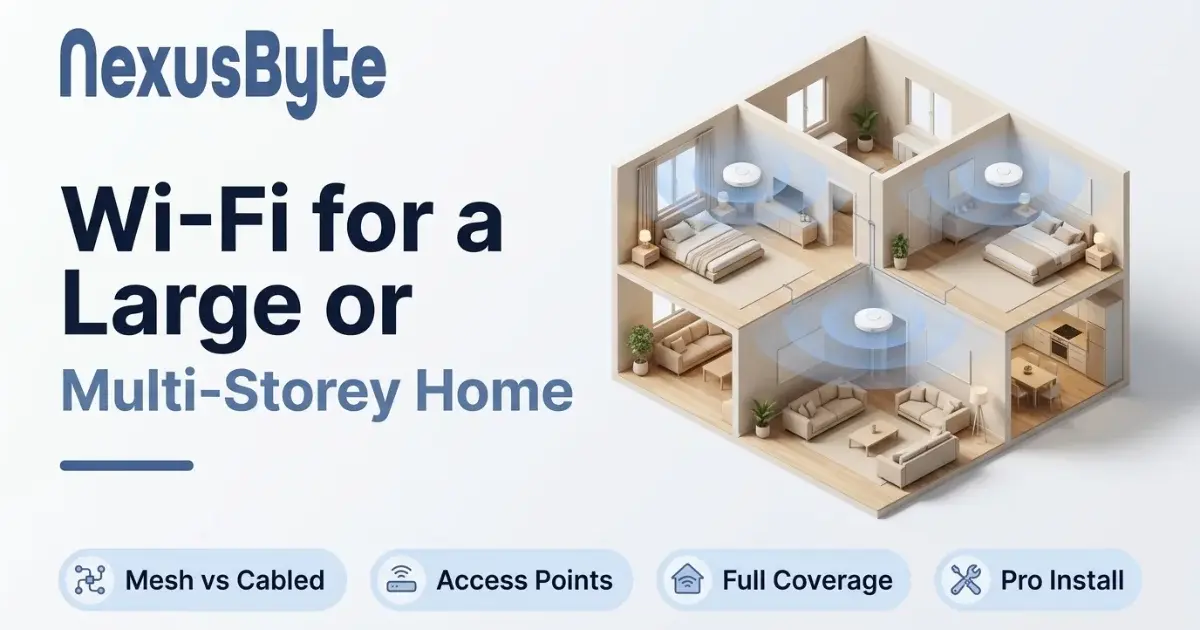
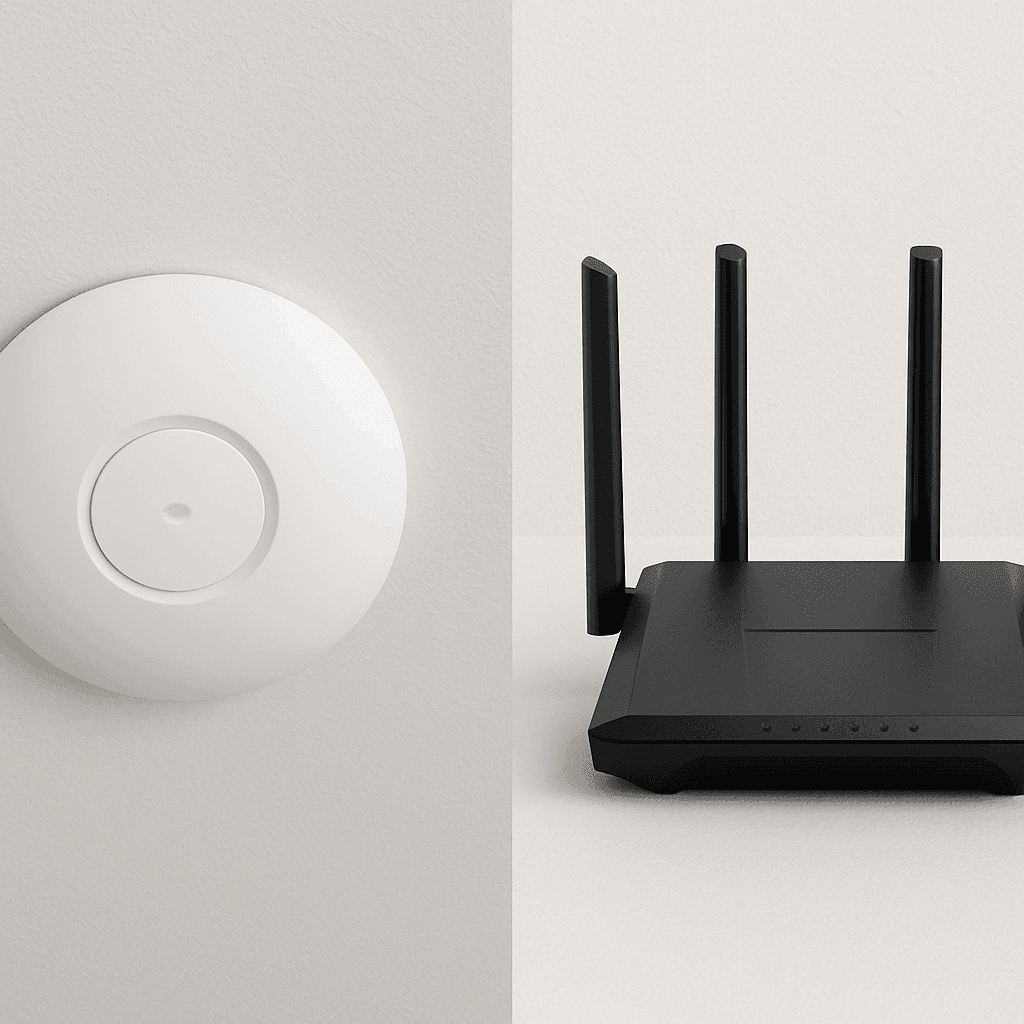
Mesh WiFi is the right call for most households: several units sharing one network name, seamless roaming as you move through the house, and easy management from an app. Placement is everything with mesh, which is where a professional installation earns its keep.
Wired access points are the premium answer for large homes, thick walls or anywhere performance genuinely matters — each point fed by Ethernet, with PoE where needed, so no wireless hop steals speed. And if your home already has data points in the walls, a wired network with a properly configured switch is often the cheapest path to the best result.
What decides it: the size and construction of your home, whether wall cabling exists, how many devices you run, and where the heavy users sit.
What Happens During a WiFi Installation Visit?
We start with an assessment and a fixed quote: a walk through the home testing signal and speed in the rooms that matter, a look at your current router and NBN equipment, and an honest recommendation — which sometimes means less hardware than you expected to buy.
Installation covers placement, configuration, channel optimisation, network naming and passwords, and roaming setup so devices hand over cleanly between points. Securing the network is part of the standard job, not an extra: strong encryption, a proper admin password and a guest network where it is useful.
Handover is a coverage retest in the same spots we measured at the start — the bedroom, the study, the back deck — plus speed checks and a walkthrough of the management app so you stay in control. For households with children, we can layer parental controls and filtering over the new network while we are there.
How Much Does WiFi Installation Cost in Sydney?
Cost is driven by four things: the size and construction of your home, whether you need mesh or wired access points, how much of your existing equipment can be reused, and whether any cabling work is involved. A single-router optimisation is a much smaller job than a three-storey wired installation.
You get a fixed quote before any work starts — no hourly surprises, no hidden fees — and the result is backed by our work guarantee: no fix, no fee. Same-day service is available when the household is offline and tempers are fraying.
Book a WiFi assessment and tell us the worst room in the house — that is where we will test first.
Our Insights
Latest Home IT Support & Technology Insights

Client Reviews
What Sydney households say about our home visits
Three of the reviews our clients have left on Google. The full set, as written, is on our reviews page.
Highly recommended, they go out of their way to provide old fashioned service
Amazing service. Job done, Lovely staff - highly recommend
He fixed my Sonos internet connectivity problem where others had tried and failed. I particularly liked that he contacted me the day after his service call to check that everything was still OK with my system.
FAQs
Frequently Asked Questions
Can you fix slow or dropping WiFi?
Do you install mesh WiFi systems?
Do you secure home networks?
What if my WiFi keeps disconnecting?
Get in touch
No more good rooms and bad rooms for WiFi
Book a WiFi assessment and tell us the worst room in the house. We measure every room, design the right fix, install it and test again where it used to drop out.
Book onlineNot ready to book? Ask a question and we reply within two business hours.