

Computer Setup & Installation | New PC, Mac & Laptop Setup
A new computer should feel like an upgrade from the moment you switch it on, not a weekend of frustration. NexusByte provides professional computer setup across Sydney for home and business, taking a brand-new PC, Mac or laptop from boxed to fully working, files, accounts and all, while you get on with better things.
The service covers the lot: data transfer from your old device so nothing is left behind, email and app setup, Office 365 installation, antivirus protection and printer and network connection. We'll even walk you through the changes with practical training, so your new laptop setup ends with you confident, not confused.
Whether it's a single machine at home or a fleet of desktops for the office, a proper PC setup done once saves hours of niggles later. Same-day service is available, so there's no reason to leave that box sitting unopened. Book NexusByte and put your new computer straight to work.
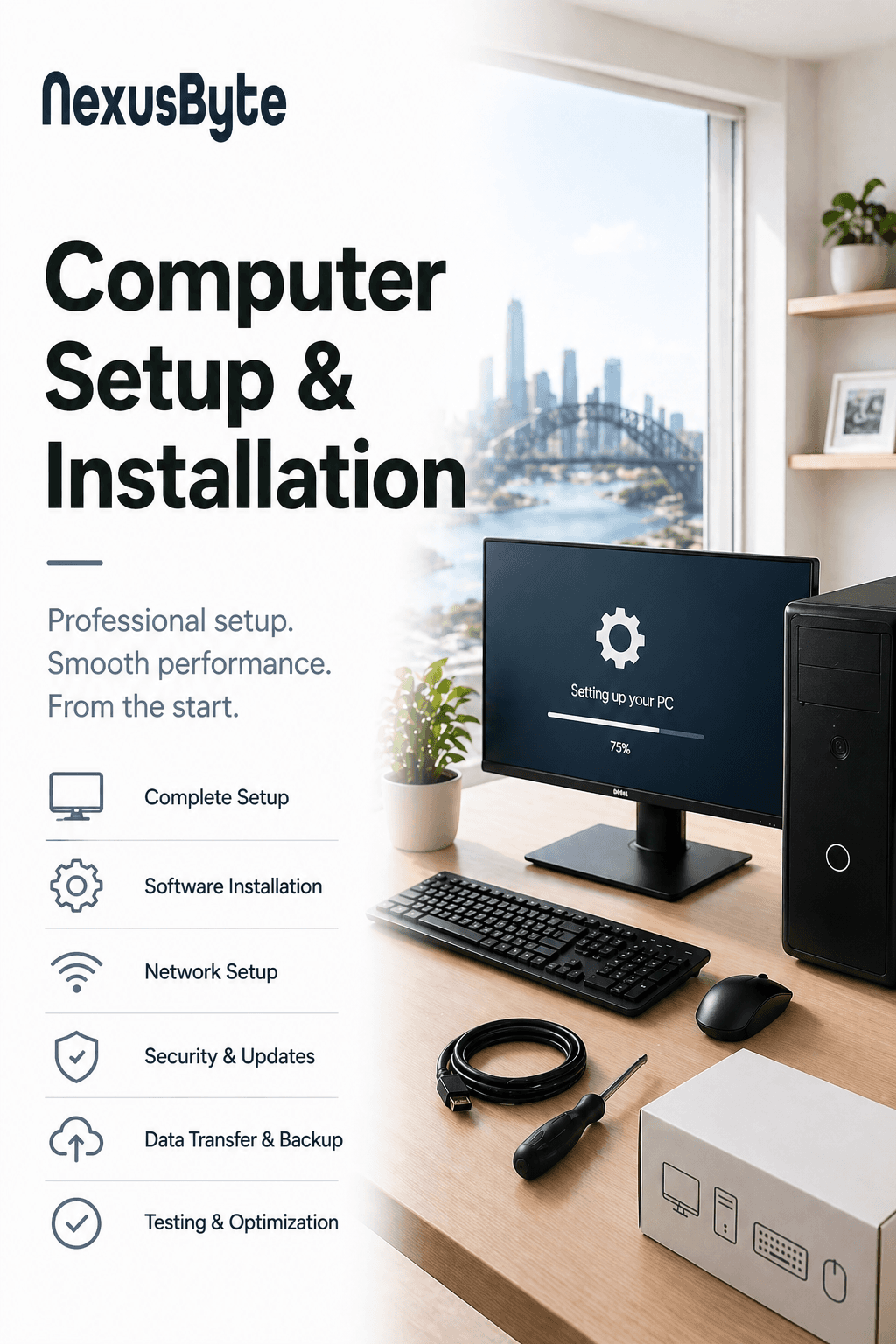
Our computer setup includes:
Professional Computer Setup
We get your new computer ready to use, your way.
We transfer files and settings, set up email and Microsoft 365, install antivirus, connect printers and WiFi, and show you the basics.
Fixed price setup. Same-day available. No fix, no fee.
Built for You. Engineered for Productivity.
NexusByte sets up new PCs, Macs, and laptops with data transfer, email, Office 365, and network setup.
Every setup is tailored so you can start working without hassle.
What our setup service guarantees
A new PC, Mac or laptop should arrive ready to use, not half configured. We quote the setup as one fixed price, move your files and accounts across, and check everything works before we leave.




Everything we set up is tested with you before we call it done.
Request a Free QuoteOur Computer Setup & Installation Process
A new computer set up by us is ready to work from the first login. The steps are the same for a home PC or an office full of laptops.
Our Computer Setup & Installation Services
New PC Setup
Full setup for new Windows PCs and desktops.
Includes:
- Windows setup
- Updates
- Drivers
- Software
New Mac Setup
Setup for new iMac, MacBook and Mac mini.
Includes:
- macOS setup
- Migration
- iCloud
- Apps
Data Transfer
Move files, emails and settings from old computer.
Includes:
- File transfer
- Email migration
- Same structure
- Verify
Email & Office 365
Configure email and install Office 365.
Includes:
- Email setup
- Office 365
- OneDrive
- Sync
Printer & Network
Connect printer and WiFi to new computer.
Includes:
- Printer install
- WiFi
- Network
- Test
Multi-Monitor & Dock
Dual/triple monitor and docking station setup.
Includes:
- Monitors
- Dock
- Cables
- Arrangement
What Is a Computer Setup and Installation Service?
A computer setup service takes a brand-new PC, Mac or laptop from the box to fully working: files and email transferred from your old machine, Office 365 and antivirus installed, printers and Wi-Fi connected, and everything tested before handover. It's for Sydney households and businesses that want a new computer productive from day one.
'It works straight out of the box' is only half true. A new Windows PC typically arrives with hours of pending updates, trial software you never asked for, and none of your accounts or files. A new Mac needs migration, iCloud and apps configured in the right order to avoid double-handling. Professional setup compresses all of that into a single visit — onsite or via remote support — instead of a lost weekend.
It's one of several computer services NexusByte provides across Sydney, and same-day setup is available when the new machine can't wait.
Why DIY Setup Takes Longer Than You Expect
The tasks that trip people up aren't the obvious ones. Copying a Documents folder is easy; getting years of email, calendars, bookmarks and application settings across intact is not. Email is the classic trap — modern accounts involve passwords, two-factor prompts and server settings, and one wrong step can leave you locked out on both machines at once.
Printers are the other great time sink. Drivers, network discovery and default settings routinely refuse to cooperate with a new operating system version. Our printer and scanner setup installs, connects and actually test-prints before the job is called done — the same verify-it-works standard we apply to every part of the handover, from OneDrive sync to the Wi-Fi connection.
Security is the piece most often skipped entirely. A new machine should have antivirus installed and updates fully applied before it starts carrying your banking, email and business files — not at some vague point later. We fold that into the setup so it isn't left to chance, and where something has already taken hold on the old machine, virus and malware removal clears it out before your files travel across.
How Does Data Transfer From Your Old Computer Work?
We start by assessing what lives on the old machine: files, email accounts, browser data and the settings that make a computer feel like yours. Then we move it all across, preserving your familiar folder structure rather than dumping everything into one giant directory you'll spend months untangling.
The step people skip is verification — checking the transferred data on the new machine before anything is removed from the old one. Our advice is always the same: keep the old computer untouched for a while after the move as a safety net, and never wipe it or trade it in on transfer day.
If the old machine has already died, the files aren't necessarily gone with it. Our data recovery service can often extract data from failed drives so it can be loaded onto the new computer as part of the setup.
Monitors, Docks and the Rest of Your Workspace
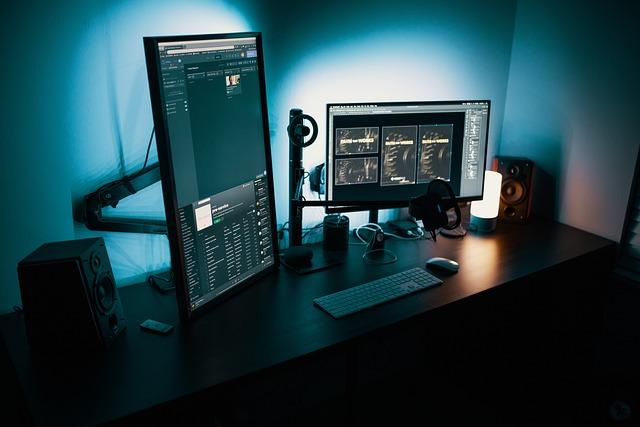
For home offices and businesses, setup usually extends beyond the computer itself. We configure dual and triple monitor arrangements, docking stations for laptops, and the cabling that keeps a desk usable rather than chaotic. Getting screen arrangement, scaling and resolution right is where multi-monitor setups most often go wrong — windows dragging the wrong way, text sharp on one screen and blurry on the next.
For a business standardising its desks, doing this properly pays off every single morning: one dock cable in, and a laptop becomes a full workstation with monitors, network and printer ready to go. It also removes the quiet productivity tax of staff squinting at a single laptop screen when a second display was sitting in a cupboard all along.
When to Book and What to Have Ready
The best time to book is before you unbox — with both the old and new machines in one place, the transfer is straightforward and nothing gets set up twice. A few things make the visit faster:
- Your account passwords — email, Microsoft or Apple ID, and Wi-Fi
- Any software licences you own, such as Office 365
- The old computer, its charger, and any external drives holding files you care about
- A list of the printers and devices the new machine needs to talk to
Pricing is fixed with no hidden fees, so you'll know the cost before we start. And if the real question is whether you need a new computer at all, ask — sometimes a hardware upgrade gives your existing machine a second life for far less. Once the new computer is running, periodic maintenance keeps it that way. When you're ready, book a setup visit and we'll handle the rest.
Latest Computer Repairs & Technology Insights

What customers say about our repair work
Three of the reviews our clients have left on Google. The full set, as written, is on our reviews page.
Laith went out of his way to fix my dad's computer when everything was closed. He came home and spared my dad the trouble of travel
Laith was reliable, helpful and professional - will be recommending.
The entire process was an A+ experience from the moment the call was answered, through to the diagnostic, repair and return of the damaged laptop. Laith is fantastic. In every element of his service and support.
Frequently Asked Questions
Have your new computer set up properly
Book a setup and we will update it, strip the junk, create your accounts, move your old files and connect your printer and WiFi, so it is ready to work from the first login.