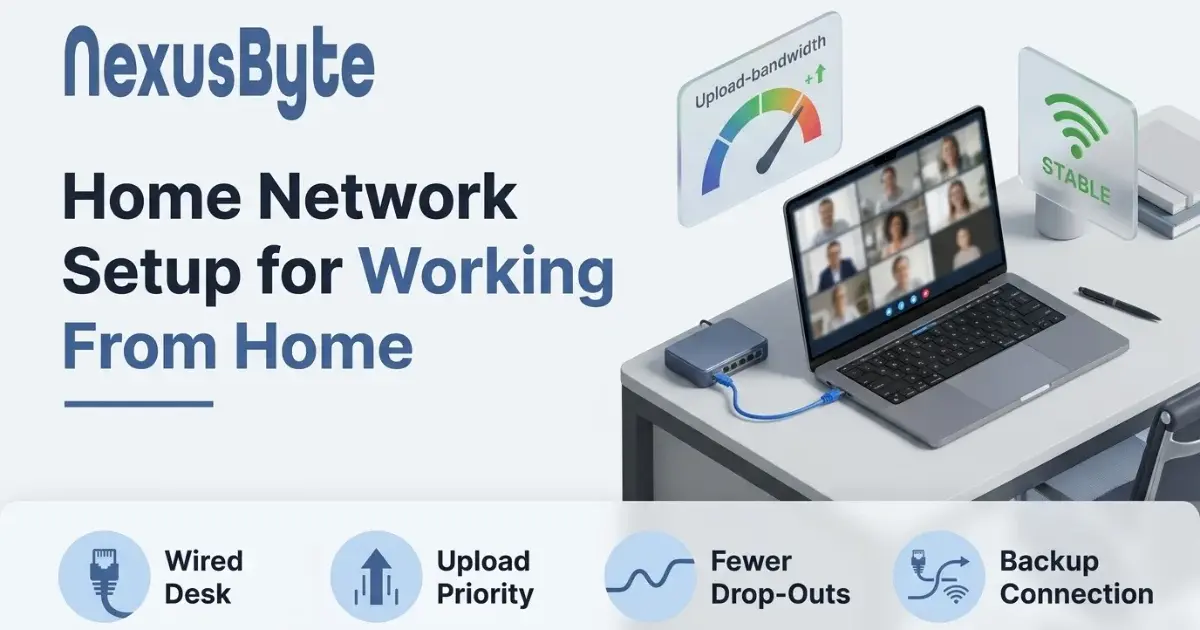
Home Network Setup for Working From Home
Your download speed is excellent. Streaming works perfectly. Web pages load instantly. And yet twice a week you freeze mid-sentence on a client call, your camera turns itself off, and someone says "you cut out there, can you repeat that?"
This combination confuses people, because it feels contradictory. If the internet were slow, surely everything would be slow. But a video call stresses a connection in a completely different way from anything else in the house, and the things it needs are precisely the things residential broadband gives you least of. A network that streams flawlessly can be a poor place to hold a meeting.
Working from home has stopped being a temporary arrangement, and a network that merely coped in 2020 is now carrying a job. This guide covers what actually determines whether that job goes smoothly.
Upload is the number that matters, and nobody advertises it
Almost every residential plan in Australia is asymmetric: you get a lot of download and a fraction as much upload. A common tier might pair a hundred megabits down with twenty up, and some are considerably tighter than that.
Streaming, browsing and downloading all lean on the fat side of that pipe. A video call leans on the thin one, because you are not just receiving video, you are continuously sending it. So does screen sharing, so does a cloud backup, so does every camera in the house uploading footage, and so does a large file going out to a client.
This is why calls break while everything else looks fine. Your download is barely troubled. Your upload is full. And once upload saturates, the effect on a call is immediate and ugly — your outgoing video degrades, your audio starts to break, and the other side hears you drop out while you hear them perfectly, which makes the problem genuinely hard to diagnose from the inside.
Test both directions, and pay attention to the second number. If upload is in single digits while a backup is running, you have found your answer.
What a call needs that a speed test never measures
Speed is only one dimension, and for real-time media it is not the most important one. Two other measurements decide call quality, and neither appears in the headline result:
- Latency is the delay before data starts moving. High latency produces those awkward collisions where two people start talking at once because neither realises the other has already begun.
- Jitter is variation in that delay. This is the real enemy. Audio and video have to be reassembled in order and on time, and inconsistent arrival is what produces the robotic, chopped-up voice everyone recognises. A connection with modest but perfectly steady speed will hold a better call than a fast one that fluctuates.
Both get dramatically worse when a link is saturated, which is the mechanism behind the classic complaint that calls fall apart the moment someone else in the house starts a large download. The connection has not failed; it has become erratic, and erratic is fatal to real-time media.
Put the work desk on a cable
If you take one thing from this article, take this one. Run an Ethernet cable from the router to the machine you work on.
Wireless is a shared medium. Every device in range takes turns, and a distant or busy connection produces exactly the variable timing that ruins calls. A cable gives you consistent latency, no interference from the neighbours, no competition for airtime, and no degradation when someone walks between you and the router with a microwave running.
People resist this because it sounds like a renovation. Usually it is not. A long flat cable run along a skirting board and tucked behind furniture is unglamorous and takes ten minutes, and it costs a few dollars. If you are setting up a new place from scratch, deciding where the desk goes before the furniture arrives is worth more than any equipment — something we cover in getting your internet working the day you move in.
Where a cable truly is not possible, get the desk as close to good coverage as you can, use the 5GHz band rather than 2.4GHz, and consider an access point nearer the room rather than relying on a distant router.
Stop the rest of the house competing at the wrong moment
Your work traffic is not competing with abstractions. It is competing with a specific list of things, and most of them do not need to run during business hours:
- Cloud backup and photo sync. These are designed to use whatever upload is available, which is precisely the resource your call needs. Schedule them overnight — a properly configured home data backup runs when nobody is working rather than in the middle of a meeting.
- Security camera uploads. Continuous recording to the cloud consumes upload all day, every day. Motion-triggered recording is dramatically lighter.
- Game console updates. Modern titles patch in tens of gigabytes and will happily do it at 11am. Most consoles can be told to update only overnight.
- Other people's meetings. Two adults on separate calls in the same house is now routine, and two upload streams on a thin link is often one too many. Where the household has simply outgrown the connection, internet installation may be a better answer than tuning what you have.
Many routers offer Quality of Service, which lets you prioritise one device or type of traffic over others. Where it is implemented well it is genuinely useful — prioritising the work machine means a backup starting mid-call degrades gracefully instead of taking the call down. Where it is implemented poorly it does very little, which is one of several reasons the router matters.
The VPN nobody accounts for
If your employer requires a VPN, it changes the arithmetic, and it is one of the few problems here that remote IT support can usually diagnose without visiting. All your traffic is encrypted and routed through a corporate gateway before reaching the internet, which adds latency, can reduce throughput, and concentrates everything through a single point that may itself be busy.
The common trap is a VPN configured to carry every packet, including your video call, so a meeting hosted in Sydney travels to a gateway elsewhere and back. Many organisations now split that traffic so calls go direct while business systems stay in the tunnel. If your calls are noticeably worse when connected than not, that is worth raising with your IT team — it is a configuration question, and it is theirs to answer.
Equipment worth spending money on, and equipment that is not
The honest shortlist for a home office is short:
- A capable router. The single highest-impact purchase. A current router handles more simultaneous devices, manages airtime better, and offers QoS that works. Hardware bundled with a plan several years ago is usually the weakest link in the house.
- A wired connection to the desk. Cheapest fix available, largest effect.
- A second access point where coverage is genuinely poor, ideally connected back by cable rather than relaying wirelessly, since a wireless relay halves throughput.
- A wired headset. Not networking, but it removes a whole category of intermittent audio problems that get blamed on the internet.
What rarely helps: a faster plan when the bottleneck is Wi-Fi or upload contention, powerline adapters over old or split-circuit wiring, and stacking wireless extenders, each of which adds latency to the one before it. If you are unsure whether the plan is even the issue, our guide to diagnosing NBN speed problems walks through how to tell.
When the connection itself is not enough
For some people the risk is not quality but outage. If a dropped connection means missed client work or lost income, a single link is a single point of failure, and no amount of tuning changes that.
The straightforward answer at home is a phone with tethering, tested before you need it rather than discovered during an outage. Know how to switch, know your data allowance, and know that a laptop tethered to a phone will hold a meeting perfectly well. Businesses solve this more formally with automatic failover, which we cover in our guide to what happens when a business connection drops.
Making it someone else's problem
Most of this is achievable in an afternoon. Test both directions, cable the desk, move the backups to midnight, and replace the router if it predates the job you are now doing on it.
If the house is difficult, the coverage is genuinely poor, or you simply want it working properly without spending a weekend on it, our Sydney team will come out, measure what you actually have, and build a setup around how your household really uses it — through our WiFi and home networking service, or as part of a full home office setup if the desk, the machine, and the printing all need sorting at once. A working day should not depend on where you happen to be sitting in your own house.