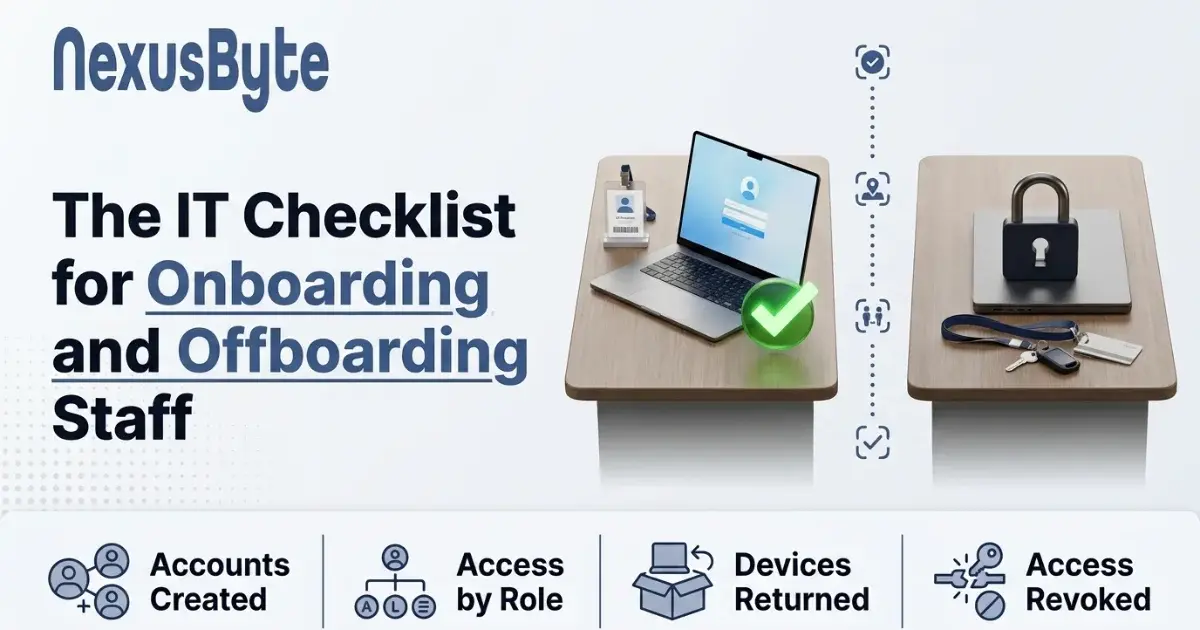
The IT Checklist for Onboarding and Offboarding Staff
Ask a small business how many former employees can still access something and the answer is usually confident. Then run an audit and you find a mailbox still receiving, a file share still reachable, a shared login unchanged since 2021, and a personal cloud account that has been syncing company documents for eighteen months.
Nobody intended this. It is what happens when starting and leaving are handled by whoever is available, from memory, with no list. The starter side produces an awkward first day. The leaver side produces a genuine security exposure, and it is one of the more common weaknesses we find.
Both are solved by the same unglamorous thing: a written checklist that is actually followed.
Why the leaver side matters more than it feels like it does
Most departures are amicable, which is exactly why the risk is underrated. The problem is not usually a disgruntled ex-employee. It is that dormant access is an unguarded door.
A former staff member's credentials are still valid credentials. If they are reused on a site that suffers a breach, an attacker now has a working login to your systems, belonging to someone nobody is watching. Nobody will notice unusual activity on an account that should not be active at all. And if that account had access to email, an attacker has a trusted internal address from which to invoice your customers with altered bank details — one of the most effective frauds running in Australia right now.
There is a compliance edge too. If personal information is held in systems a former employee can still reach, you are no longer taking reasonable steps to protect it under the Privacy Act. That becomes a much harder conversation if it ever surfaces after an incident.
Onboarding: what should exist before their first morning
A first day spent waiting for a login is a bad first day, and it sets a tone. Everything below should be done before they arrive:
- Identity first. Create the account in your directory — Microsoft 365 or Google Workspace for most businesses — and let everything else hang off it. Getting this right is what makes the leaver side simple later.
- Grant by role, not by copying. "Give her the same as Sarah" is how permission sprawl begins: Sarah has accumulated five years of exceptions, and the new starter inherits all of them on day one. Define what a role needs and grant that.
- Multi-factor authentication, enforced from the start. Enrolling on day one is normal. Introducing it in month six is a fight.
- Device prepared and enrolled — encrypted, updating automatically, endpoint protection installed, and registered in device management so it can be wiped remotely if lost.
- Application access, listed explicitly. Accounting, CRM, project tools, industry software, the shared drives that matter.
- Group memberships and mailing lists, so they receive what they should and nothing they should not.
- A written record of what was granted. This is the single step that makes offboarding reliable, because you cannot remove what you never wrote down.
Pair it with a short security induction — how to recognise a phishing attempt, how to report one without embarrassment, and how to handle customer data. Fifteen minutes on day one prevents a disproportionate share of incidents, and for teams that want it done properly there is formal security awareness training.
Offboarding: the same list, in reverse, on the day
Timing matters. Access should end when employment does, not the following week when someone gets to it.
- Disable rather than delete, immediately. Disabling stops access instantly while preserving the mailbox and files. Deleting straight away can destroy data you are obliged to keep, and in some systems it is not recoverable.
- Kill active sessions. Changing a password does not always sign out a device that is already logged in. Revoke tokens and force sign-out everywhere, or a phone in someone's pocket keeps working for days.
- Redirect their mail to a manager or shared mailbox so customers are not writing into a void, and set an autoresponder pointing to the right person.
- Transfer file ownership before anything is deleted. Documents in a personal cloud folder disappear with the account, and it is always something important.
- Collect and wipe devices — laptop, phone, tablet, security fob, and anything at their home if they worked remotely.
- Work through your written access list and close each item, including the ones outside your directory.
- Reclaim licences. Unused subscriptions are a quiet, permanent cost, and most businesses are paying for several.
The accounts that survive the process
Even a diligent offboarding misses things, because some access does not live in your directory at all. These are the usual survivors:
- Shared logins. The single account for the courier portal, the supplier ordering system, the social media profile. Disabling their personal account does nothing here, so these passwords must be changed on departure. Better still, eliminate shared accounts — they make it impossible to know who did what.
- Third-party portals that were signed up for directly: the SaaS tool one team uses, the industry body login, the marketplace seller account.
- Their mobile phone, if it holds an authenticator app or has a saved session for a business system.
- Remote access. VPN accounts and remote desktop are frequently managed separately from the main directory.
- Physical access — building fobs, alarm codes, and the alarm code itself if they knew it, which should be changed rather than merely revoked.
- Personal devices with saved credentials, which is why forcing a sign-out everywhere matters more than changing a password.
The way to catch these is to make the list at onboarding and add to it whenever access is granted mid-employment. Reconstructing it on someone's last day never works.
Review what the process missed
Checklists slip. A twice-yearly access review catches what fell through, and it is a short exercise:
- List every active account in your directory and confirm each belongs to a current employee. Unexpected names appear surprisingly often.
- Check who holds administrative privileges. This grows quietly, and it should be a very short list.
- Review each major application separately, since they rarely mirror your directory exactly.
- Look at what licences you are paying for against who actually works there. This frequently pays for the review several times over.
- Check that shared credentials have been rotated since the last departure.
Doing this alongside a broader security check makes sense, since the questions overlap — our digital security check covers this ground.
Making it routine rather than heroic
None of this is technically difficult. It fails for organisational reasons: no owner, no list, and a departure that happens while everyone is busy.
Fix that by writing both checklists down, naming who is responsible, and putting the trigger where the event actually occurs — offboarding starts when HR is told, not when IT hears about it secondhand. Where accounts are managed centrally, a great deal of this can be automated so disabling one identity closes most doors at once, which is a strong argument for keeping identity in one place rather than scattered across services.
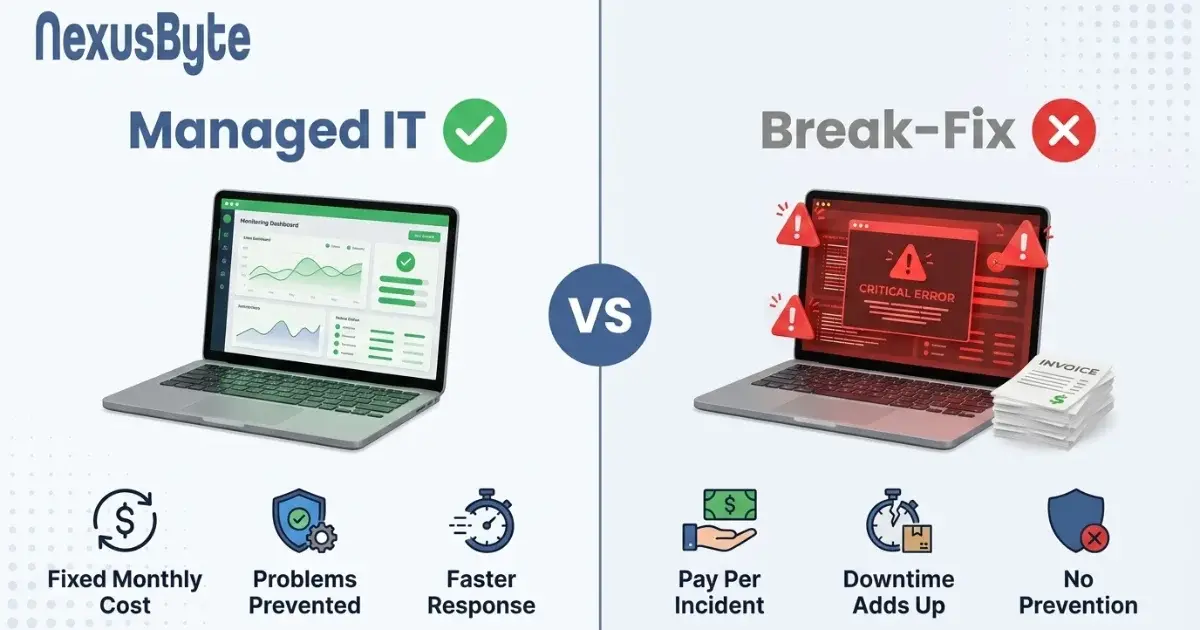
If you would rather it simply happened without depending on someone remembering, this is standard work under a managed arrangement — business IT support handles starters and leavers as routine alongside the wider environment they work in. For how that model compares with paying by the hour, our guide to managed IT versus break-fix lays out the arithmetic.