
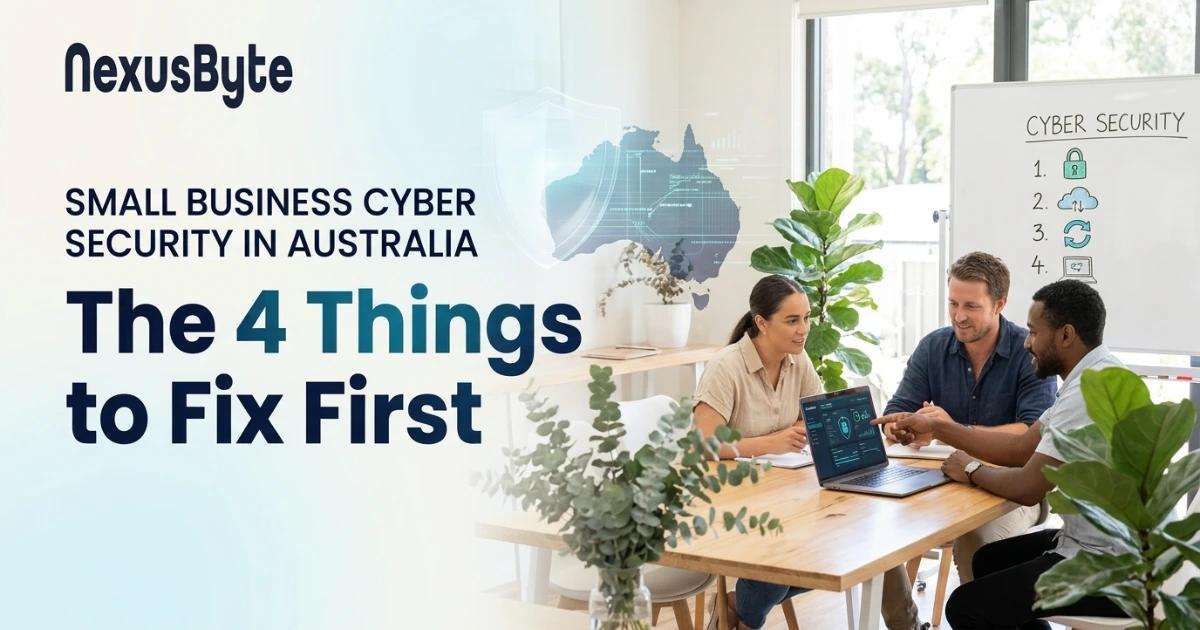
Small Business Cyber Security in Australia: The 4 Things to Fix First
Most small business owners understand that cyber security matters. The hard part is knowing where to start. Search the topic and you will find countless frameworks with dozens of controls, maturity levels and complicated language written for federal agencies with in-house security teams.
You may be surprised how secure your business can be with a few good practices. Done properly, a handful of steps can stop most of the cyber attacks that target Australian small businesses. This article covers the four things to fix first, the biggest changes of 2026, and how to quickly assess your business's security.
What Changed in 2026
For about ten years, the Essential Eight has been Australia's standard cyber security baseline. That is about to change. The Australian Signals Directorate (ASD) is phasing the Essential Eight out and replacing it with ASD Essentials, a principles-based framework. Even so, it is expected to take at least a year before the new framework is fully adopted (iTnews).
Unlike the Essential Eight, with its detailed controls and maturity levels, ASD Essentials is built mainly for larger organisations and offers little guidance for small and medium enterprises (SMEs). There is good news for smaller businesses, though. In October 2026, ASD published a small business cyber security handbook that sets out the essential protections for small businesses. It makes four recommendations: multi-factor authentication, software updates, regular backups and staff training (ACS Information Age).
So the most critical controls for a small business are also the easiest to put in place. Here's how to do each one.
1. Enable Multi-Factor Authentication Wherever It's Available
What should you turn it on for first?
- Business email (Microsoft 365 or Google Workspace)
- Online banking and payment platforms
- Accounting software (such as Xero or MYOB)
- Your website admin, domain registrar and hosting accounts
- Remote access tools and VPNs
How to do it
- Where available, use an authenticator app, passkeys or a physical security key. An SMS code is better than nothing, but it can be intercepted.
- Train staff to never approve a prompt they did not start. Attackers sometimes send prompt after prompt, hoping someone will approve one just to make them stop.
- Make sure every account is covered by MFA, including the shared mailbox and that old admin account.
For help rolling this out to your staff, see our MFA and identity security service.
2. Keep Software Updated
Cyber attackers work quickly. Under the current Essential Eight model, when a vulnerability is critical and a working exploit exists, organisations should patch, update or otherwise mitigate it within 48 hours.
What needs updating?
- Windows and Mac computers
- Web browsers and office software
- Phones and tablets that access business email
- Routers, firewalls and Wi-Fi access points (often forgotten)
- Plugins and the content management system on your website
How to do it
- Turn on automatic updates wherever the option exists.
- Replace devices that no longer receive security updates. Windows 10 stopped receiving free security updates in October 2025 and the consumer Extended Security Updates ended in October 2026, so business PCs still running it should be upgraded or replaced. Microsoft's paid extended updates for organisations are only a temporary bridge.
- Have someone check that updates have actually installed, not just that they are switched on.
That's part of the service we provide: we monitor and manage updates for you across all your devices.
3. Back Up Your Data and Check the Backups Work
Ransomware, lost or stolen devices, failing hard drives and an employee's poor judgement can all cause permanent data loss. A good backup lets you recover when disaster strikes.
The 3-2-1 rule
- Keep 3 copies of your data.
- Store 2 of those copies on different types of storage.
- Keep 1 copy off-site or offline.
Getting it right
- Back up your cloud data too. The built-in retention in Microsoft 365 and Google Workspace isn't a full backup. If an account is compromised or data is deliberately deleted, the files may be gone for good.
- Test your restores. A backup you've never restored from can't be relied on. Test it by recovering data a couple of times a year.
- Keep it monitored. Backups can and do fail, so someone should be alerted when a backup doesn't run.
Find out more about our automated backup solutions.
4. Train Your Team to Spot and Avoid Scams
Most successful attacks target people, not systems. A persuasive email, a fake invoice or a phone call pretending to be from IT support can all be used to get at your data.
Your staff need to learn:
- How to recognise phishing emails.
- How business email compromise works. Business email compromise (BEC) scams are costly for Australian businesses. Attackers get into a supplier's email account and send what look like legitimate requests to change the supplier's bank details. Always call to confirm a change to payment details, and never use the contact details in the email: always use a phone number you have already verified.
- That reporting is safe. Staff need to feel safe reporting a possible fraud attempt straight away. The first hour is key.
Short, regular training works best; a long session at the end of the year does not. See our security awareness training.
Quick Self-Check: Where Does Your Business Stand?
If your answer to any of these is "no" or "not sure", that's where to start.
- Is MFA enabled on every email account, including shared and admin accounts? If not, enable it. It's the biggest single improvement you can make.
- Are automatic updates enabled on all office computers, and is someone checking them? Do you have computers still running Windows 10? Plan to upgrade or replace them.
- Is your Microsoft 365 or Google Workspace data backed up? Built-in retention is not a full backup. Have you tested your backup by restoring a file in the last three months?
- Do staff call to confirm changes to supplier bank details? Make it company policy.
- Do staff log in to their computers as local administrators? Change them to standard user accounts.
- Is your guest Wi-Fi separate from your business network? If not, set up separate business and guest networks.
- Do you remove an employee's access on the day they leave? If not, set up the process using our onboarding and offboarding checklist.
What to Do If You Think You've Been Hacked
- Disconnect the device from the network, but don't power it down. Turning it off can destroy valuable evidence.
- From a different device, reset passwords and enable MFA on the affected accounts.
- Call your IT provider.
- Call your bank to report any unauthorised transfers and improve the chances of recovering the funds.
- Report it to the Australian Cyber Security Centre at cyber.gov.au or call 1300 CYBER1 (1300 292 371).
What are your legal obligations? If a data breach involves personal information, you may have to notify the affected customers and the Office of the Australian Information Commissioner (OAIC) under the Notifiable Data Breaches scheme.
Should You Keep Working Towards the Essential Eight?
Yes, especially if a client, a government contract or your insurer requires it, or uses it as their baseline. There are other good reasons too:
- It is the last published maturity model used to assess Australian organisations, and it remains the framework organisations are assessed against during the transition (iTWire).
- The four steps above align with the Essential Eight.
- Cyber insurers ask about similar controls.
Our guide to cyber insurance requirements explains what cyber insurers expect to see.
How NexusByte Helps Sydney Businesses Get Secure
Our Sydney team cuts through the jargon and puts the protections above in place. We:
- run a Digital Security Check to find your gaps
- set up MFA for Microsoft 365, Google Workspace and your other applications
- keep your systems updated and backed up
- provide security monitoring
- train your staff
- protect your systems and network
Our customers say we "improved the stability, performance, and security of our systems."
Every enquiry is answered within 2 business hours. Managed services are a fixed monthly fee, and one-off work is quoted up front.
Do you know where your business stands? Call us on 02 7235 2223 or book a Digital Security Check to get a clear, prioritised list of what your business needs to fix.
Frequently Asked Questions
Is the Essential Eight mandatory for small businesses?
Not for most private businesses, although it is mandatory for some Australian Government agencies. For small businesses it is recommended as a baseline, and larger clients and cyber insurers may ask about it.
Should I wait for ASD Essentials before I do anything?
No. The move from the Essential Eight to ASD Essentials is expected to take one to two years, and the four priorities in ASD's small business handbook are:
- multi-factor authentication
- software updates
- backups
- staff training
Which free or low-cost measures improve my cyber security the most?
The free and low-cost measures that make the biggest improvement are:
- switching on MFA
- enabling automatic updates
- using a managed backup
Is SMS-based two-step authentication good enough?
SMS-based two-step authentication is better than a password alone, but for admin and email accounts an authenticator app or a security key is stronger.
Does Microsoft 365 back up my files?
Microsoft keeps the service running, but Microsoft 365 is not a backup service and its retention is limited. For a complete backup that protects against ransomware, accidental deletion and compromised accounts, you need a separate backup service.
What do small business cyber security packages provide?
Cyber security service packages may include, among other things:
- cyber awareness training for the workforce
- backup, monitoring and endpoint protection
- phishing simulations and security awareness training
- support to implement the NIST Cybersecurity Framework
- support to implement the Essential Eight and ASD's Strategies to Mitigate Cyber Security Incidents
- an organisational self-assessment tool
- managed detection and response services