


How Much Does Computer Screen Repair Cost in Sydney?
If you've recently cracked or damaged your computer screen, you're probably wondering, "how much does it cost to repair a computer screen?" Whether it's a laptop or a desktop, having a functional screen is essential. This article will guide you through the costs associated with computer screen repairs in Sydney, what factors affect these costs, and whether it's better to repair or replace your screen.
What Determines the Repair Cost of a Cracked Computer Screen?
Before diving into the costs, it's crucial to determine if a cracked computer screen can be repaired. In many cases, the answer is yes. However, the repair process can vary significantly depending on the type of damage and the make and model of your computer.
Types of Screen Damage
Cracked Screen:
This is the most common type of damage. It often requires replacing the entire screen panel. Cracked screens may result from accidental drops or impacts and can range from minor cracks to severe shattering that affects usability. The repair process typically involves replacing the damaged glass or LCD panel, and it's crucial to act swiftly to prevent further damage to internal components.
Dead Pixels:
These are pixels on your screen that no longer light up. They can sometimes be fixed, but often require screen replacement. Dead pixels can be particularly annoying as they disrupt the visual experience. While there are software solutions that attempt to reactivate these pixels, they are not always successful, making screen replacement the most reliable option for a seamless display.
Screen Flickering:
This might be due to a loose connection or a failing screen. Repair might involve reseating cables or replacing the screen. Flickering screens can be symptomatic of underlying issues such as faulty cables or drivers. Identifying the root cause is essential, and it may involve checking internal connections or updating software. If unresolved, the flickering can lead to eye strain and further hardware damage.
Liquid Damage:
If liquid seeps into your screen, it might cause discoloration or complete failure. Depending on the extent, repair could range from cleaning to full replacement. Liquid damage is a critical issue that can rapidly deteriorate screen functionality. In some cases, immediate action, such as drying and cleaning, can mitigate damage, but often, professional inspection and repair are required to assess the full extent of the impact and necessary repairs.
Assessing Repair Feasibility
Understanding whether a screen is repairable involves more than just identifying the type of damage. It's about evaluating the extent and location of the damage. For instance, edge cracks might be more manageable than those central to the display. An assessment can also highlight potential risks of leaving a screen unrepaired, such as the spread of cracks or worsening of pixel issues over time.
Impact of Device Type
The repair process can differ significantly between laptops and desktops. Laptops, due to their compact and integrated design, often require more intricate repair procedures. On the other hand, desktop monitors can be easier to disassemble and repair, potentially leading to lower labor costs. Understanding these differences can help set realistic expectations regarding repair timelines and costs.
DIY vs. Professional Repair Cost
While some might consider DIY repair kits, it's typically advisable to seek professional help. DIY repairs can void warranties and may lead to further damage if not done correctly.
Risks of DIY Repairs
DIY repairs often come with a host of risks, including voiding the warranty and causing additional damage. Many devices require specialized tools and knowledge to disassemble and repair properly. Without the right expertise, you risk damaging other components, which can lead to more costly repairs in the long run. Moreover, improper handling of delicate components can result in permanent damage.
Benefits of Professional Repair
Professional repair services offer expertise and precision that are hard to replicate with DIY methods. Technicians are trained to handle a variety of issues and have access to the right tools and parts. Additionally, professional services often come with a warranty on parts and labor, providing peace of mind and assurance that the repair will meet quality standards. This warranty can be a critical factor in ensuring the longevity and reliability of the repair.
Cost Considerations
While professional repairs might seem more expensive upfront, they often prove more cost-effective in the long run. DIY attempts can lead to additional problems, increasing repair costs. Professional services, with their warranties and expertise, can prevent such issues, ensuring that repairs are done correctly the first time. Moreover, the time saved by opting for professional repair over attempting a DIY fix can be invaluable.
Factors Affecting Repair Costs
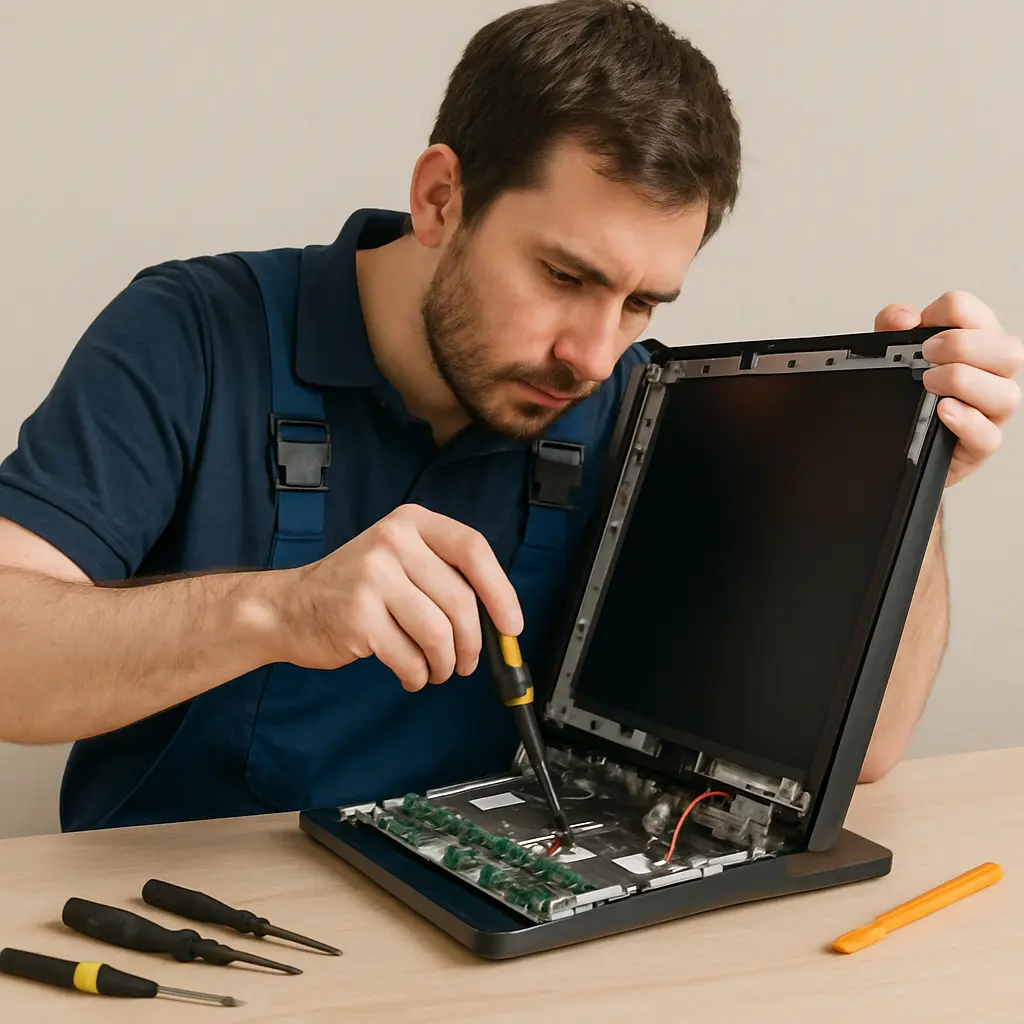
The cost of computer screen repair in Sydney can depend on several factors:
Type of Device
Laptops generally have more expensive repairs compared to desktops due to integrated components. Laptops require more intricate repairs as their components are often more compactly arranged. The complexity of accessing and replacing parts like screens can drive up labor costs compared to desktops, where parts are more accessible.
Brand and Model
High-end brands or less common models might have pricier parts. Premium brands often use proprietary parts, which are more expensive to source and replace. Additionally, less common models might require parts that are not readily available, increasing both the cost and time needed for repairs.
Type of Damage
Minor issues like dead pixels might cost less than a cracked screen. The severity of the damage directly impacts the cost, as minor issues often require less labor and parts. In contrast, severe damage like a fully cracked screen necessitates more extensive repairs and parts replacement.
Service Provider
Prices can vary from one repair shop to another. The reputation and location of the service provider can influence pricing. Established repair centers might charge more due to their reliability and expertise, while smaller shops may offer competitive pricing to attract customers.
Average Costs in Sydney
Laptop Screen Repair
Typically ranges from AUD 150 to AUD 400. The price can go higher for premium models like MacBooks. The wide range accounts for varying complexities in screen technology and brand-specific parts. MacBooks, for instance, utilize Retina displays which are more expensive to repair than standard screens.
Desktop Monitor Repair
Generally less expensive, with costs ranging from AUD 100 to AUD 250. Desktop monitors, being less integrated than laptops, often have simpler repair processes. The cost can vary based on screen size and the technology used, such as LED versus older LCD models.
Tablet and Touchscreen Devices
Repairs for touchscreen devices can be more costly due to the additional complexity of capacitive touch technology. The integration of touch sensors with the display adds layers to the repair process, necessitating specialized knowledge and tools, which can increase repair costs.
Warranty Considerations
If your computer is under warranty, check if screen damage is covered. Manufacturer warranties often cover defects but might not include accidental damage.
Understanding Warranty Terms
Warranties can be complex, with specific terms regarding what is covered. It's crucial to thoroughly understand these terms to determine eligibility for repair coverage. Some warranties offer accidental damage protection, which can cover screen repairs, while others focus solely on manufacturing defects.
Extended Warranties and Insurance
Consider whether an extended warranty or insurance plan might offer additional coverage for screen repairs. These plans often include protection against accidental damage, making them a worthwhile investment for those prone to accidents. Evaluating these options can provide peace of mind and potential cost savings in the event of damage.
Navigating Warranty Claims
Filing a warranty claim can be a straightforward process if you have the necessary documentation. Keep records of purchase receipts and warranty details to expedite the process. Contact the manufacturer or retailer for guidance on the claims process, and ensure all communications are documented for reference.
Repair vs. Replacement: Which Is More Cost-Effective?
When faced with a broken screen, it's important to decide whether to repair or replace the device.
When to Repair
Cost: If the repair cost is significantly less than replacement, repair might be the better option. Evaluating the cost difference between repair and replacement is crucial, especially if the device still holds significant value or has sentimental importance.
Age of Device: For newer devices, repair is often more sensible. Newer devices are likely to have more advanced technology that remains relevant, making repairs a practical solution to extend their lifespan without compromising on performance.
Minimal Damage: Minor issues like a few dead pixels might not warrant a full replacement. Addressing these issues through repair can restore functionality without incurring the cost of a new device, making it an economically sound choice for minor damages.
When to Replace
Severe Damage: Extensive damage might make replacement more economical. In cases where repair costs approach or exceed the price of a new device, replacing the device might offer better long-term value and performance.
Old Devices: If your computer is already outdated, investing in a new device might offer better value. New devices come with updated features and improved performance, making them a worthwhile investment if your current device is significantly outdated.
Repeated Issues: If the device has frequent problems, it might be time to upgrade. Persistent issues can be indicative of underlying problems that repairs cannot fully resolve, suggesting that investing in a new, reliable device is a more prudent choice.
Evaluating Long-Term Value
When deciding between repair and replacement, consider the long-term value of each option. A repaired device might suffice in the short term, but if it lacks future-proofing features or is likely to encounter more issues, replacement could be a more strategic investment. Factor in the potential for increased productivity and satisfaction with a new device versus the temporary fix of a repair.
Conclusion
Repairing a computer screen in Sydney can be a straightforward process if you understand the types of damages, costs involved, and the decision between repair and replacement. Whether you choose to repair or replace, ensure you weigh the costs and benefits carefully. With the right approach, you can restore your device to its optimal functionality without breaking the bank.
Remember, while it might be tempting to attempt a DIY fix, professional repair services offer peace of mind and often come with warranties that protect your investment. For the best results, always choose a reputable service provider in Sydney to handle your computer screen repairs.
By understanding these key points, you can make an informed decision that best suits your needs and budget. Taking the time to assess your options thoroughly ensures that you make a choice that offers the best value and reliability for your situation. With careful consideration, you can navigate the repair process effectively and efficiently, ensuring your device's longevity and performance.